Media Management & Libraries : Media Management Tab Window
4 - 73
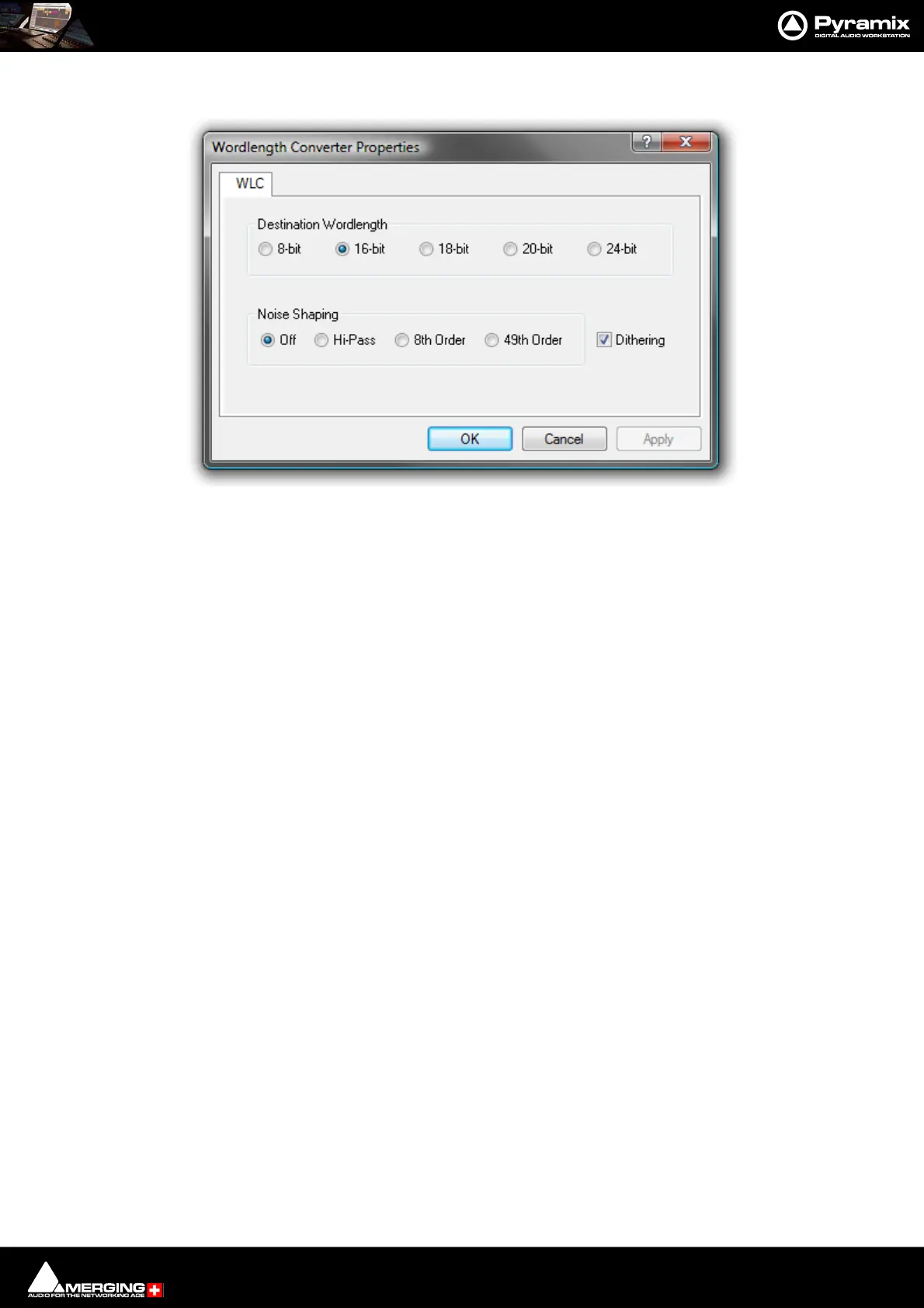
Wordlength Converter Properties
Destination Wordlength
Select the desired wordlength using the radio buttons.
Noise Shaping
Select the required quality of Noise Shaping.
Hi-Pass is single order shaping with
8th Order and
49th Order offering improved quality.
A higher quality setting will produce better results, but the processing time will also increase.
Dithering When checked, If dithering is required, dithering will be applied.
Wordlength Converter Properties dialog



 To Next Page