Licenses - SYSTEM, MAS, ACD
License Code Generation, Inquiry and Summary for Dealers and National Accounts
3-4 Strata CIX Programming Vol.1 12/09
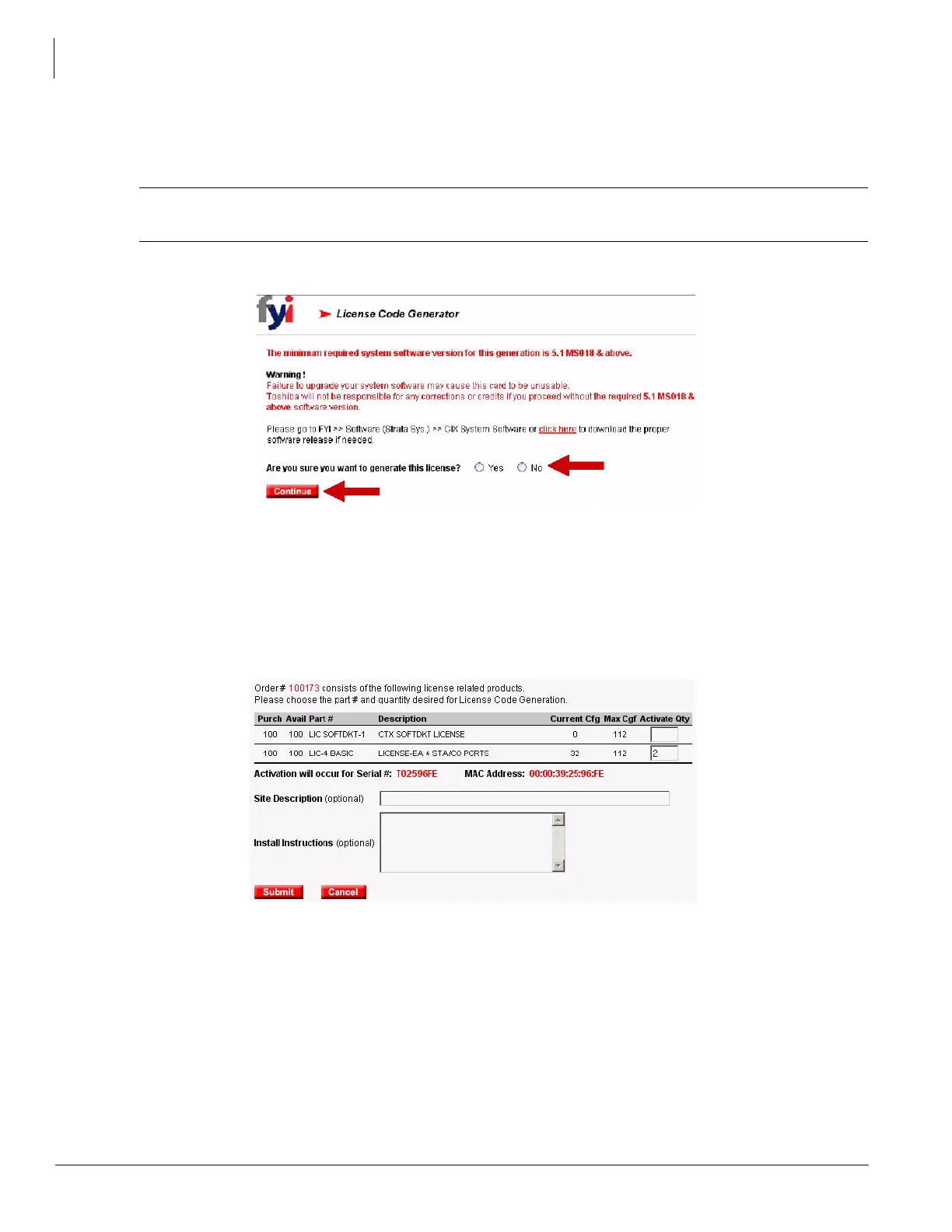
5. When a license is generated for a version greater than the last license generated, a warning displays asking if
you have upgraded your software. If you answer Yes, you continue with the generation; a No takes you back to
Select Version.
CAUTION! Once this version has been generated, you CANNOT go back to a lower version,
nor can you regenerate a lower version.
Click Continue.
6. This displays the Purchased quantity, Available quantity, Serial # and MAC Address. Enter the Activate Qty (for
National Accounts, the Activate Qty is automatically filled and cannot be changed). The Site Description and
Install Instructions are for your information only.
Click Submit.



 To Next Page