Telephone Button Programming
900 Series Programs
13-12 Strata CIX Programming Vol.1 12/09
System Admin Log
Use this command to Start/Stop the System Admin Log.
Program Number(s): 907
Prerequisite Program: None
Reference: Install SmartMedia card
Access Sequence: Login to programming mode from your telephone button pad:
Hold Q#Q#1Q2Q3Q.
At the PASSWORD= prompt enter your password and press Hold.
At the PROG= prompt enter 907 and press Hold.
1. Press FB01. To run System Admin Log press 1 Hold (twice). You are sent to the PROG= prompt.
2. To Stop the log, press FB01 and press 2 on the dial pad.
3. Press Hold twice and wait for the PROG= prompt to appear before proceeding.
Note When the CIX1200/CIX670 stops logging data, it automatically sends data to the SmartMedia card.
Run the Unmount command (Program 908) before removing the Secure Digital or SmartMedia card
to ensure complete data transfer.
Format/Unmount Secure Digital/SmartMedia
This program enables administrators to format a SmartMedia card from the Strata CIX Network eManager
or the telephone button pad.
Note Strata CIX Network eManager cannot view SmartMedia files directly. Additional hardware is required
to view the contents of the SmartMedia card.
Program Number(s): 908
Prerequisite Program: None
Reference: None
Access Sequence: Login to programming mode from your telephone button pad:
Hold Q#Q#1Q2Q3Q.
At the PASSWORD= prompt enter your password and press Hold.
At the PROG= prompt enter 908 and press Hold.
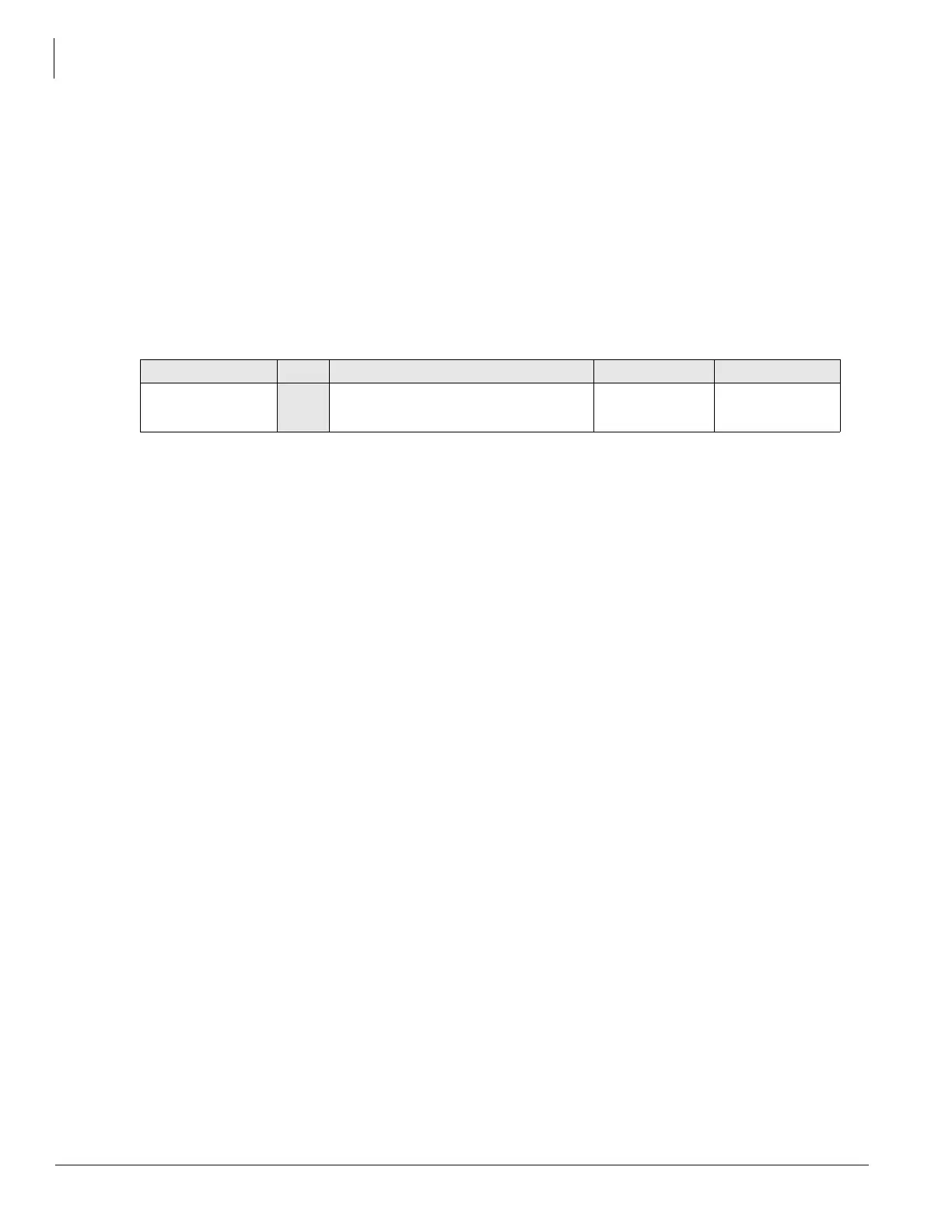
FB Name FB Summary Value LCD Prompt
Admin Log On/
Off
01
Enter 1 or 2 to Start or Stop Admin
Log.
1:Start
2:Stop
1:START
2:STOP



 To Next Page