Network eManager®
Network eManager Data Import/Export Features
Strata CIX Programming Vol.1 12/09 2-53
Network eManager®
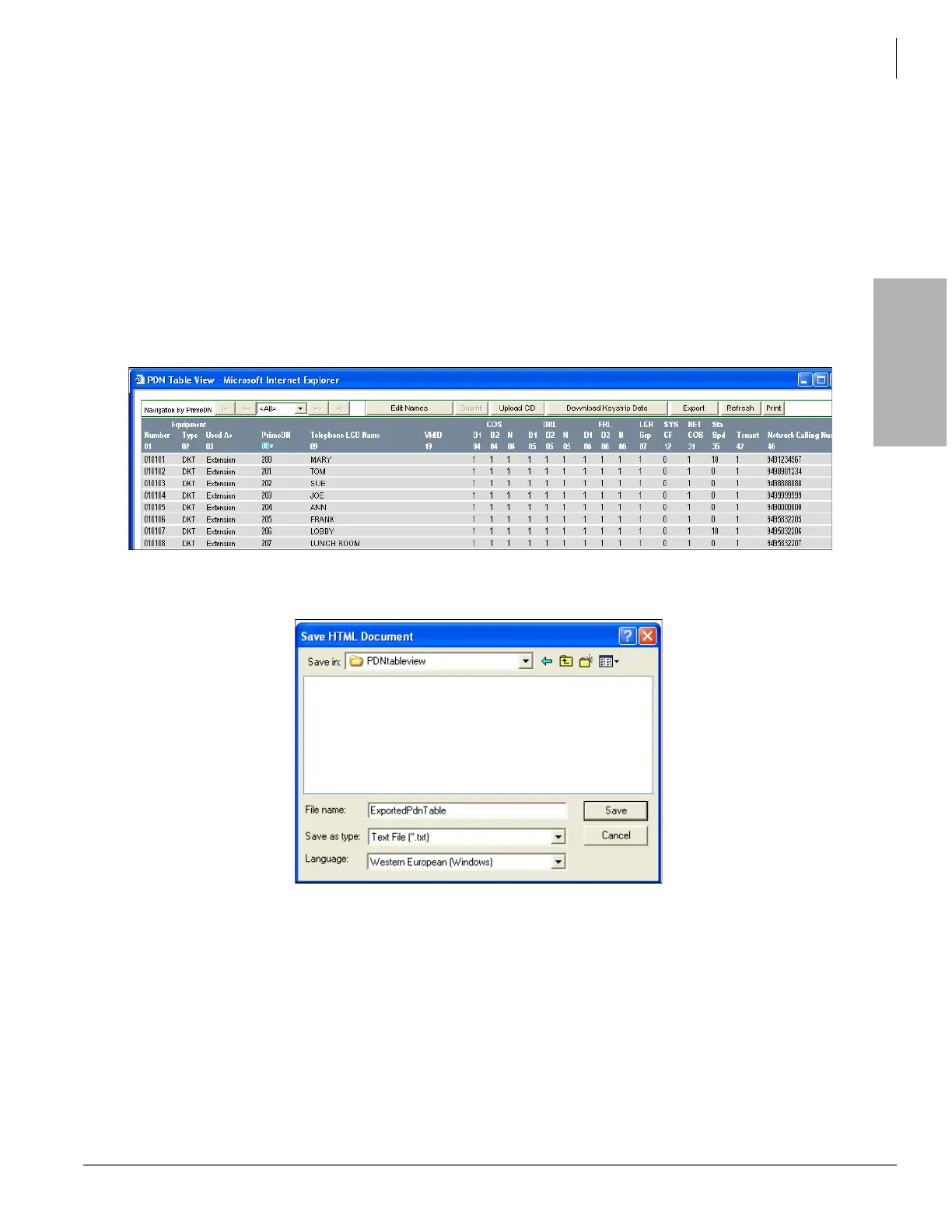
Network eManager Station Directory - Import/Export
This feature allows CIX station assignments such as user names and telephone numbers to be exported to a
comma separated value (CSV) text file. This file can be imported by third party software to create dialing
directories. Station Assignments Table View is displayed in Network eManager, then exported as a CSV text file to
the Network eManager computer.
Station Directory Information Example
1. In Network eManager select Station > Station Assignments > PDN Table button, or go directly to the table view
by selecting Station > PDN Table View.
2. Click Yes in the popup. All station assignments are displayed in a table.
3. Click the Export button on the top of the screen.
4. From the dialog box that appears after clicking Export, name the file and select or create the folder it should be
downloaded to.



 To Next Page