Network eManager®
Strata CIX Programming Vol.1 12/09 2-7
Network eManager®
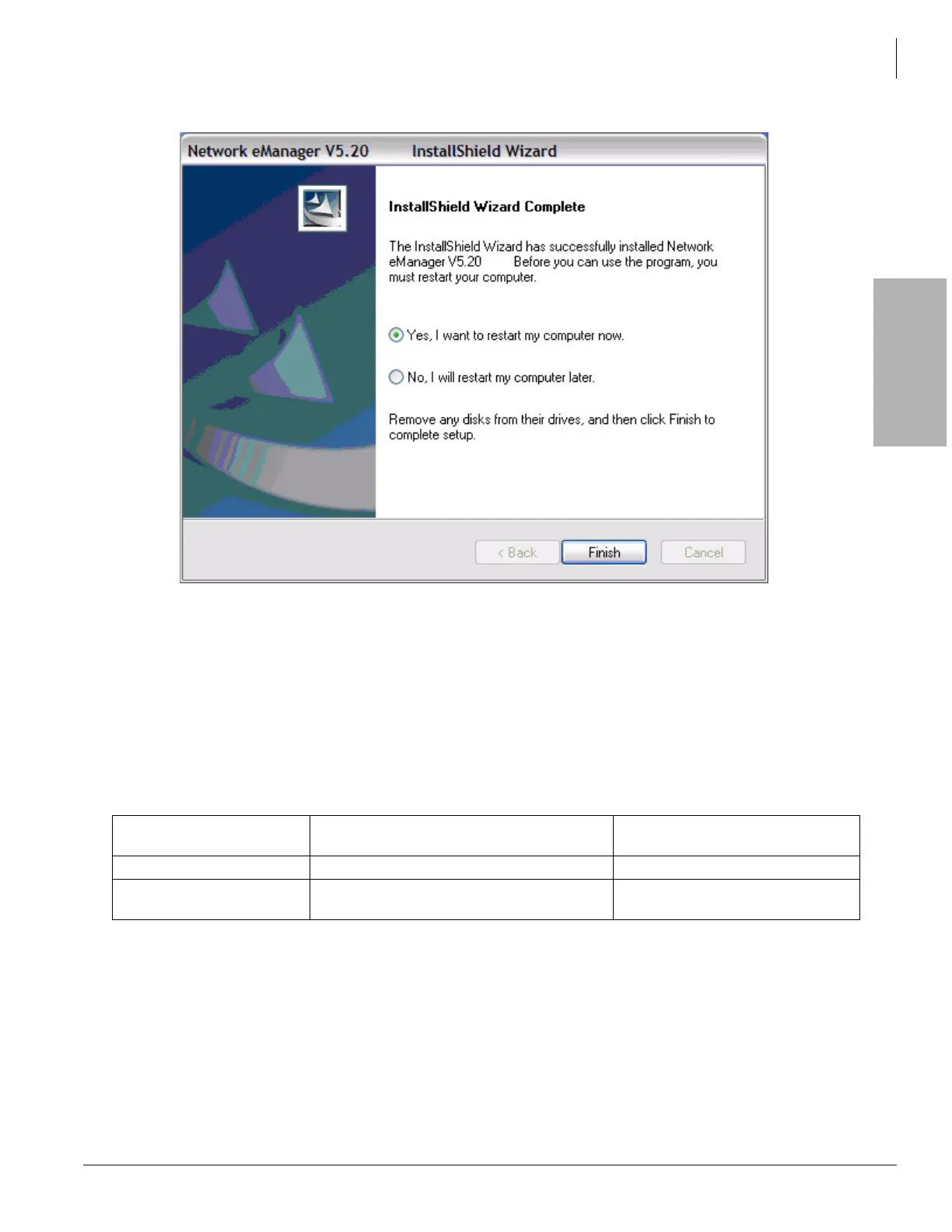
At the end of the installation process, click Finish to restart the PC. Once the PC is restarted, verify that
you are able to login to Network eManager and, if necessary, reconnect to the Windows domain.
System Requirements
A PC or server must meet the minimum requirements listed below.
• 1 GHz 32-bit (x86) or 64-bit (x64) processor
• Windows® XP Professional SP2 (See Important! below) or above, Windows Vista Business Edition,
Windows 2003 Server or Windows 2000 Professional
• Memory and available hard disk space requirements
• CD or DVD-ROM drive
• 10/100BaseT Network Interface Card
• Internet Explorer 6.00 or later
• Microsoft Add-On Components:
• IIS, Management and Monitoring Tools, .NET Framework 2.0 or above.
Note The Windows operating system (as appropriate) CD-ROM must be available if any of the above
are not already installed.
Operating System Windows XP Professional
Windows 2003 Server
Windows Vista Business
Memory Required 512 MB (min), 1 GB (recommended) 1 GB (min), 2 GB (recommended)
Available Hard Disk
Space
512 MB (min), 1 GB (recommended) 1 GB (min), 2 GB (recommended)



 To Next Page