Network eManager®
Features of Network eManager
Strata CIX Programming Vol.1 12/09 2-37
Network eManager®
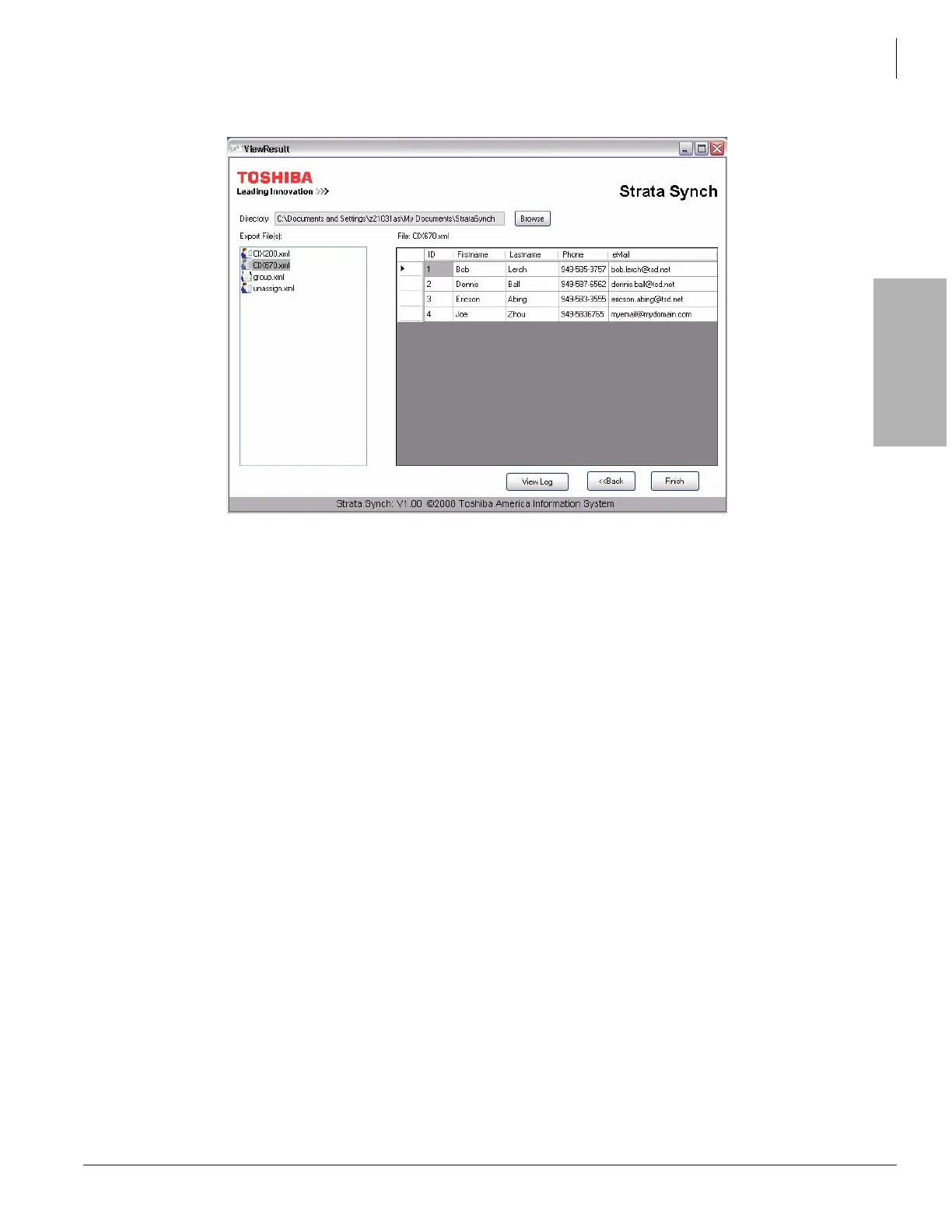
12. Selecting either the CIX670.xml or CIX200.xml displays all of the users exported to that file.
13. The files are saved by default to a folder in: C:\Documents and Settings\(user)\My Documents\Strata Synch.
14. Click Finish to close the application.
Import User Data to Network eManager
As described previously, Strata Synch is used for gathering station user information from the ADS, formatting it,
and saving that information in an XML file. This section describes how to import the XLM files into Network
eManager.
Important! You must be logged into Network eManager as Administrator for the Active Directory feature
to appear under the Stations menu.
Before using Network eManager:
1. Login to Strata Synch.
2. Create the XML files.
The following process shows how to upload the XML file, import the file into Network eManager, and create the
station assignments.



 To Next Page