Maintenance
Event Trace Control
11-2 Strata CIX Programming Vol.1 12/09
4. Remove the SmartMedia card from the Strata CIX. Use caution - the SD/SM device can be damaged if
removed incorrectly.
5. Insert the SD/SM card into your SD/SM reader.
6. Locate the Evnttrce folder and save all files ending with .sdt and .mdt to your PC hard drive.
7. Locate the Crash Dump in the errlog folder. File extensions are .exp and .mnl and append to your hard
drive.
8. E-mail the files to your Toshiba support person.
If you start recording trace data after a problem occurs, the previous data is overwritten. Make sure the
required data files are stored to the SD/SM and saved to disk prior to starting another trace.
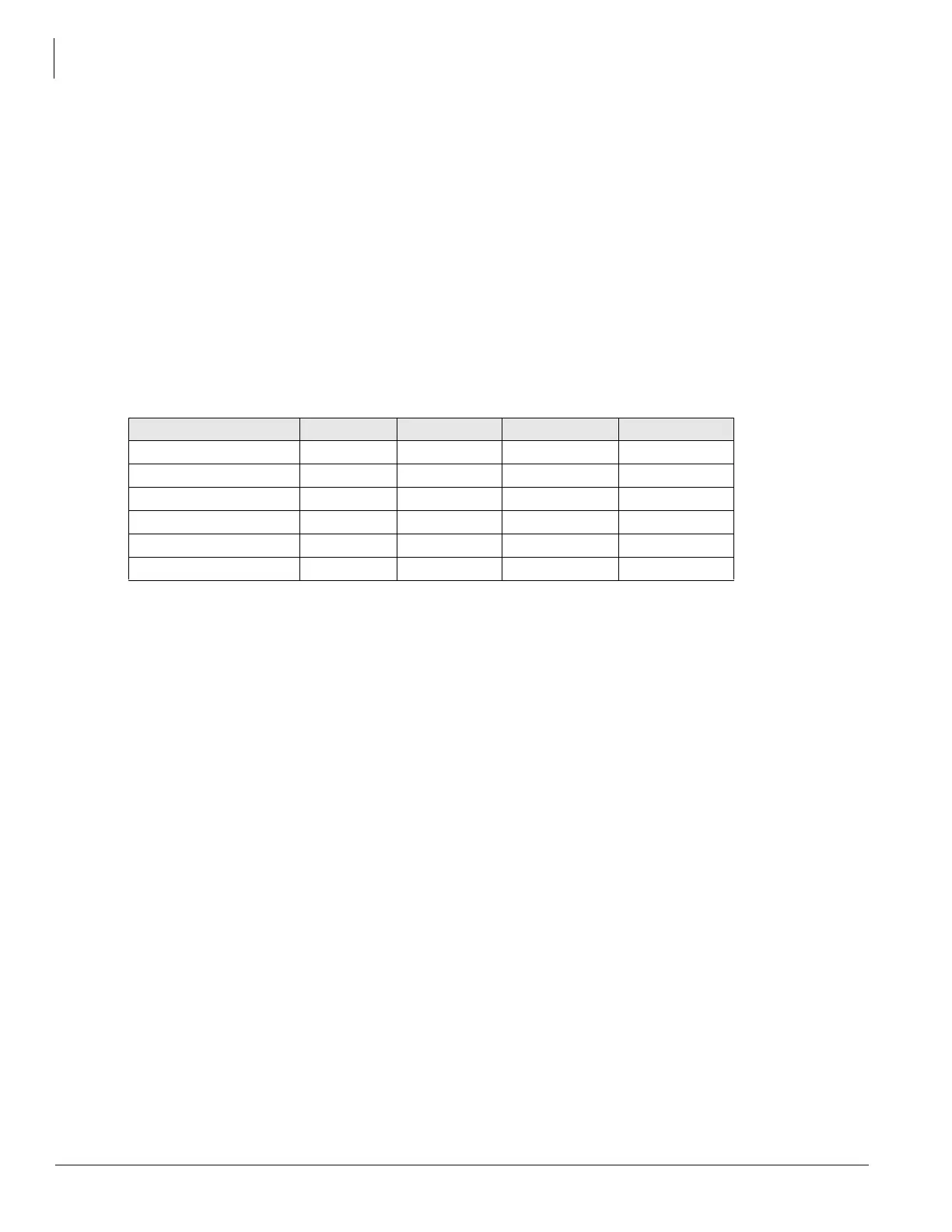
The following table shows you how much SD/SM card memory is allocated to each directory
. System
traffic load will determine how much data is stored in the Evnttrace log
.
Event Trace Control
Program Number(s): 903, 904, 905 and 906
Prerequisite Program: None
This program enables you to trace message events occurring in the Strata CIX. Program Numbers 903,
904, 905 and 906 are consolidated in one Network eManager screen.
1. Install the SmartMedia Card into the designated slot of the Strata CIX processor.
2. Select Maintenance > Log/Trace File Setup > Trace Start/Stop.
3. Enter Program 903 data.
4. Enter Program 904 data
5. Enter Program 905 data.
6. Enter Program 906 data.
7. Trace data displays in the dialog boxes.
Table 11-1 SD/SM card file allocation size in Mega Bytes
SmartMedia Type 16MB 32MB 64MB 128MB
Errlog 2MB 4MB 8MB 24MB
Evnttrce 4MB 12MB 32MB 64MB
Admlog 2MB 8MB 16MB 32MB
Progdata 8MB 8MB 8MB 8MB
Program 0MB 0MB 0MB 0MB
Total 16MB 32MB 64MB 128MB



 To Next Page