Network eManager®
Features of Network eManager
2-28 Strata CIX Programming Vol.1 12/09
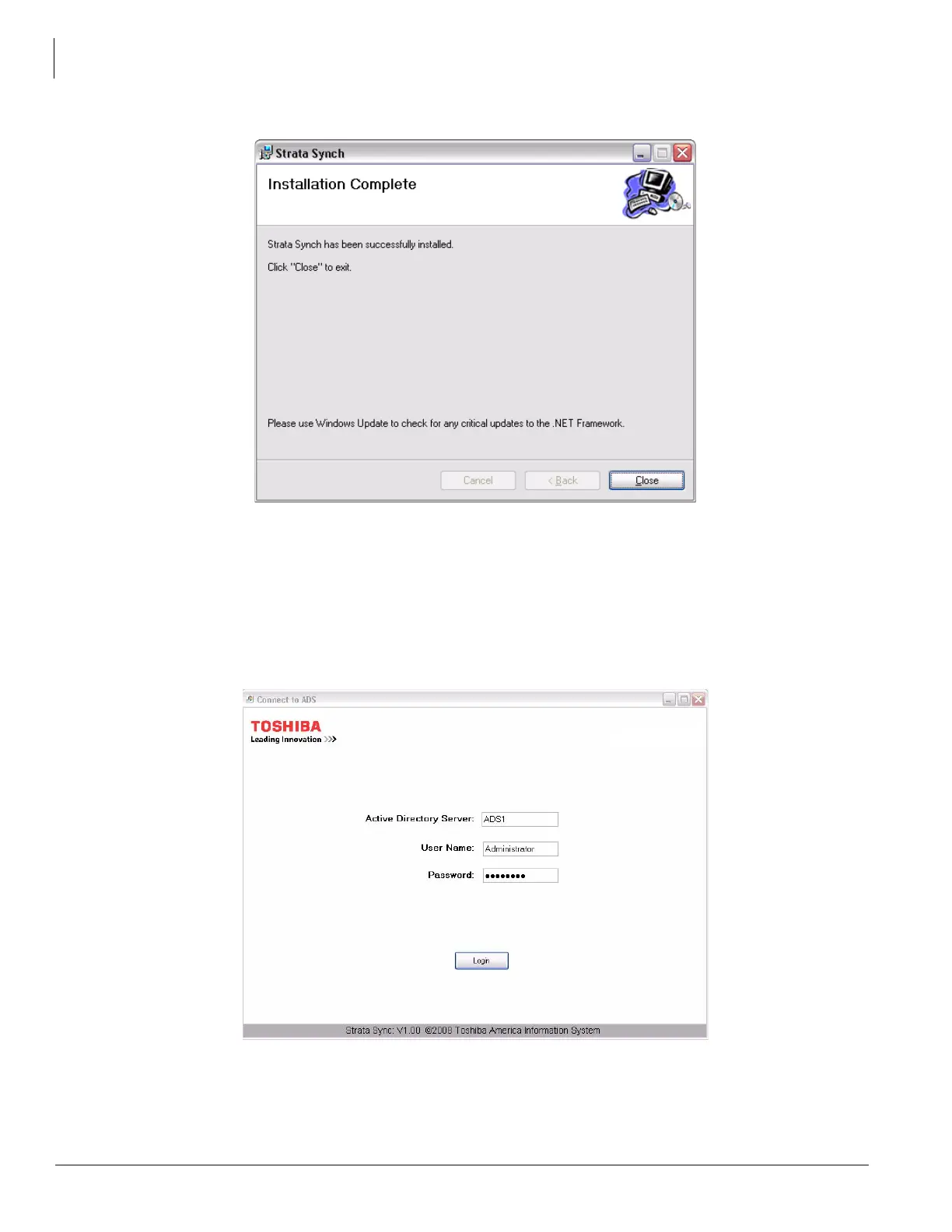
6. When the installation is complete click the Close button.
7. Check for critical updates from Microsoft for .NET Framework.
Launch Strata Synch and Login to ADS:
1. Click on Start > Programs > Strata Synch > Strata Synch.
2. The login screen shown here appears. Type in either the host name or the IP Address of the Active Directory
Server in the Active Directory Server field.
3. Type in a user name that has Administrative privileges to the Active Directory Server.
4. Type in the password for that user name.



 To Next Page