Telephone Button Programming
900 Series Programs
13-6 Strata CIX Programming Vol.1 12/09
Display Version
This program enables you to view current software versions for the Strata CIX system and installed
options.
• Active – As the name implies, this is the current active software operating the Strata CIX system.
• Standby – This is a software version released prior to the active version. It acts as a backup in the event
problems are experienced by the Active version.
Program Number(s): 901
Prerequisite Program: None
Reference: None
Access Sequence: Login to programming mode from your telephone button pad:
Hold Q#Q#1Q2Q3Q.
At the PASSWORD= prompt enter your password and press
Hold.
At the PROG= prompt enter 901 and press Hold.
1. Press FB01 to view the current Strata CIX software version. Press the Scroll or Page key to move the
display left or right.
2. Press FB02 to view backup Strata CIX software version.
3. Press Hold, then # # Hold to return to the PROG=
prompt.
4. Enter another program number to continue programming or press # # Hold again to exit programming
mode.
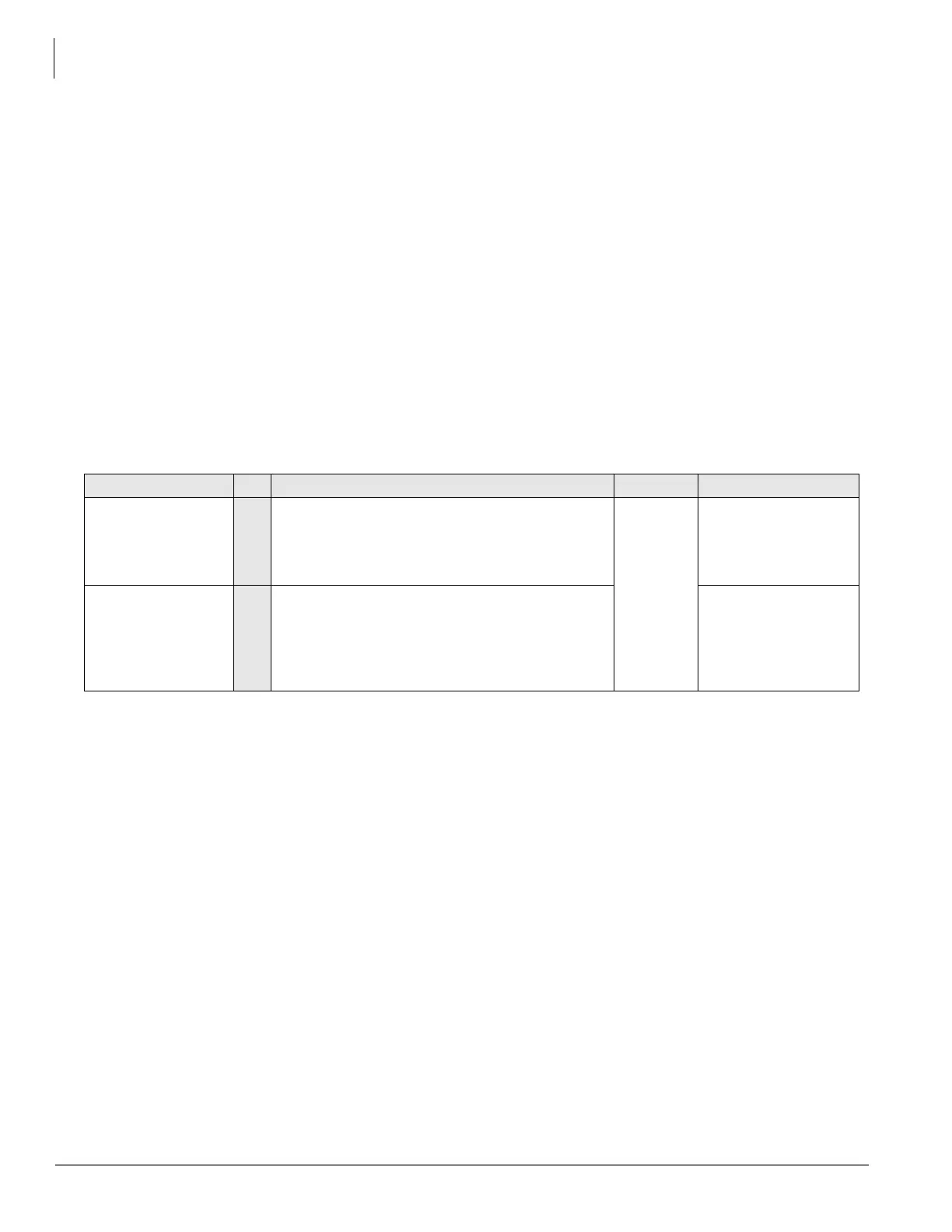
FB Name FB Summary Value LCD Prompt
Version Number
Active
01 Display Active side software version and
installed options.
As the name implies, this is the current active
software operating the CIX system.
6~31
digits
Installed Version
Version Number
Standby (CIX1200/
CIX670 only).
02 Display Standby side software version and
installed options.
This is a software version released prior to the
active version. It acts as a backup in the event
problems are experienced by the Active version.
Installed Version



 To Next Page