Trunks
ISDN
Strata CIX Programming Vol.1 12/09
6-37
Trunks
324 CBC Time Zones
This command assigns Call-by-Call Time Zone.
320 PRI B Channels
Prerequisite Program: 302 page 6-30
PRI interfaces are purchased on per interface and channel basis. The ‘B’ channel assignments allow for a
flexible activation of channels to match the subscribed services from the PSTN.This command allows you
to enable or disable each B channel on selected RPTUs.
1. Select Trunk > PRI B Channels.
2. Enter the Equipment Number or click List to see a summary of progammed circuits.
3. Click the B Channel numbers that you want to activate (see Table 6-3 below for T1 and E1 B Channel
default settings).
4. Get Default - restores data to factory defaults.
5. Copy - Copy assignments to another tenant.
6. Click Submit.
F
IELD DESCRIPTION
Channel Group Channel Group Number
Possible values:1~32 (CIX40), 1~32 (CTX100), 1~48 (CTX670 Basic & CIX200),
1~128 (CTX670 Exp), 1~ 48 (CIX1200 HCTU only), 1~128
(CIX1200 HCTU+HEXAU), 1~220 (CIX1200 HCTU +HEXBU)
(default = 0)
01 Start Zone 1
02 Start Zone 2
03 Start Zone 3
Enter the Time Zone Starting Time (hhmm).
Possible values:hh = 00~23, 99 (hour); mm = 00~59, 99 (minutes); 9999 = delete
time zone, (default = no value)
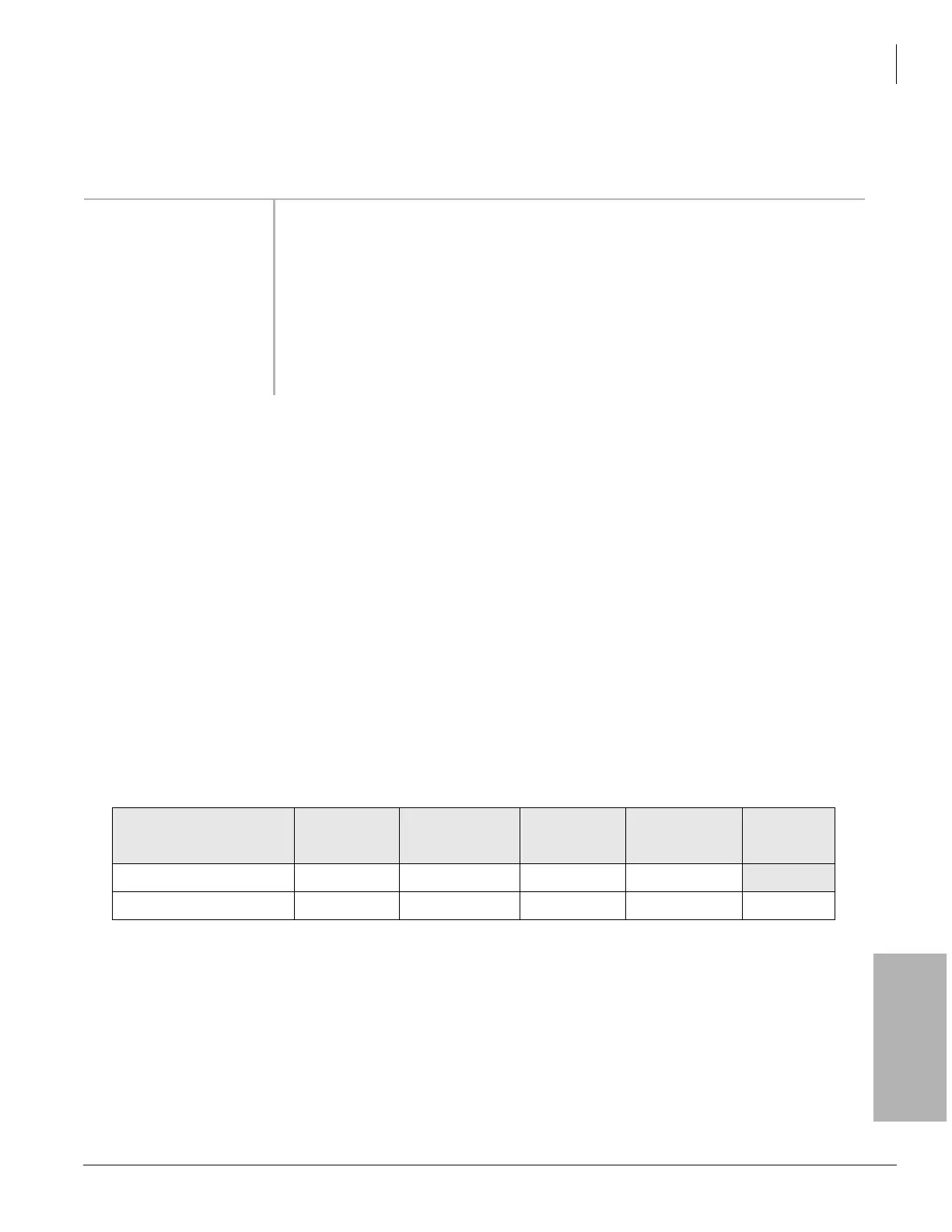
Table 6-3 B Channel Defaults
B Channel Position
01~15 16 17~23 24 25~31
Span Interface Speed
1.5M (T1) ON ON ON OFF (Dch Pos)
2.0M (E1) ON OFF (Dch Pos) ON ON ON



 To Next Page