Network eManager®
Connection Entry for Dial-up
2-62 Strata CIX Programming Vol.1 12/09
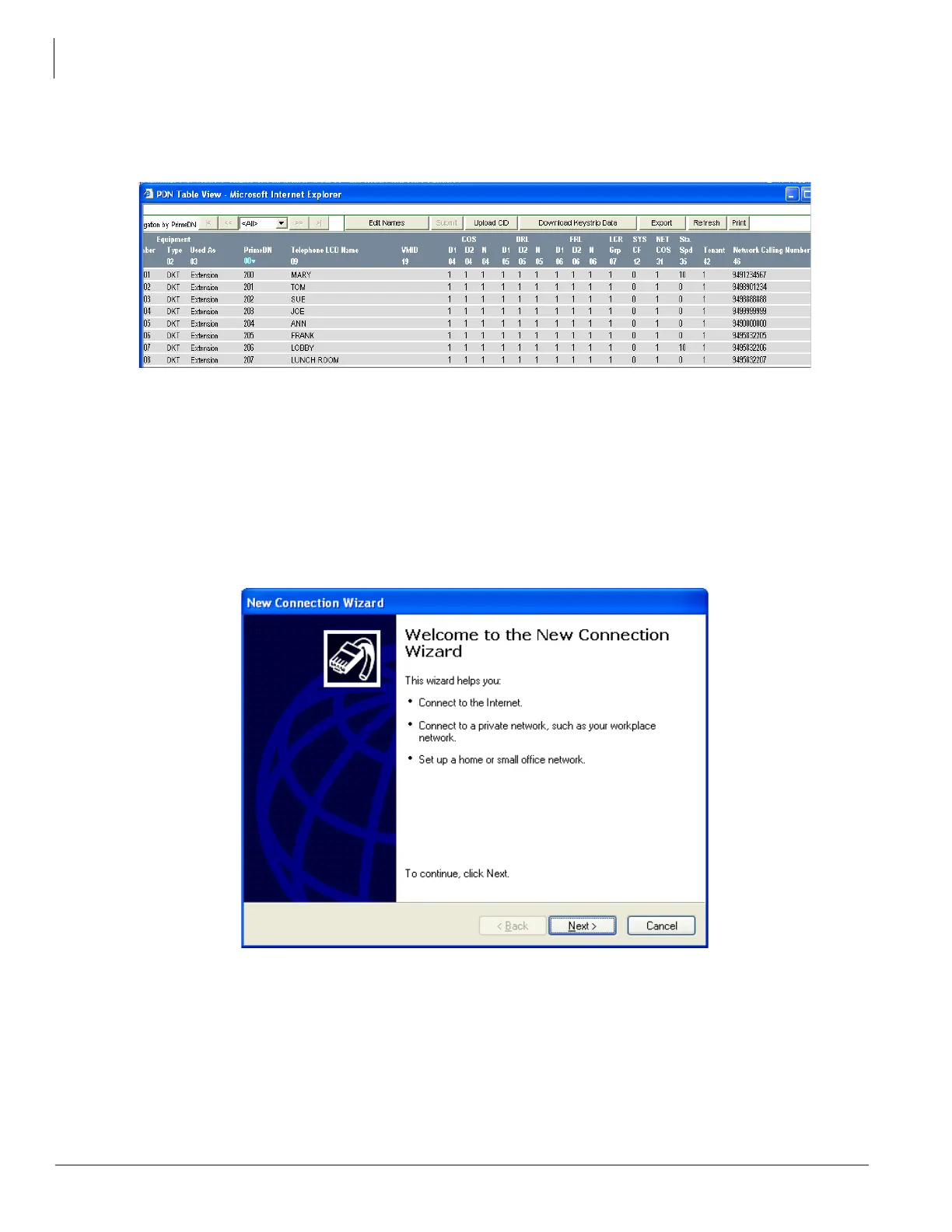
4. Click Import Now. Network eManager will upload the selected file into the CIX database and then
update Program 200-46 and the PDN Table View automatically (Note: Network Calling Numbers are
shown).
Connection Entry for Dial-up
This new connection setup must be completed in order to use the modem in the Network eManager PC to dial-up
a CIX system. The following steps cover the network connection setup in the PC that must be done to use the PC
modem.
1. In Control Panel Network Connections, select Create a new connection to start the wizard:
2. Click Next.



 To Next Page