Network eManager®
Features of Network eManager
2-26 Strata CIX Programming Vol.1 12/09
Installing and Launching Strata Synch
The Strata Synch file (StrataSych_V1.2_Setup.zip) is a small file that must be run on a PC with Windows XP, 2000,
or 2003 which has network access to the Active Directory Server. The Strata Synch file is downloaded as a zip file.
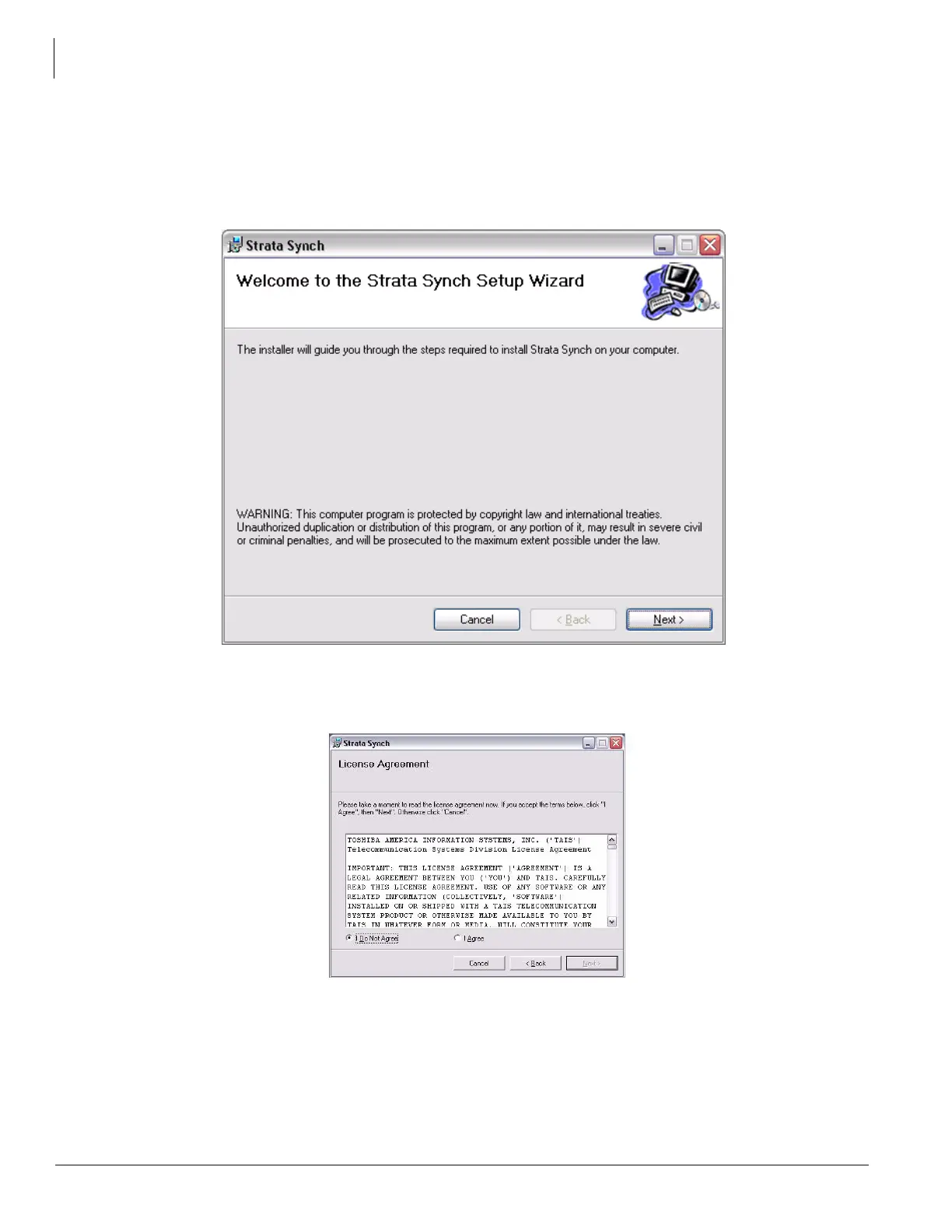
1. After extracting the file, double-click the StrataSynch1_2.exe file. The setup wizard displays as shown.
2. Click Next.
3. The License Agreement Dialog opens. Read the license agreement, click to select I agree, then click Next.



 To Next Page