Network eManager®
Network eManager Data Import/Export Features
Strata CIX Programming Vol.1 12/09 2-55
Network eManager®
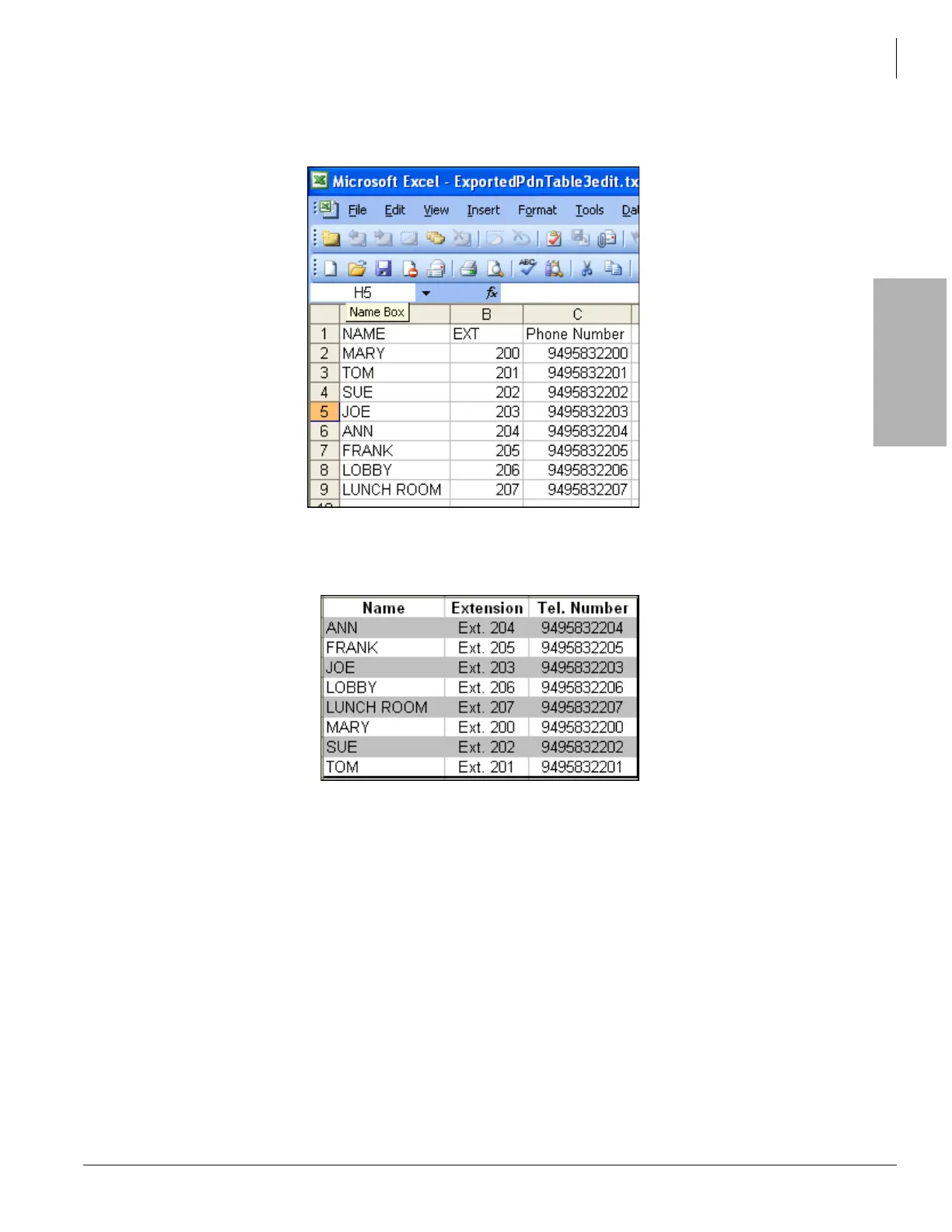
The edited text file can be opened with Microsoft Excel as a comma delimited text file and columns can be
rearranged as needed.
Microsoft Excel can be used to format the directory appearance.
System Speed Dial Export/Import
This feature allows station and system speed dial names and numbers to be exported and imported. The exported
speed dial data is saved into a comma separated value (CSV) text file which can be edited using any text editor
such as Word Pad. The exported file can be imported by other CIX systems to save installation time.
The exported and imported speed dial file format is shown below. The exported file header and line format must not
be change or an error message will occur when trying to import a file. Commas are always required between fields
as shown.
• System Speed Dial File Format:
Speed Dial Index (01 ~ 799),Speed Dial Number,Name



 To Next Page