IP Telephone Programming
IP Telephone Installation and Network Connection Setup
8-20 Strata CIX Programming Vol.1 12/09
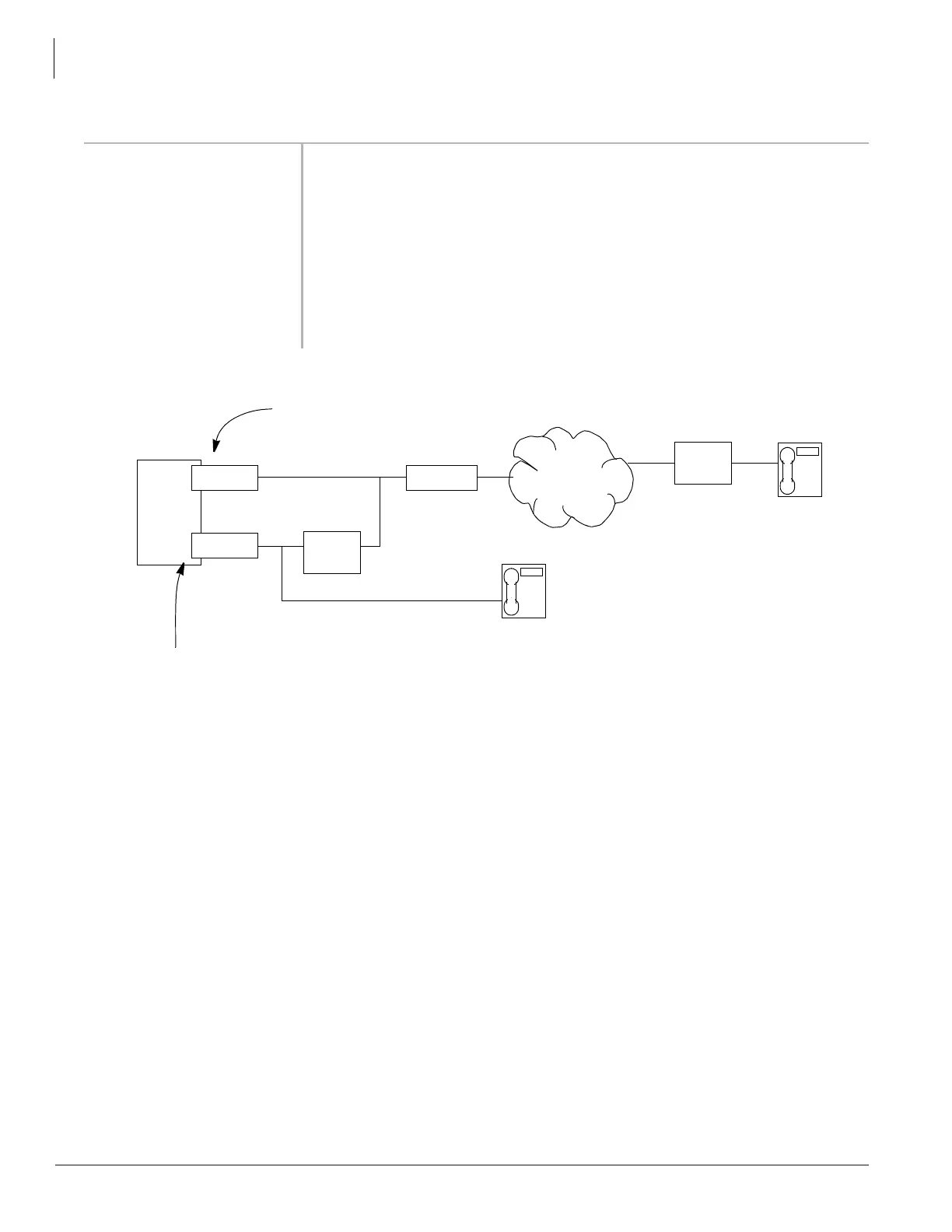
Figure 8-1 Station IP NAT Example
16 IP NAT/No Peer to Peer Enable if the IP telephone is in a NAT (Network Address Translation)
environment.
Possible values:Enable or Disable (Default)
Refer to Figure 8-1.
17 Base UDP Port for IP
Telephone Media
Channel
The base UDP port for the IP telephone media channel can be set to
accommodate a particular network configuration.
Possible values:1026 ~ 65532 (Default = 49154)
Note Only even port numbers can be assigned.
F
IELD DESCRIPTION
CIX
When a system has LIPUs with private IP addresses and LIPUs with public IP addresses set
IPT (2)
Global Network
LIPU (2)
LIPU (1)
Public IP Address
Private
NAT
Router
Private IP
Address
IP Address
IPT (1)
Private IP
Address
Prog. 250 - FK16 as shown here to prevent one way speech path between IPT (1) and IPT (2).
Prog 250-FK16 = Disabled for IPTs on this LIPU (Peer-to-peer mode)
Prog 250-FK16 = Enabled for IPTs on this LIPU (no peer-to-peer)
If the NAT router is a inconsistent/symmetric type, the IPTs
on LIPU (1) should have Prog 250-FK16 set to Enabled.
NAT
Router
NOTE:
Gateway



 To Next Page