Network eManager®
Strata CIX Programming Vol.1 12/09 2-3
Network eManager®
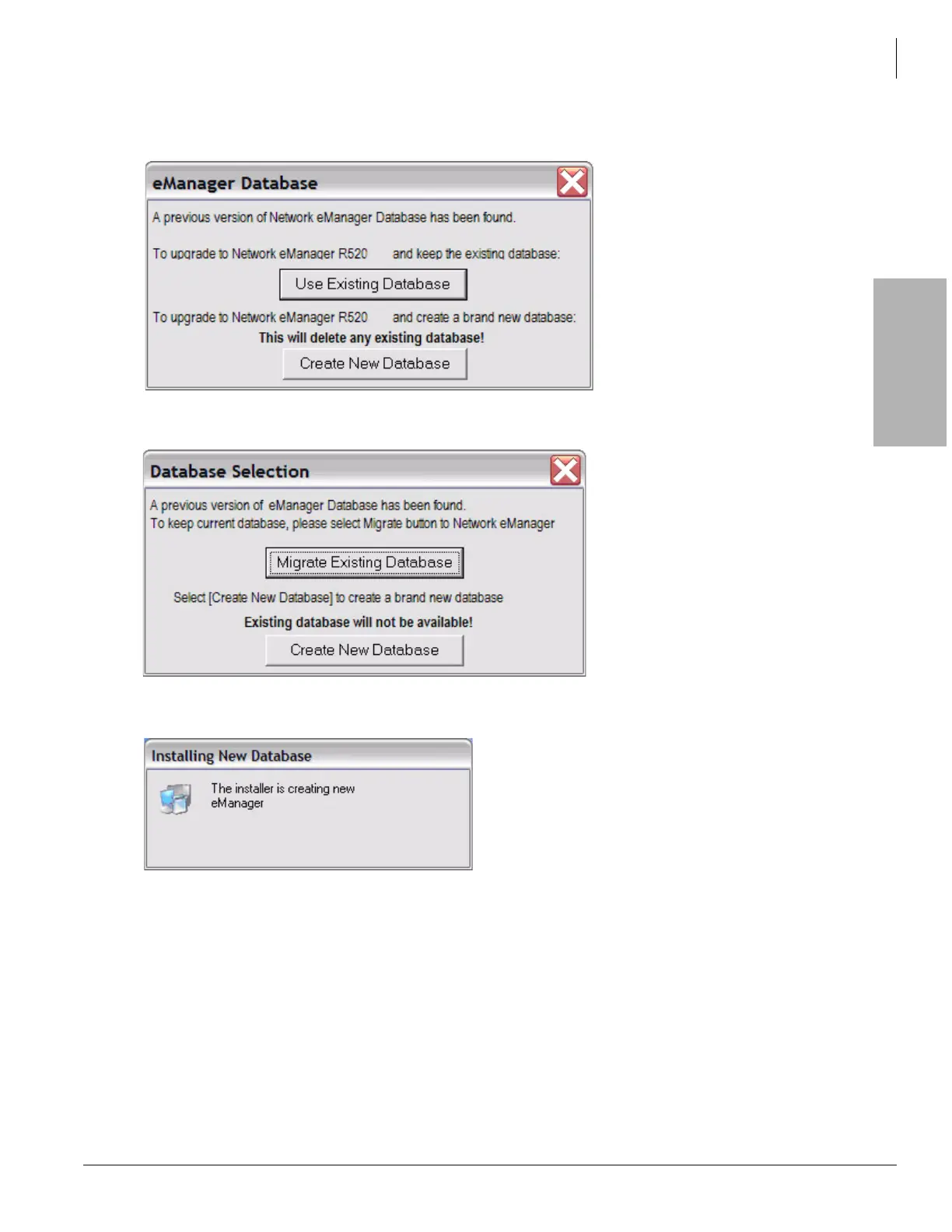
4. If the user has a previous version of Network eManager installed and performs an upgrade, either this
window is displayed or the Migration screen below.
Migration Screen
5. Select Create New Database in either screen to install SQL database:
6. After the SQL database completion, the installer starts the Network eManager installation:



 To Next Page