Maintenance
Components
Strata CIX Programming Vol.1 12/09 11-5
Maintenance
Note The port or slot to which your programming phone is connected cannot be set to Make Busy.
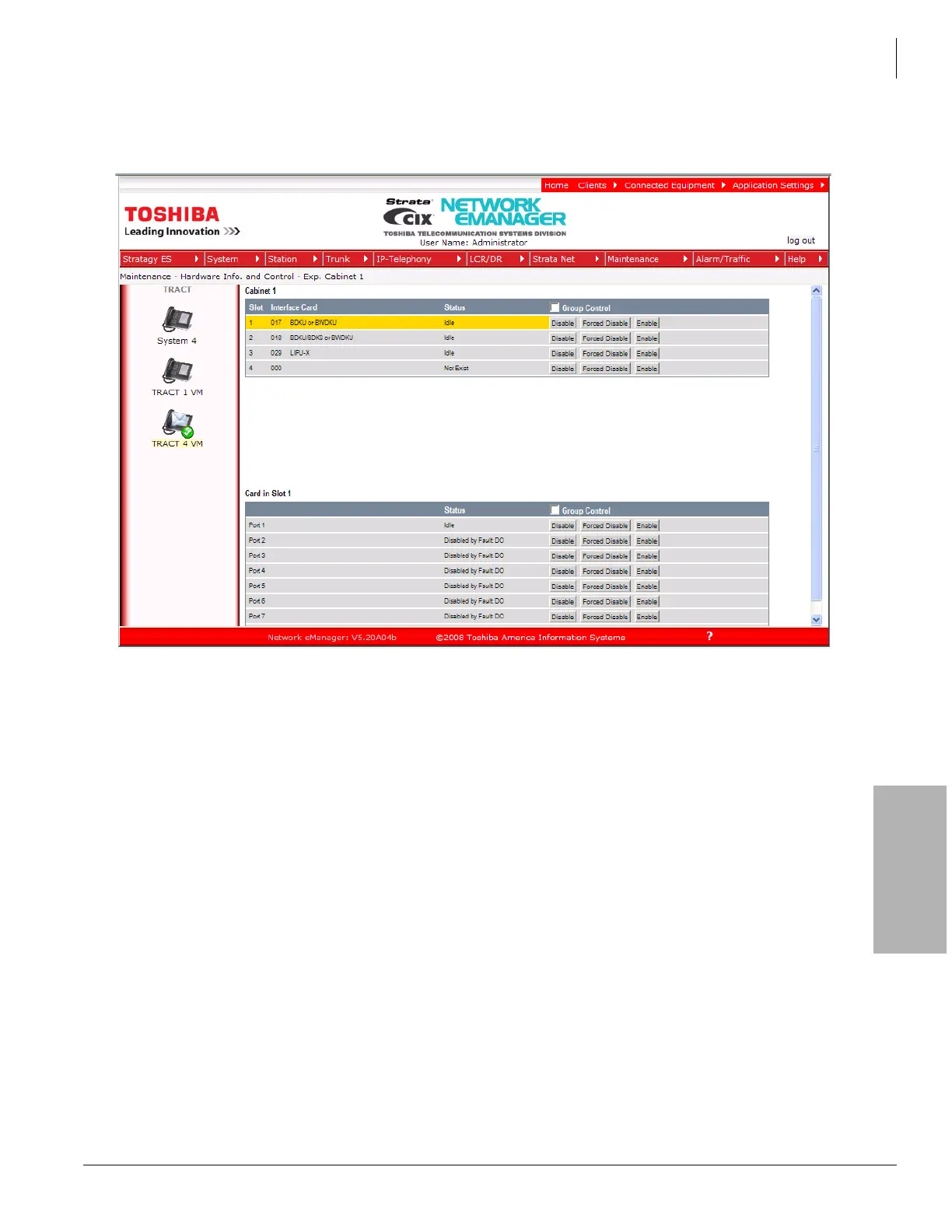
The figure on the next page displays the status of Exp. Cabinet 1 from a demo system.
Manual Disable/Enable
The components screen allows you to enable or disable any card slot or port.
• When disabled by Disable or Forced Disable, line or stations are made busy and the status will display
“disable by cmd” on the screen. On the telephone LCD, it will display Make busy.
• Disable will disable an idle port or slot and cause ports/slots that are in use to go to Pending Disable
– which go to Make Busy after they go idle. Disable waits until a call clears to disable it.
• Forced Disable will disable an idle port or a port that is in-use (the call will be disconnected).
• Enable – removes the Make Busy condition if the slot or port is manually disabled.
Note You cannot enable a slot or port if the system automatically disabled it. The status on the screen will
display Disabled by Fault.



 To Next Page