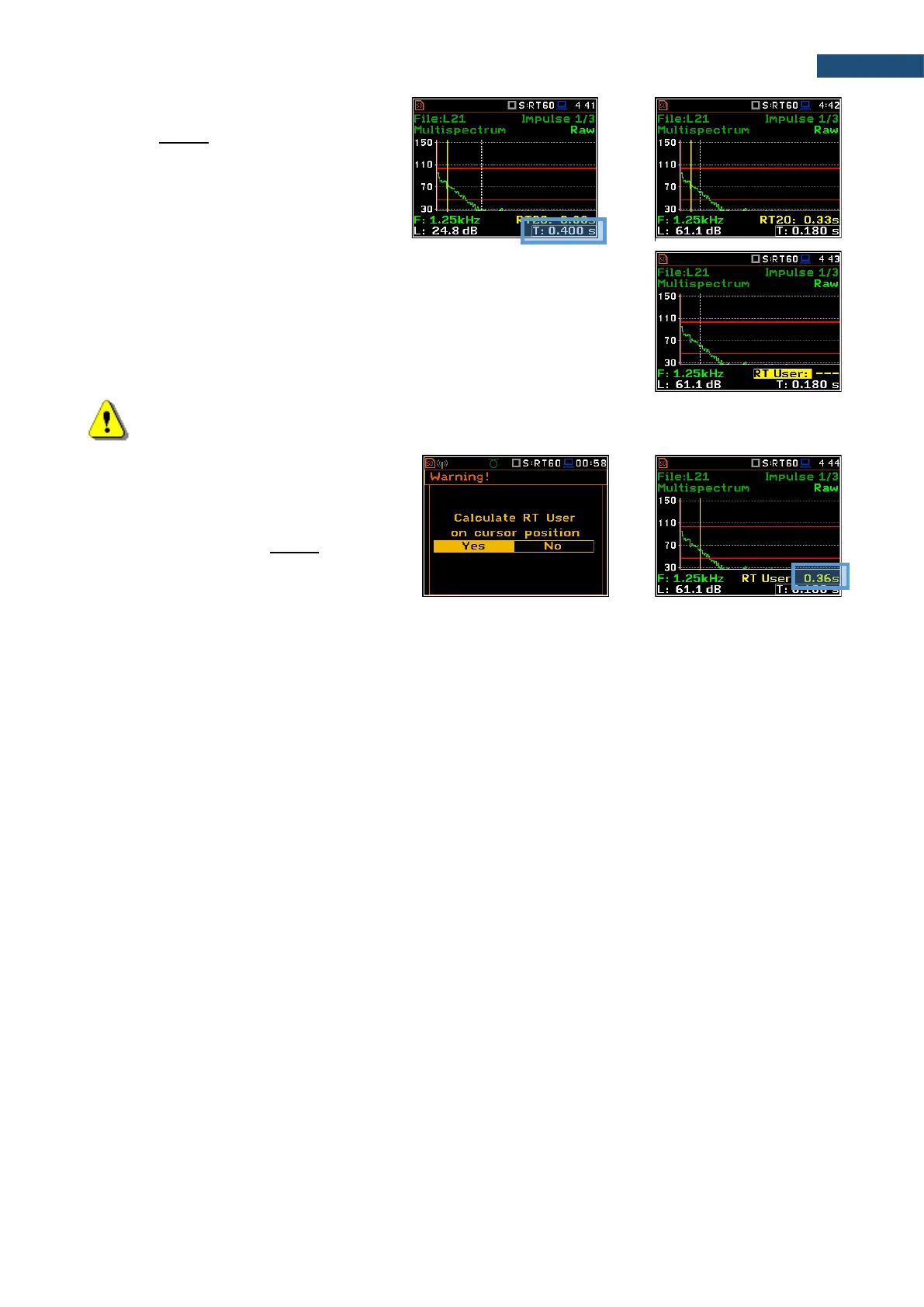
Changing the cursor position
When the field 14 is active you may change
the cursor position with the ◄ / ► key.
RT User reverberation time calculation
1. Select the band or one of the total levels for user reverberation time
calculation process.
2. Set the position of the marker T1.
Note: The marker should be located on the right side of the T0 marker but not in the noise
background region (for more details see Appendix E).
3. When the marker position is located
press <ENTER>, then select Yes field
and press <ENTER> again.
4. The RT User result will be calculated
and presented in the field 13, as well in
the Table and the bar plot.



 To Next Page