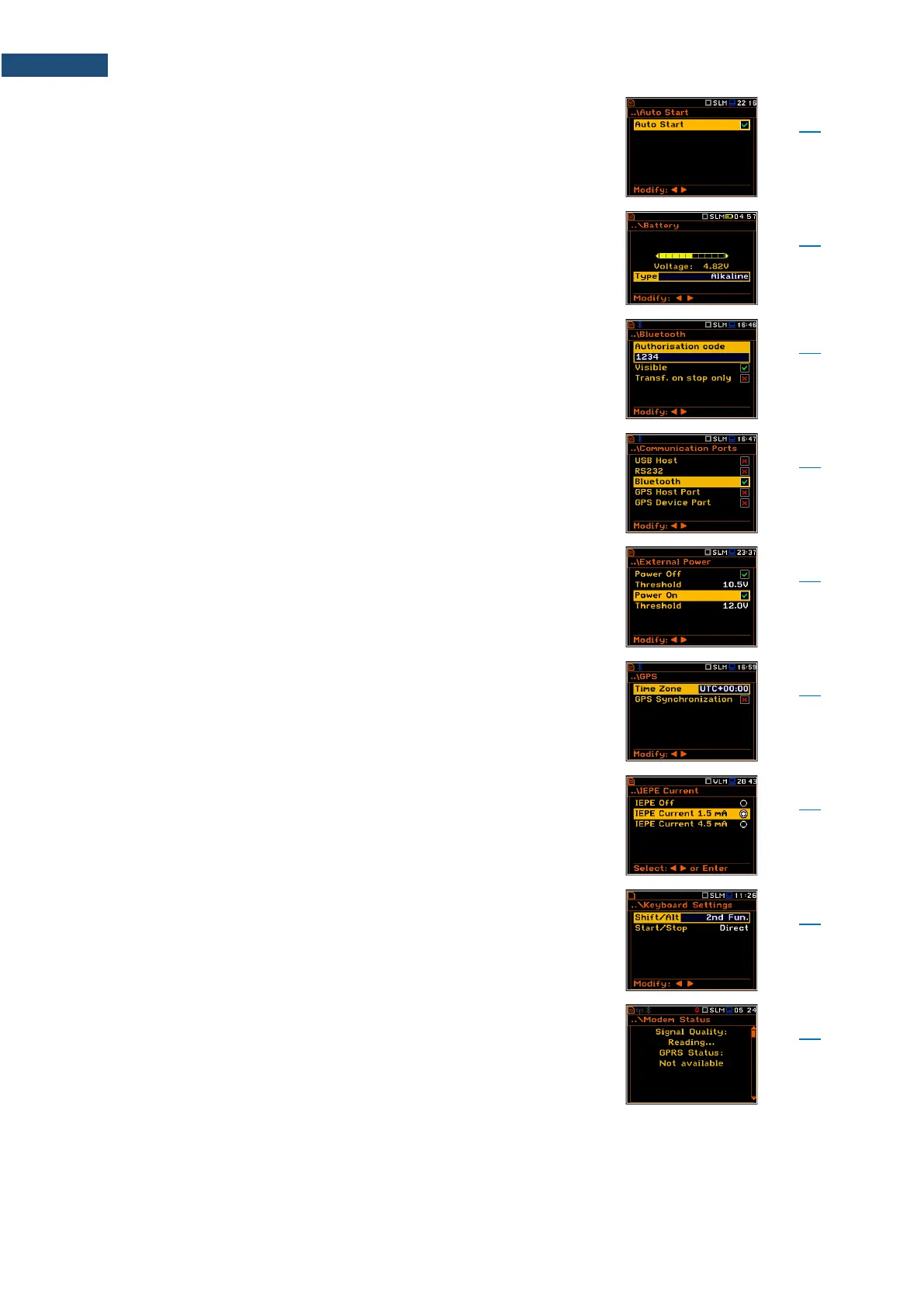
Instrument function that enables the measurement start
right after the instrument is turning on without pressing
the <Start> key.
Screen allowing you to check the instrument power
source status.
Screen that enables introducing the authorisation code
to pair a PC (tablet or smartphone) with the instrument.
Screen that enables configuring the instrument
communication ports: USB Host, RS232, Bluetooth or
GPS.
Screen that enables configuring automatic instrument
switching on or off in case the voltage of the external DC
power exceeds or becomes lower than the threshold
level.
Screen that enables setting parameters of the external
GPS: Time Zone and GPS Synchronisation (switching
the time synchronization on or off).
Screen that enables setting the supply current of the
microphone or accelerometer: Off, 1.5mA or 4.5mA.
Screen that enables setting the Shift, Alt, Start, Stop keys
functionality.
Screen that enables checking status of the 3G
connection when SV 979 works as a part of the
SV 279 PRO/PRIM monitoring station.



 To Next Page