Teledyne API T703/T703U Calibrator Operation Manual Communications
99
COM PORT TESTING 5.1.5.
The serial ports can be tested for correct connection and output in the COM
menu. This test sends a string of 256 „w‟ characters to the selected COM port.
While the test is running, the red LED on the rear panel of the calibrator should
flicker.
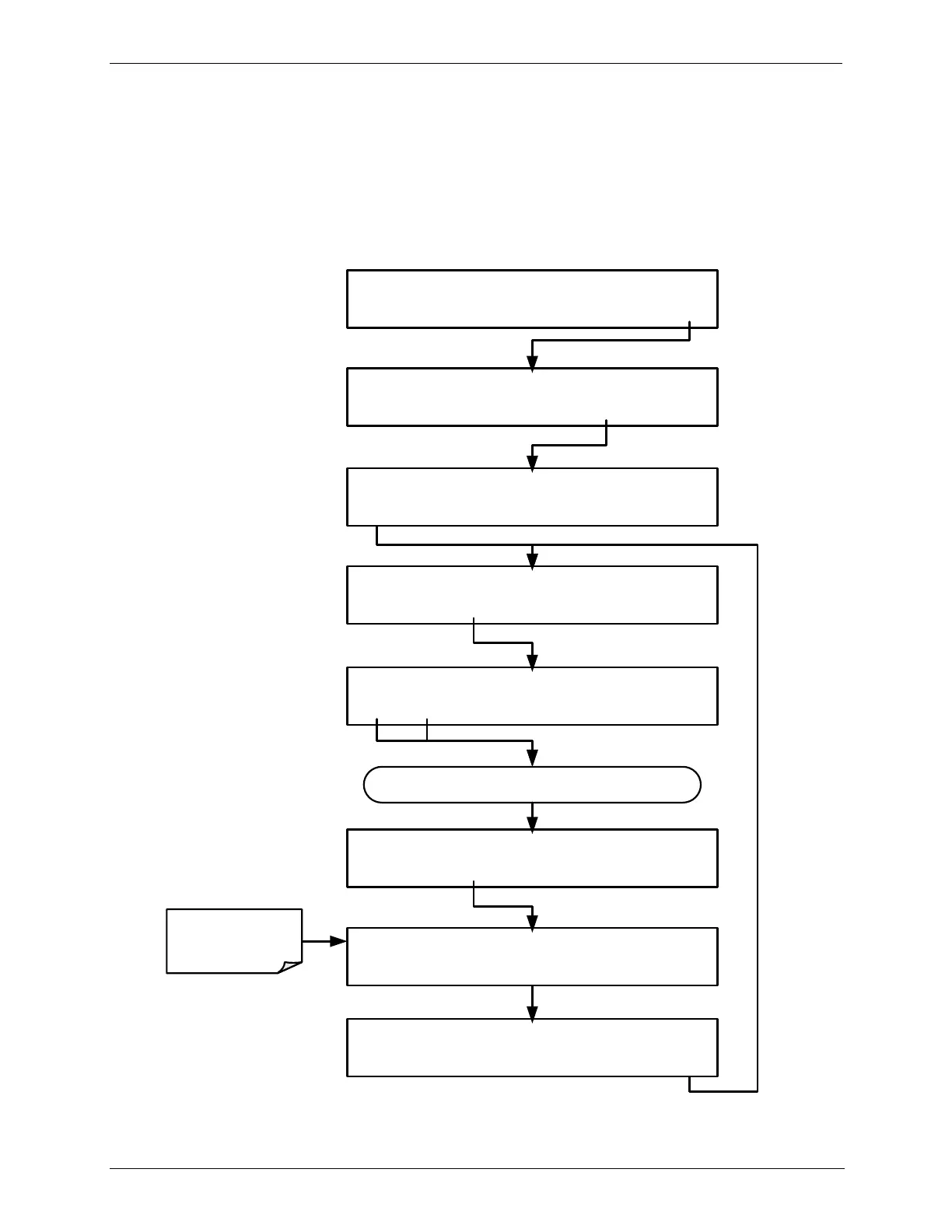
To initiate the test press the following key sequence.
STANDBY ACT =STANDBY
<TST TST> GEN STBY SEQ SETUP
SETUP X.X PRIMARY SETUP MENU
O3 SEQ CFG CLK PASS MORE EXIT
SETUP X.X SECONDARY SETUP MENU
COMM VARS DIAG EXIT
SETUP X.X COMMUNICATIONS MENU
ID INET COM1 COM2 EXIT
SETUP X.X COM1 MODE:0
<SET SET> EDIT EXIT
SETUP X.X COM1: TEST PORT
<SET SET> TEST ENTR EXIT
SETUP X.X COM1: TEST PORT
PREV NEXT OFF EXIT
Continue pressing <SET or SET> until ...
SETUP X.X TRANSMITTING TO COM1
Test Runs
Automatically



 To Next Page