Teledyne API T703/T703U Calibrator Operation Manual Operating the Calibrator
53
Setting Up Control Inputs for a Sequence 4.5.1.5.
The calibrator‟s control inputs allow the entire sequence to be triggered from an
external source. This feature allows the calibrator to operate in a slave mode so
that external control sources, such as a data logger can initiate the calibration
sequences.
Each of the calibrator‟s control outputs, located on the back of the instrument (see
Figure 3-2)
12 separate ON/OFF switches assigned to separate calibration sequences
or;
A 12-bit wide bus allowing the user to define activation codes for up to 4095
separate calibration sequences.
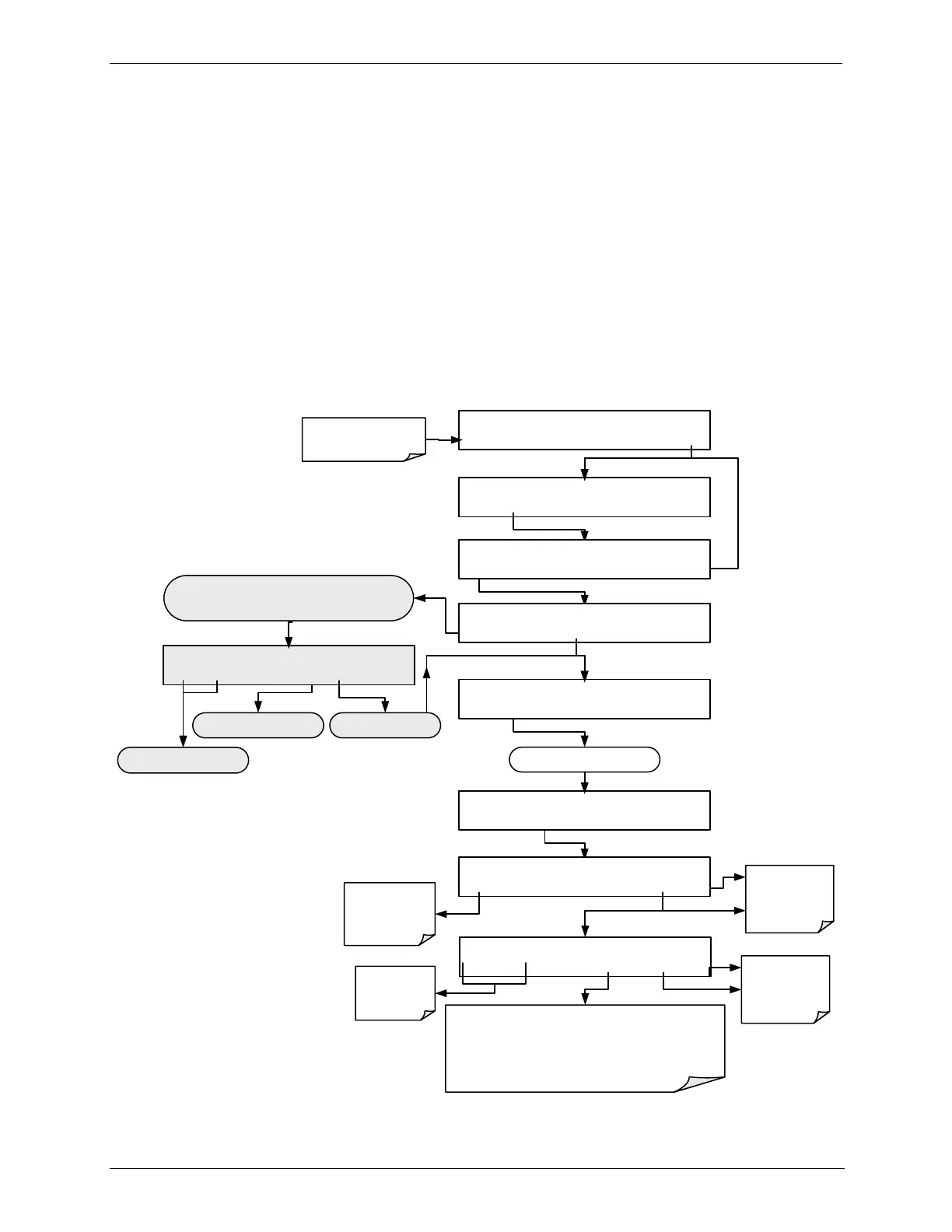
To assign a CC INPUT pattern / code to a particular sequence, press.
STANDBY ACT =STANDBY
<TST TST> GEN STBY SEQ SETUP
Make sure that the
calibrator is in standby
mode.
SETUP X.X PRIMARY SETUP MENU
O3 SEQ CFG CLK PASS MORE EXIT
SETUP X.X SEQUENCE CONFIGURATION
EDIT PRINT EXIT
SETUP X.X END OF SEQUENCES
INS PRNT EXIT
SETUP X.X 1) SEQ [NAME], [X] STEPS
PREV NEXT INS DEL EDIT PRNT EXIT
SETUP X.X NAME:0
SET> EDIT EXIT
Deletes the sequence shown
in the message field
Edits the sequence shown
in the message field
Scrolls back and forth between
existing sequences
SETUP X.X CC INPUT:DISABLED
<SET SET> EDIT EXIT
Continue pressing SET> until ...
This display only appears if there are no sequences currently
programmed into the calibrator.
OTHERWISE ...
SETUP X.X CC INPUT:[0]00000000000
<CH CH> [0] ENTER EXIT
EXIT discards the
new setting
ENTR accepts the
new setting
SETUP X.X CC INPUT ENABLE:OFF
OFF ENTER EXIT
Toggle to turn
the CC input ON/
OFF
EXIT discards the
new setting
ENTR accepts the
new setting
Moves the
cursor one
character left or
right.
Toggle to turn the selected bit ON/OFF (0 or 1).
Each bit shown on the display represents one of the control
input pins located on the back of the unit (see Figure 3-2),
The left most bit is Bit 1, the next bit to the right, bit 2,
progressing rightward to bit 12 (see Figure 3-9 for connector
pin assignments)



 To Next Page