Teledyne API T703/T703U Calibrator Operation Manual Communications
101
TERMINAL OPERATING MODES 5.1.7.
The T703 can be remotely configured, calibrated or queried for stored data
through the serial ports. As terminals and computers use different
communication schemes, the calibrator supports two communicate modes
specifically designed to interface with these two types of devices.
Computer mode is used when the calibrator is connected to a computer with
a dedicated interface program.
Interactive mode is used with a terminal emulation programs such as
HyperTerminal or a “dumb” computer terminal. The commands that are used
to operate the calibrator in this mode are listed in Table 5-2.
Help Commands in Terminal Mode 5.1.7.1.
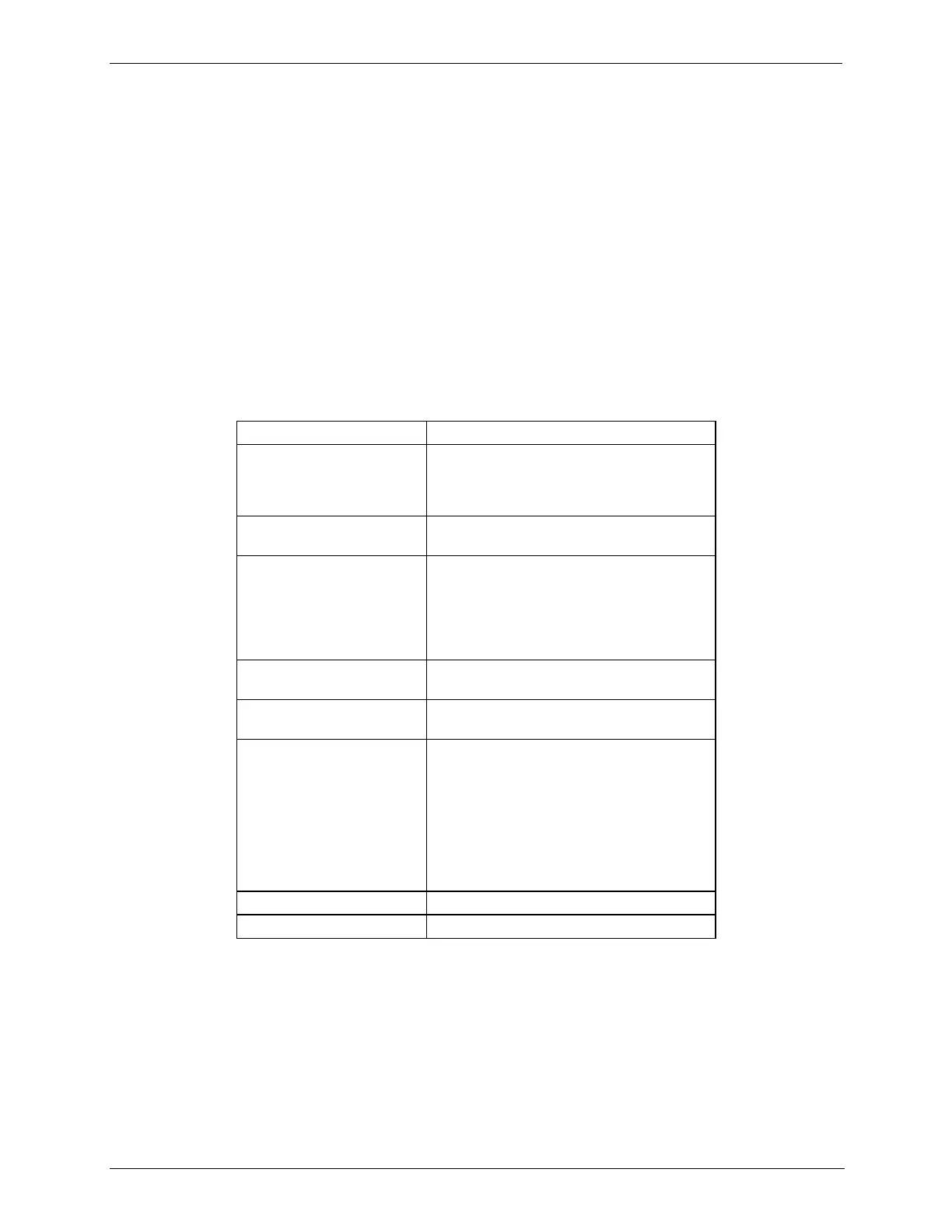
Table 5-2: Terminal Mode Software Commands
Switches the calibrator to terminal mode
(echo, edit). If mode flags 1 & 2 are OFF,
the interface can be used in interactive
mode with a terminal emulation program.
Switches the calibrator to computer mode
(no echo, no edit).
A carriage return is required after each
command line is typed into the
terminal/computer. The command will not
be sent to the calibrator to be executed until
this is done. On personal computers, this is
achieved by pressing the ENTER key.
Erases one character to the left of the
cursor location.
Erases the entire command line.
This command prints a complete list of
available commands along with the
definitions of their functionality to the
display device of the terminal or computer
being used. The ID number of the
calibrator is only necessary if multiple
calibrators are on the same
communications line, such as the multi-
drop setup.
Pauses the listing of commands.
Restarts the listing of commands.



 To Next Page