Operating the Calibrator Teledyne API T703/T703U Calibrator Operation Manual
64
4.7. SETUP > CLK
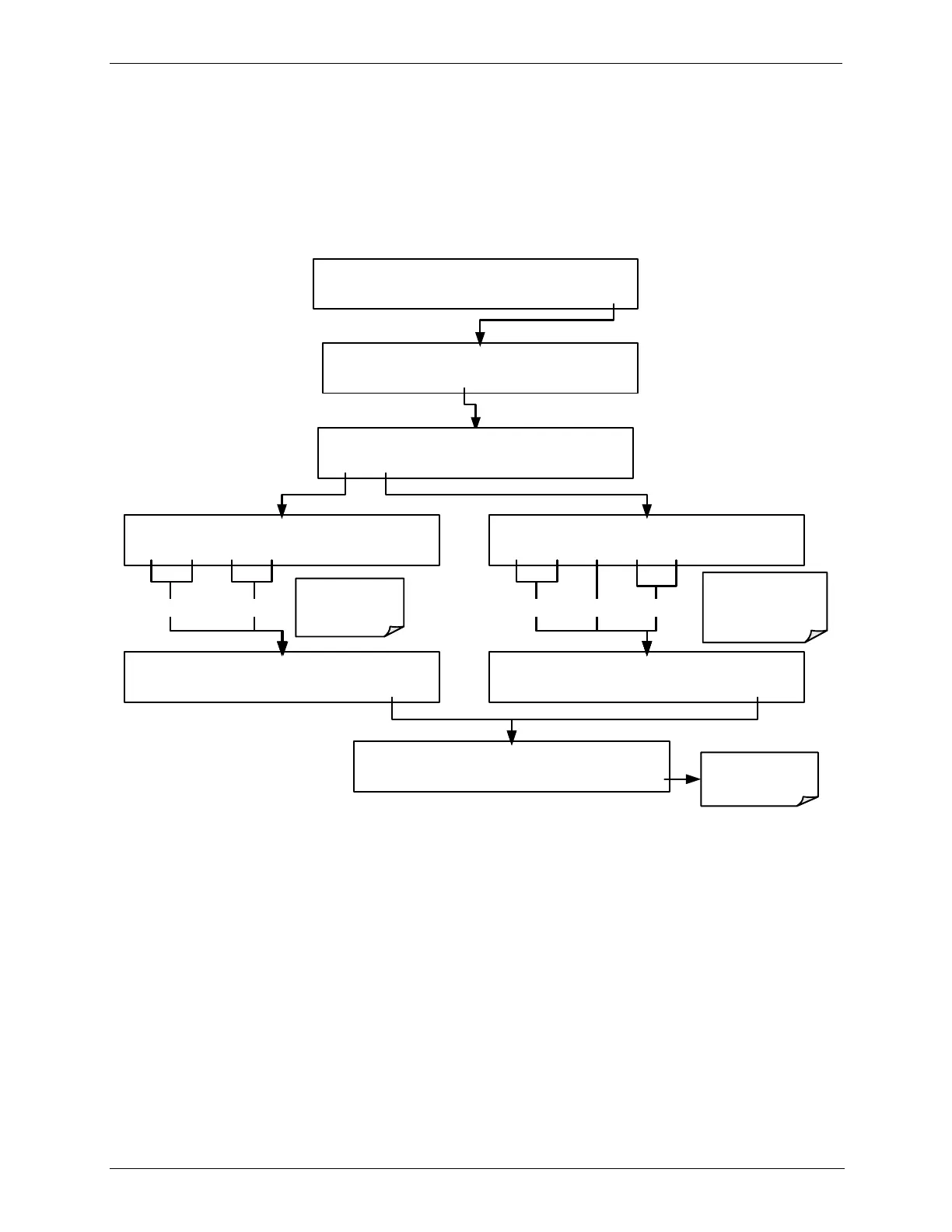
SETTING THE INTERNAL CLOCK’S TIME AND DAY 4.7.1.
The T703/T703U has a time of day clock that supports the DURATION step of
the calibration sequence feature, time of day TEST function, and time stamps on
most COM port messages. To set the clock‟s time and day, press:
STANDBY ACT =STANDBY
<TST TST> GEN STBY SEQ SETUP
SETUP X.X PRIMARY SETUP MENU
O3 SEQ CFG CLK PASS MORE EXIT
SETUP X.X TIME-OF-DAY CLOCK
TIME DATE EXIT
Toggle these
buttons to enter
current hour
SETUP X.X TIME: 12:00
1 2 :0 0 ENTR EXIT
SETUP X.X TIME: 22:30
2 2 :3 0 ENTR EXIT
SETUP X.X DATE: 01-JAN-05
0 1 JAN 0 5 ENTR EXIT
SETUP X.X DATE: 18-JUN-05
1 8 JUN 0 5 ENTR EXIT
SETUP X.X TIME-OF-DAY CLOCK
TIME DATE EXIT
Toggle these
buttons to enter
current day, month
and year.
EXIT returns to
SETUP X.X
display
HOUR MINUTE DAY MONTH YEAR



 To Next Page