Operating the Calibrator Teledyne API T703/T703U Calibrator Operation Manual
74
Adding a Recorder Offset to the TEST Channel 4.9.1.5.
Some analog signal recorders require that the zero signal be significantly different
from the baseline of the recorder in order to record slightly negative readings
from noise around the zero point. This can be achieved by defining a zero offset,
a small voltage (e.g., 10% of span).
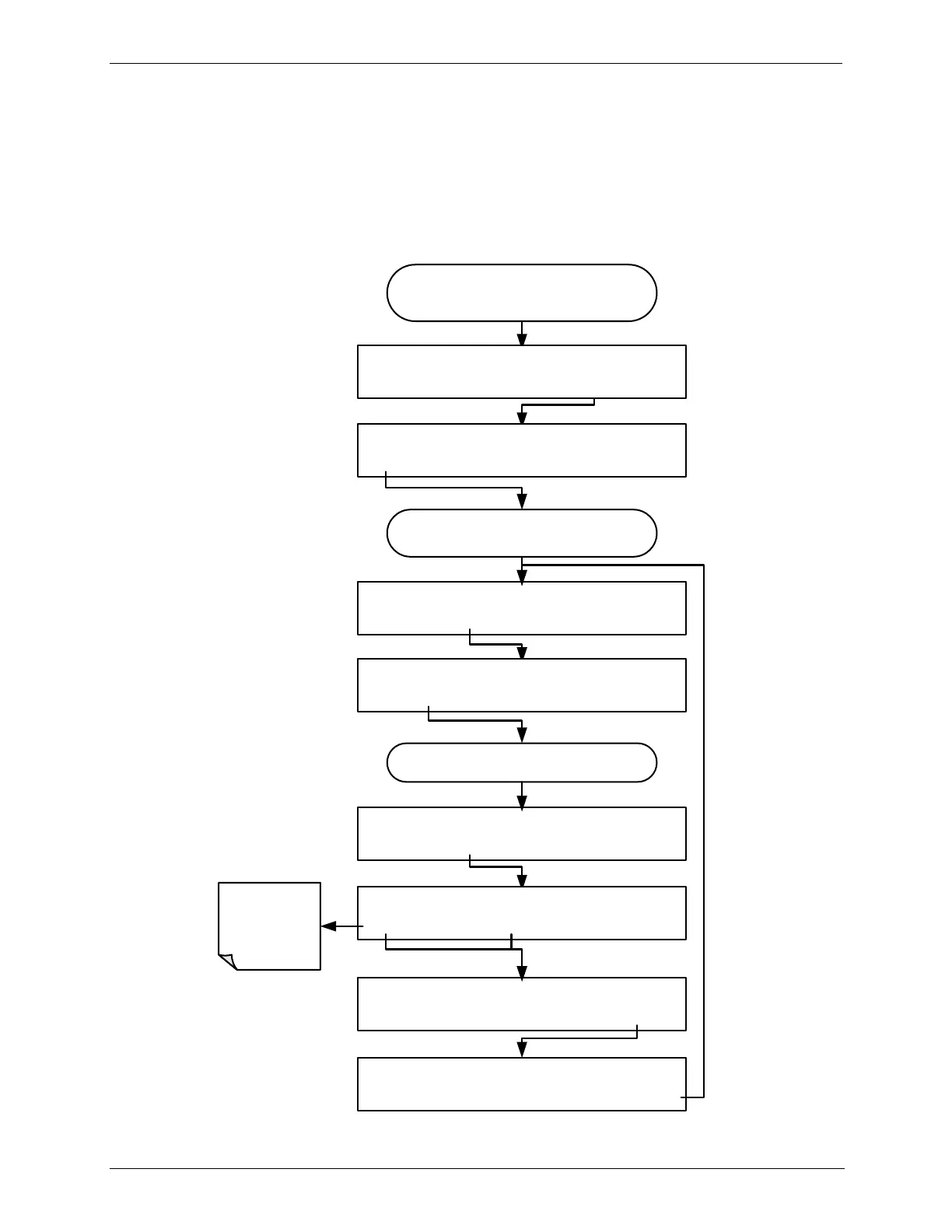
To add a zero offset to a specific analog output channel, press:
From the
AIO CONFIGURATION SUBMENU
DIAG AIO TEST_OUTPUT: 5V, OVR, NOCAL
<SET SET> EDIT EXIT
DIAG AIO TEST_OUTPUT: REC OFS: 0 mV
<SET SET> EDIT EXIT
DIAG AIO TEST_OUTPUT: OUTPUT: 5V
SET> EDIT EXIT
DIAG AIO TEST_OUTPUT: REC OFS: 0 mV
+ 0 0 0 0 ENTR EXIT
DIAG AIO TEST_OUTPUT: REC OFS: -10 mV
<SET SET> EDIT EXIT
DIAG ANALOG I/O CONFIGURATION
PREV NEXT ENTR EXIT
Toggle these
buttons to set
the desired
offset value.
Continue pressing SET> until ...
DIAG AIO TEST_OUTPUT: REC OFS: -10 mV
– 0 0 1 0 ENTR EXIT
Continue pressing SET> until you reach the
output to be configured
DIAG AIO AOUTS CALIBRATED: NO
SET> CAL EXIT



 To Next Page