Teledyne API T703/T703U Calibrator Operation Manual Operating the Calibrator
87
Up to twenty levels can be defined and used with the T703 using a range of ID
numbers from 0-98. Level 99 is reserved for standby. Are not time based and do
not include characteristics such as start time or duration, therefore a single
LEVEL can not switch between different concentration levels and flow rates.
Separate flow and concentration outputs must be programmed into separate
LEVELs which are then individually started and stopped either by an operator at
the calibrator‟s front panel or through a serial data operation over the RS-232 or
Ethernet ports.
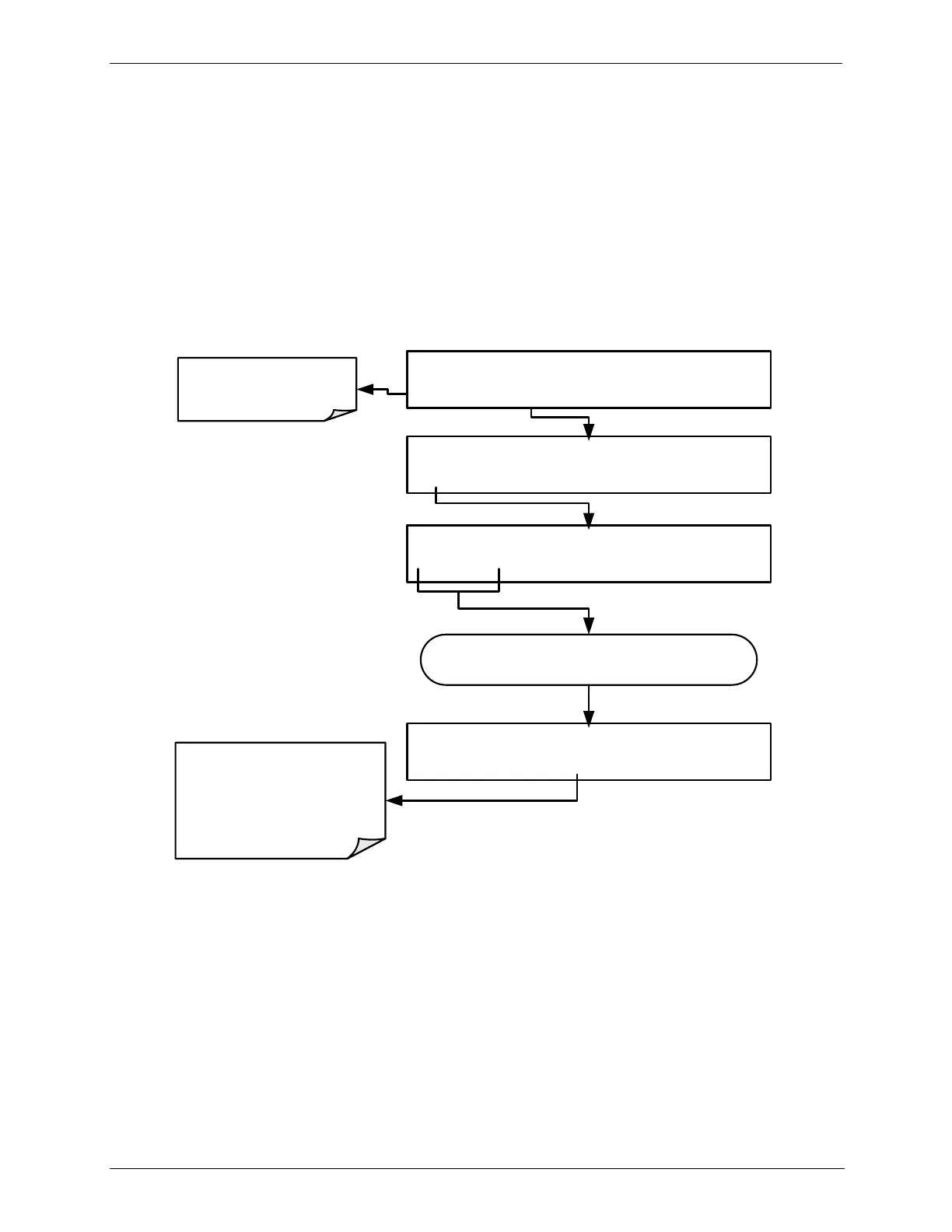
ACTIVATING AN EXISTING LEVEL 4.12.4.
To activate an existing defined LEVEL, press:
MANUAL ACT =7.500 LPM, 100.0 PPB
<TST TST> GEN STBY
ACT> SETUP
Make sure that the
calibrator is in
standby mode
STANDBY SYSTEM RESET
LEVL
AUTO EXIT
STANDBY LEVEL:0
0 0
ENTR EXIT
STANDBY ACT =STANDBY
<TST TST> GEN
STBY SEQ SETUP
Toggle these buttons until the designation of the
existing defined level program is reached.
The calibrator will
continue generating
calibration gas at the
LEVEL chosen until the
STBY button is pressed.



 To Next Page