Teledyne API T703/T703U Calibrator Operation Manual Principles of Operation
195
CPU
LCD Display
and
Touchscreen
TTL Video & 3.3V
TFT BIAS Supply
10.4, -7.0, 16, 4V
3.3V
Touch Screen Controller
USB2 HUB
USB & 5V
USB-1 USB-2
Powered Powered
Optional LVDSOptional LVDS
USB Master
Back-Light
Supply
18 Bit TTL Data
+5V
BL Cont.
PWM
LAN COM4 USB4
Front Panel Interface PCA
Utility Controller
Lang.
Remote
Local
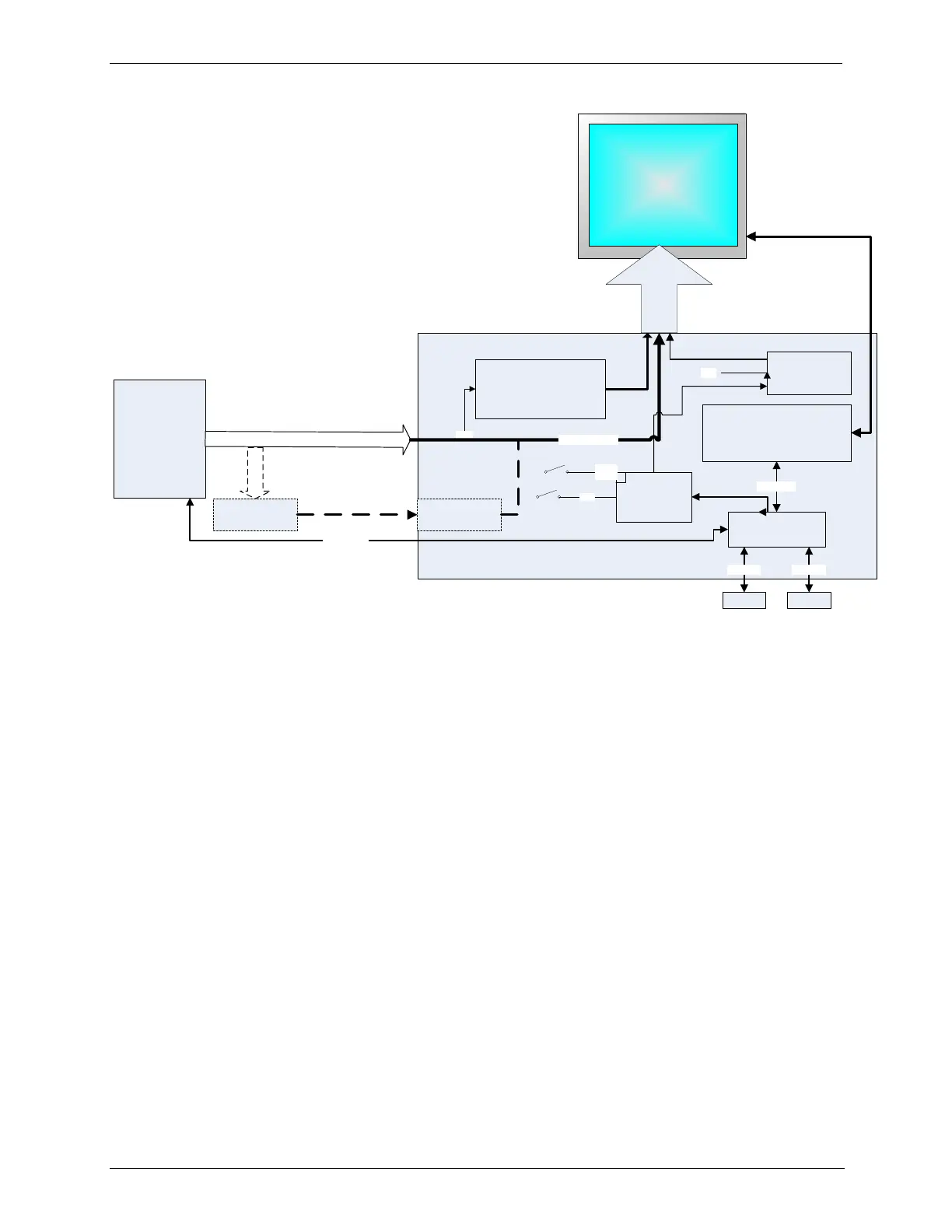
Figure 9-11: Front Panel Layout
The LCD display is controlled directly by the CPU board. The touchscreen is
interfaced to the CPU by means of a touchscreen controller that connects to the
CPU via the internal USB bus and emulates a computer mouse.
Front Panel Interface PCA 9.3.1.1.
The front panel interface PCA controls the various functions of the display and
touchscreen. For driving the display it provides connection between the CPU
video controller and the LCD display module. This PCA also contains:
power supply circuitry for the LCD display module
a USB hub that is used for communications with the touchscreen controller
and the two front panel USB device ports
he circuitry for powering the display backlight
9.4. SOFTWARE OPERATION
The calibrator‟s core module is a high performance, Vortex 86SX-based
microcomputer running Windows CE. Inside Windows CE, special software
developed by Teledyne API interprets user commands from the various
interfaces, performs procedures and tasks, stores data in the CPU‟s various
memory devices, and calculates the concentration of the gas being sampled.



 To Next Page