Teledyne API T703/T703U Calibrator Operation Manual General Troubleshooting & Service
159
The technician can view the raw, unprocessed signal level of the calibrator‟s
critical inputs and outputs.
Many of the components and functions that are normally under algorithmic
control of the CPU can be manually exercised.
The technician can directly control the signal level Analog and Digital Output
signals.
This allows the technician to observe systematically the effect of directly
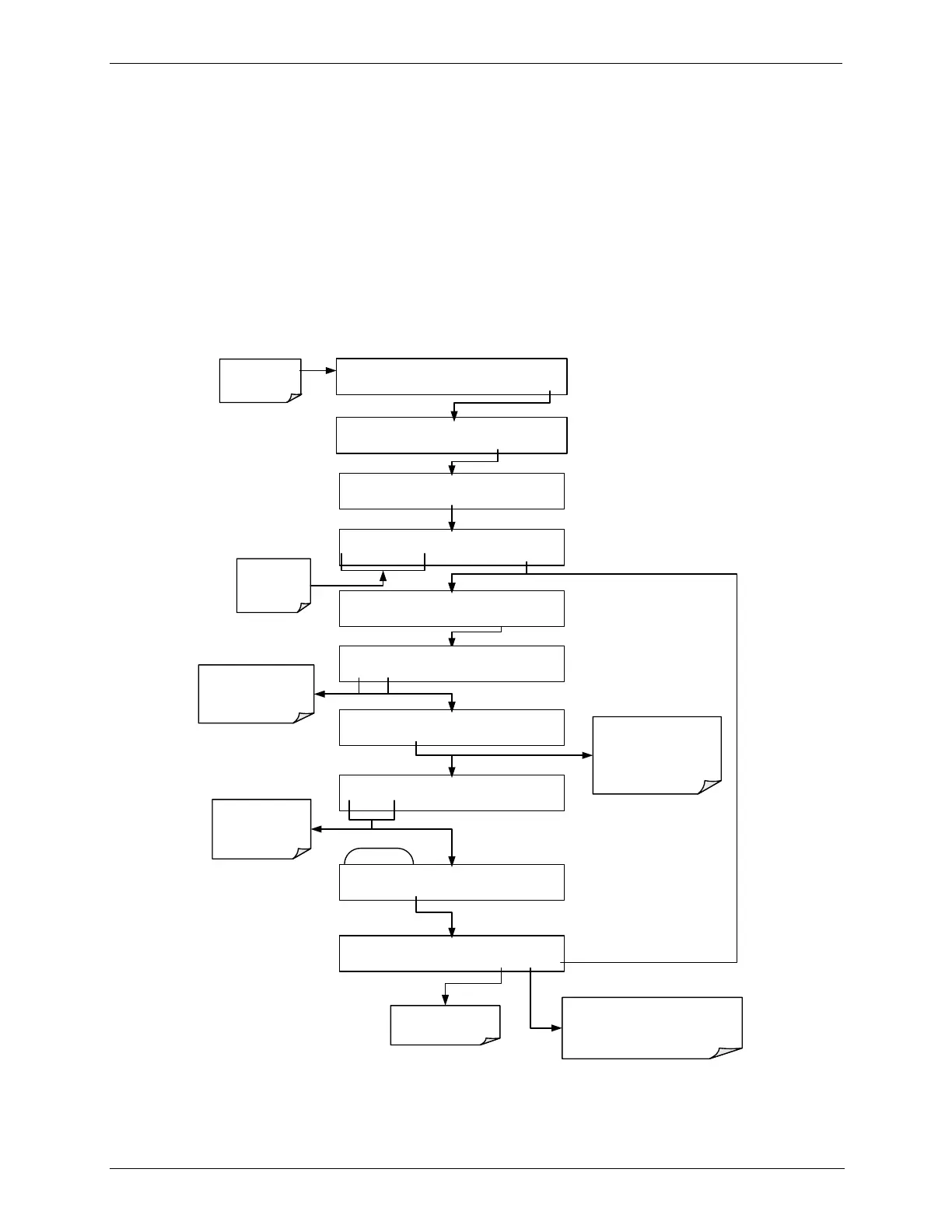
controlling these signals on the operation of the calibrator. Figure 8-1 is an
example of how to use the Signal I/O menu to view the raw voltage of an input
signal or to control the state of an output voltage or control signal. The specific
parameter will vary depending on the situation.
EXAMPLE
DAIG I/O 0) ST_SYSTEM_OK=OFF
PREV NEXT EDIT PRNT EXIT
Toggle PREV / NEXT
to cycle through the
available signals
DAIG I/O 1) ST_CAL_ACTIVE=OFF
PREV NEXT JUMP
EDIT PRNT EXIT
Press JUMP to go
directly to a specific
signal “address”.
DAIG I/O
JUMPTO: 0
0 0 JUMP ENTR
EXIT
Toggle to set No.
of the signal to
JUMP to.
DAIG I/O
JUMPTO: 7
0 7 JUMP ENTR
EXIT
DAIG I/O 7) PHOTO_REF_VALVE=OFF
PREV NEXT JUMP OFF PRNT EXIT
Pressing PRNT will send a formatted
printout to the serial port and can be
captured with a computer or other
output device.
SETUP X.X SECONDARY SETUP MENU
COMM VARS FLOW DIAG EXIT
SETUP X.X ENTER PASSWORD:818
8 1 8 ENTR EXIT
DIAG SIGNAL I/O
NEXT ENTR EXIT
Make sure that the
calibrator is in
standby mode.
Toggle to enter
the correct
PASSWORD
On status signals this
button toggles the
signal ON / OFF
STANDBY ACT =STANDBY
<TST TST> GEN STBY SEQ SETUP
SETUP X.X PRIMARY SETUP MENU
O3 SEQ CFG CLK PASS MORE EXIT
Figure 8-1: Example of Signal I/O Function



 To Next Page