Teledyne API T703/T703U Calibrator Operation Manual Operating the Calibrator
59
The EXECSEQ Step 4.5.2.4.
The EXECSEQ step allows the sequence to call another, already programmed
sequence. This is a very powerful tool in that it allows the user to create a
“toolbox” of often-used operations that can then be mixed and matched by an
overhead sequence:
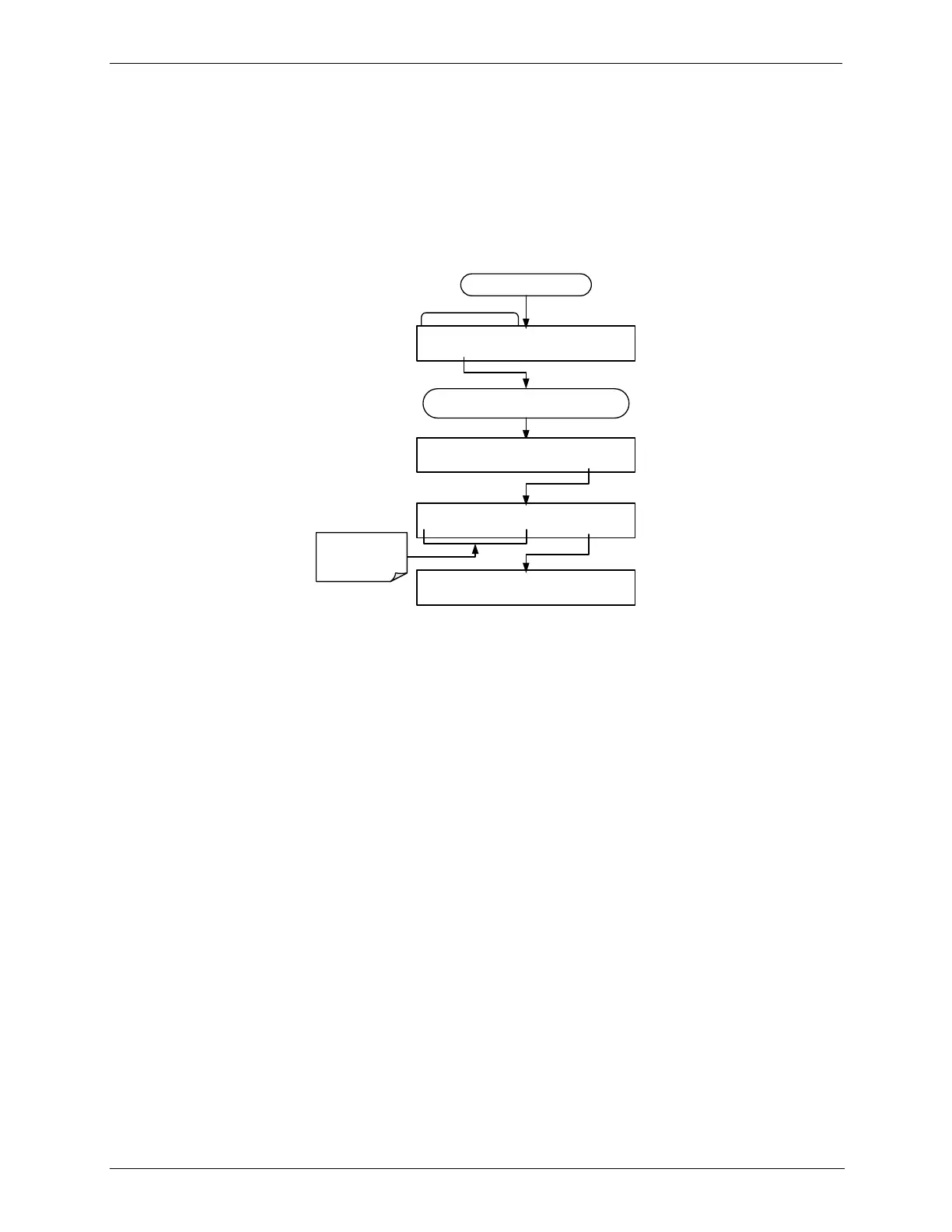
To insert an EXECSEQ step into a sequence, press:
INSERT STEP Submenu
SETUP X.X INSERT STEP: GENERATE
PREV NEXT ENTR EXIT
Starting at the STEPS Submenu
Use the PREV and NEXT buttons to scroll though
the list of available instructions
SETUP X.X EXECUTE SEQUENCE:A1
PREV NEXT ENTR EXIT
Press to scroll
though the list of
available
sequences
SETUP X.X 3) DURATION : 10.0 MIN
PREV NEXT INS DEL EDIT EXIT
SETUP X.X INSERT STEP: EXECSEQ
ENTR
EXIT



 To Next Page