Teledyne API T703/T703U Calibrator Operation Manual Operating the Calibrator
77
Automatic TEST Channel Calibration 4.9.2.2.
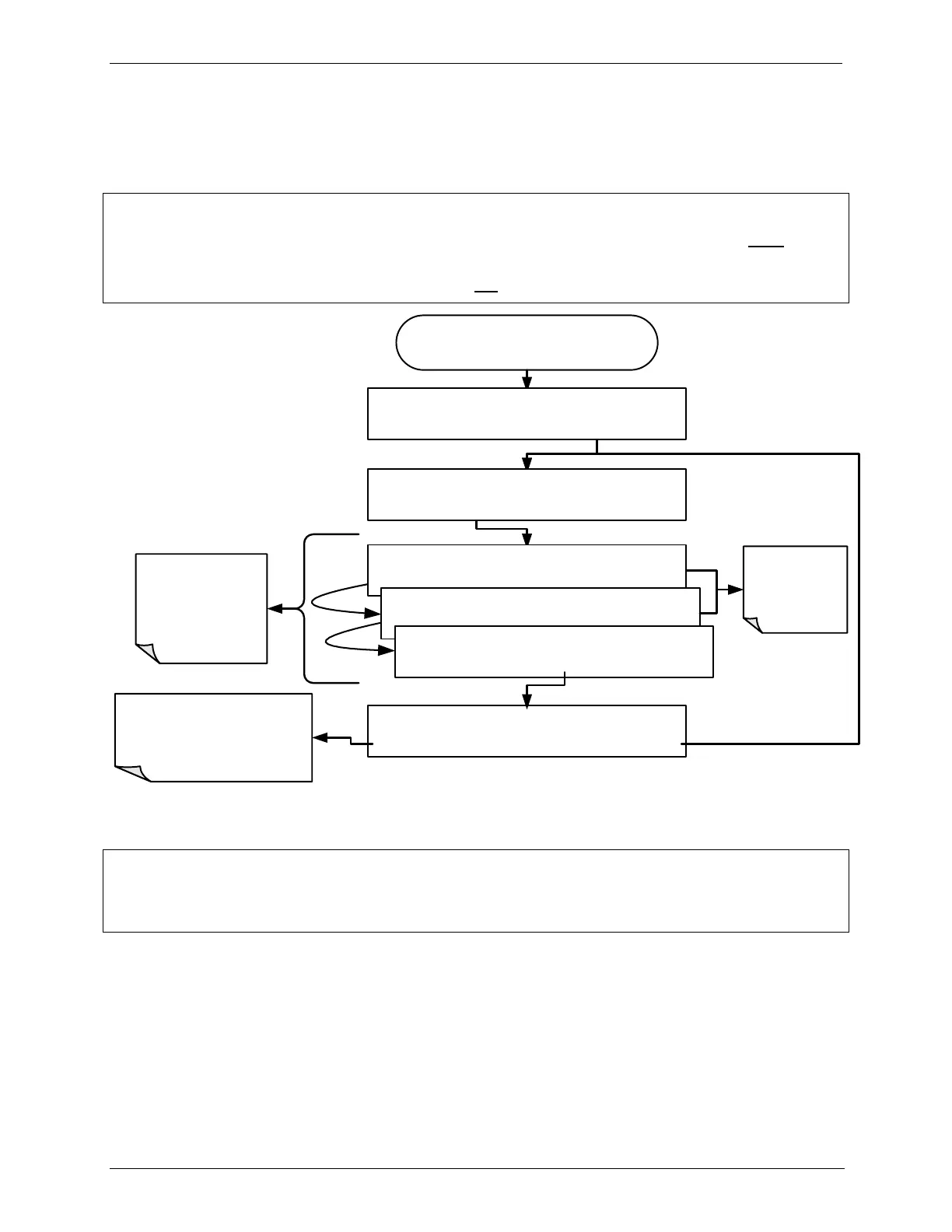
To calibrate the outputs as a group with the AOUTS
CALIBRATION command, press:
NOTE
Before performing this procedure, make sure that the AUTO CAL feature is turned OFF for
CONC_OUT_1 and CONC_OUT_2,
Make sure that the AUTO CAL feature is turned ON for the TEST CHANNEL (See Section 4.9.2.1)
From the
AIO CONFIGURATION SUBMENU
Automatically
calibrates all
channels for which
AUTO-CAL is turned
ON
If any of the channels have not
been calibrated or if at least one
channel has AUTO-CAL turned
OFF, this message will read NO.
DIAG AIO NOT AUTO CAL. CONC_OUT_1
DIAG AIO NOT AUTO CAL. CONC_OUT_2
DIAG AIO AUTO CALIBRATING TEST_OUTPUT
This message
appears when
AUTO-CAL is
turned OFF for a
channel
DIAG AIO AOUTS CALIBRATED: YES
SET> CAL EXIT
DIAG AIO AOUTS CALIBRATED: NO
SET> CAL EXIT
DIAG ANALOG I/O CONFIGURATION
PREV NEXT ENTR EXIT
NOTE:
Manual calibration should be used for the 0.1V range or in cases where the outputs must be
closely matched to the characteristics of the recording device.
To initiate an automatic calibration from inside the TEST CHANNEL submenu,
press:



 To Next Page