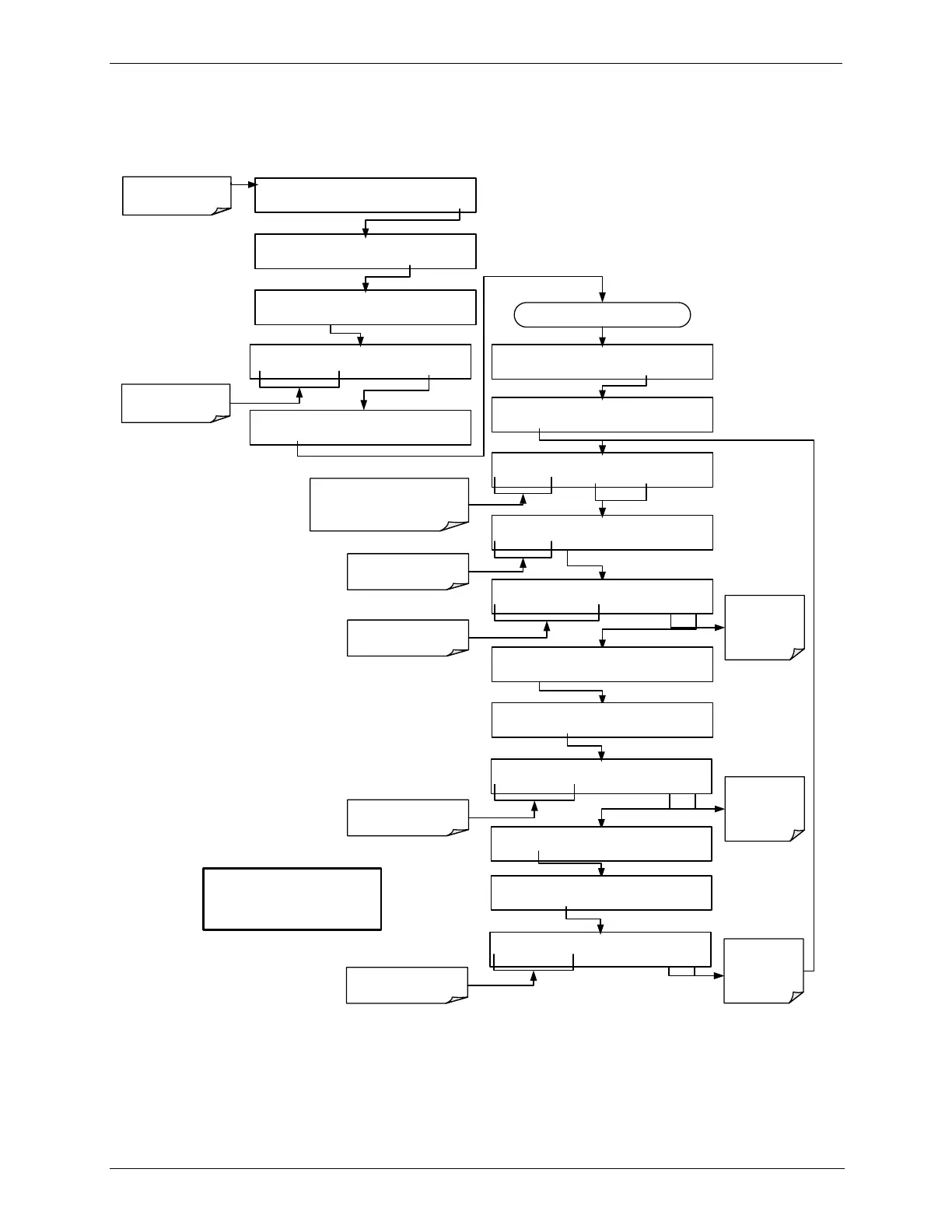
STANDBY ACT =STANDBY
<TST TST> GEN STBY SEQ SETUP
Make sure that the
calibrator is in standby
mode.
SETUP X.X ENTER PASSWORD
8 1 8 ENTR
EXIT
Toggle to enter the correct
PASSWORD
DIAG SIGNAL I/O
PREV NEXT ENTR EXIT
DIAG O3 GEN CALIBRATION
PREV NEXT ENTR EXIT
Continue pressing NEXT until ...
DIAG O3 GEN CALIBRATION
CAL PNTS EXIT
Toggle to the place in the table where
the point is to be added or edited. New
Points are inserted BEFORE the
displayed point.
DIAG O3GEN 1) 500 MV, 5.0 MIN, ON
PREV NEXT INS
DEL EDIT PRNT EXIT
EXIT discards
the new setting
ENTR
accepts
the new setting
DIAG O3GEN CAL. POINT DRIVE:0 MV
<SET SET> EDIT
EXIT
Toggle to move between
calibration points parameters
DIAG O3GEN CAL. POINT DRIVE:0 MV
0 3 0 0 ENTR
EXIT
Toggle to set the drive voltage
DIAG O3GEN CAL. POINT DRIVE:300 MV
<SET SET> EDIT EXIT
DIAG O3GEN CAL. POINT DURATION: 0.0 MIN
0 5 .0 ENTR
EXIT
Toggle these to set the dwell
time for the point.
DIAG O3GEN CAL. POINT DURATION: 0.0 MIN
<SET SET> EDIT EXIT
DIAG O3GEN CAL. POINT DURATION: 0.0 MIN
<SET SET> EDIT EXIT
DIAG O3GEN CAL. POINT DURATION: 0.0 MIN
0 5 .0 ENTR EXIT
Toggle to set the dwell time
for the point.
DIAG O3GEN CAL. POINT DURATION: 0.0 MIN
<SET SET> EDIT EXIT
EXIT discards
the new setting
ENTR
accepts
the new setting
EXIT discards
the new setting
ENTR
accepts
the new setting
NOTE
When a point is added to the table
its default condition is ON (enabled).
SETUP X.X PRIMARY SETUP MENU
O3 SEQ CFG CLK PASS MORE EXIT
SETUP X.X SECONDARY SETUP MENU
COMM VARS DIAG EXIT



 To Next Page