Teledyne API T703/T703U Calibrator Operation Manual Operating the Calibrator
89
Creating a Generate LEVEL 4.12.5.1.
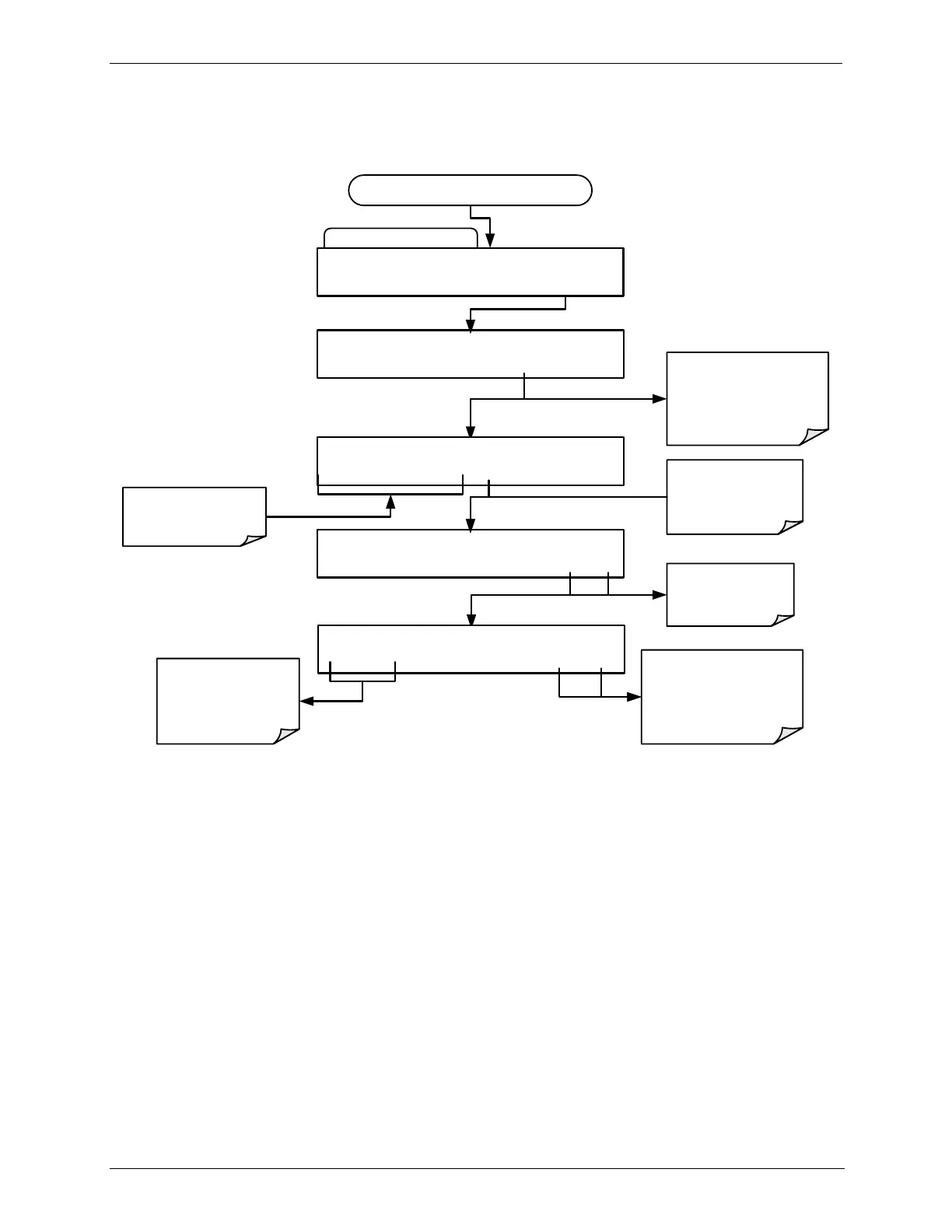
To create a LEVEL using the AUTO generation function, press:
SETUP X.X GENERATE:0.0 PPB O3
0 .0 0 0 PCT O3 ENTR EXIT
SETUP X.X GENERATE:ZERO
ZERO ENTR EXIT
Toggle to scroll through
the available gas types
(as programmed during
initial setup.
SETUP X.X GENERATE:0.0 PPB O3
0 0 0 .0 PPB O3 ENTR EXIT
Toggle to scroll
through the
available units of
measure
EXIT discards the
new setting
Toggle these buttons
to set the target
concentration.
STANDBY LEVEL:0
0 0 ENTR EXIT
Toggle these buttons
until the designation of
the existing defined level
program is reached.
EXIT discards the new
LEVEL number
ENTR accepts the new
LEVEL number
CHOOSE ACTION Submenu
SETUP X.X ACTION TO PERFORM:GENERATE
PREV NEXT ENTR EXIT
Starting at the CHOOSE ACTION Submenu



 To Next Page