Teledyne API T703/T703U Calibrator Operation Manual Operating the Calibrator
73
Turning the TEST Channel Over-Range Feature ON/OFF 4.9.1.4.
In its default configuration a ± 5% over-range is available on each of the TEST
CHANNEL output. This over-range can be disabled if your recording device is
sensitive to excess voltage or current.
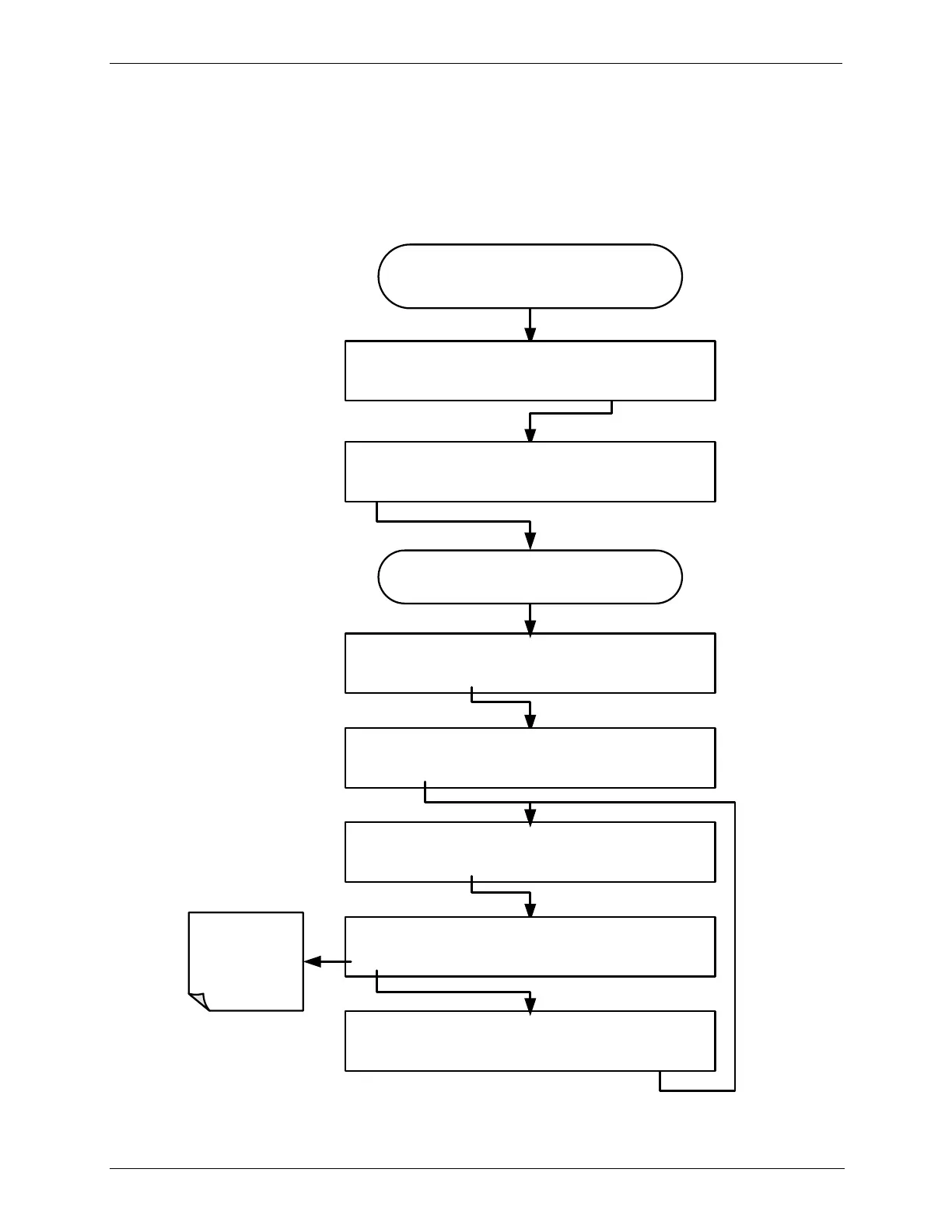
To turn the over-range feature on or off, press:
From the
AIO CONFIGURATION SUBMENU
DIAG AIO TEST_OUTPUT: 5V, OVR, NOCAL
<SET SET> EDIT EXIT
DIAG AIO TEST_OUTPUT: OVERRANGE: ON
<SET SET> EDIT EXIT
DIAG AIO TEST_OUTPUT: RANGE: 5V
SET> EDIT EXIT
DIAG AIO TEST_OUTPUT: OVERRANGE: ON
ON ENTR EXIT
DIAG AIO TEST_OUTPUT: OVERRANGE: OFF
OFF ENTR EXIT
DIAG ANALOG I/O CONFIGURATION
PREV NEXT ENTR EXIT
Toggle to turn
the Over-
Range feature
ON/OFF
Continue pressing SET> until you reach the
output to be configured
DIAG AIO AOUTS CALIBRATED: NO
SET> CAL EXIT



 To Next Page