Teledyne API T703/T703U Calibrator Operation Manual Operating the Calibrator
43
4.2. OVERVIEW OF OPERATING MODES
The T703 calibrator software has a variety of operating modes. Most commonly,
the calibrator will be operating in STANDBY mode. In this mode, the calibrator
and all of its subsystems are inactive although TEST functions and WARNING
messages are still updated and can be examined via the front panel display.
The second most important operating mode is SETUP mode. This mode is used
for performing certain configuration operations, such as programming the
concentration of source gases, setting up automatic calibration sequences and
configuring the analog / digital inputs and outputs. The SET UP mode is also
used for accessing various diagnostic tests and functions during troubleshooting.
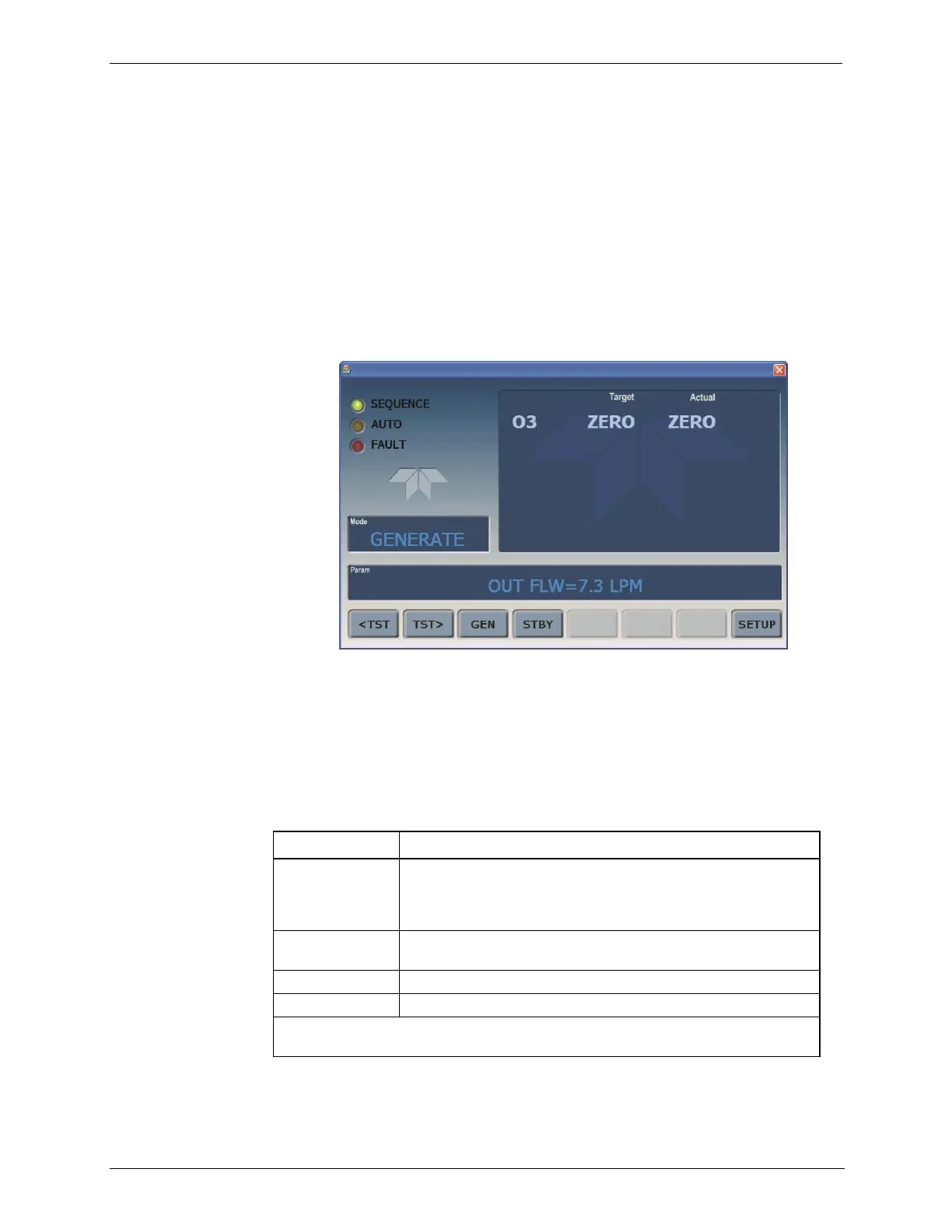
Figure 4-1: Front Panel Display
The Mode field of the front panel display indicates to the user which operating
mode the unit is currently running.
Besides STANDBY and SETUP, other modes the calibrator can be operated in
are:
Table 4-2: Calibrator Operating Modes
One of the calibrator‟s diagnostic modes is being utilized. When
those diagnostic functions that have the greatest potential to
conflict with generating concentrations are active, the instrument
is automatically placed into Standby mode.
In this mode, the instrument is engaged in producing calibration
gas.
SETUP mode is being used to configure the calibrator.
The calibrator is not actively generating gas.
1
The revision of the Teledyne API software installed in this calibrator will be
displayed following the word SETUP. E.g. “SETUP B.4”



 To Next Page