Calibration and Verification Teledyne API T703/T703U Calibrator Operation Manual
122
VERIFYING O
3
PHOTOMETER PERFORMANCE 6.1.2.
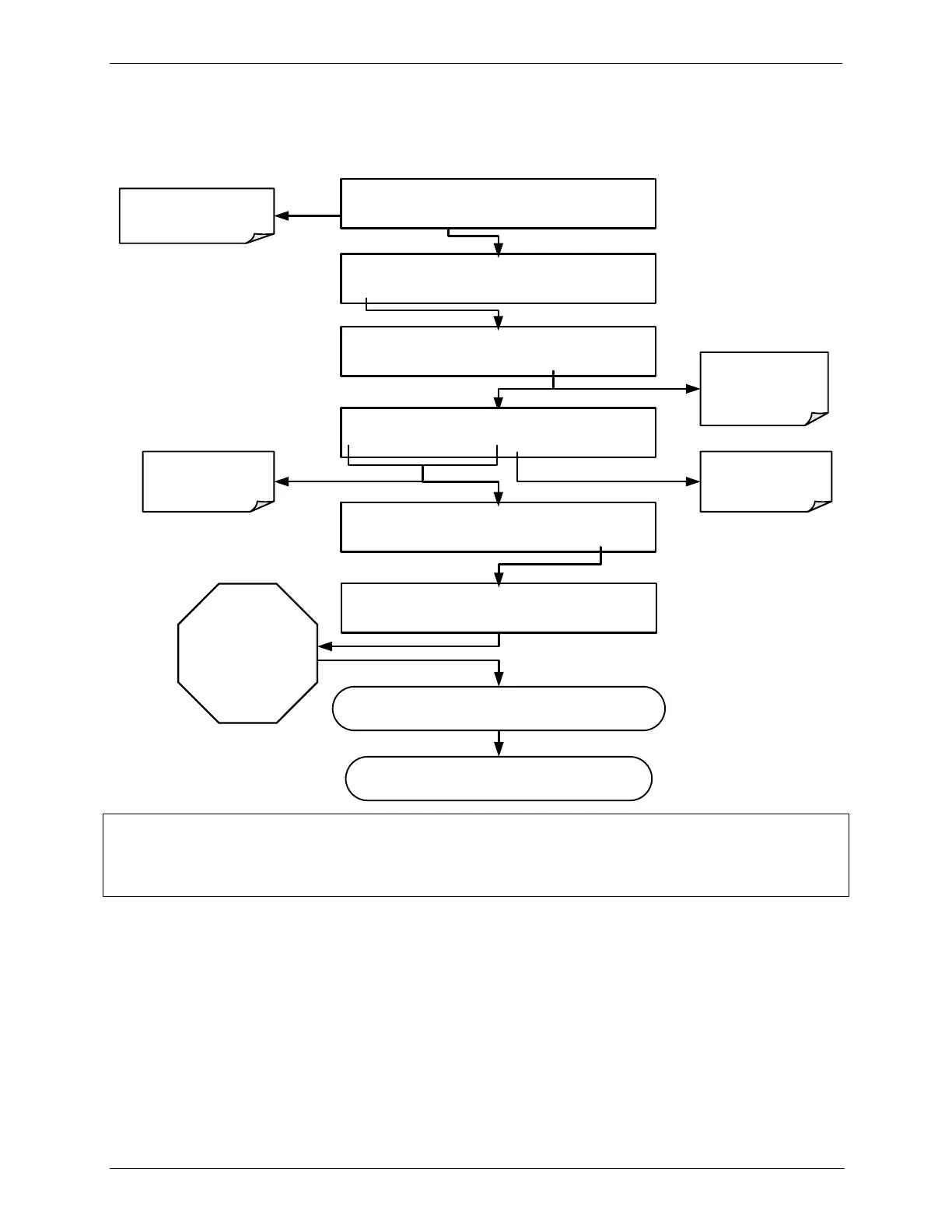
To verify the performance of the internal photometer perform the following steps:
Wait
A MINIMUM
OF
10 MINUTES
or until the
ACT reading
settles down
STANDBY GENERATE:0.0 PPB O3
0 4 0 0 PPB O3 ENTR EXIT
Make sure that the
calibrator is in
STANDBY mode
STANDBY SYSTEM RESET
AUTO
STANDBY GENERATE:ZERO
ZERO ENTR SETUP
STANDBY ACT=STANDBY
<TST TST> GEN STBY SEQ SETUP
GENERATE ACT = 400 PPB O3
<SET SET> GEN STBY SEQ SETUP
STANDBY GENERATE:0.0 PPB O3
0 0 0 0 PPB O3 ENTR EXIT
Toggle these
buttons to set the
target
concentration.
Toggle to set the
units of measure.
Record O
3
concentration readings displayed by the ACT
test function and by the external reference photometer
Repeat this procedure for as many points along the
performance range of the calibrator as required
Toggle to switch
to O
3
generation
mode
NOTE
The readings recorded from the ACT test function and the external reference photometer should
be within 1% of each other.
CALIBRATING THE O3 PHOTOMETER 6.1.3.
The following procedure sets values held in the calibrator‟s memory of for zero
point OFFSET and SLOPE.



 To Next Page