Principles of Operation Teledyne API T703/T703U Calibrator Operation Manual
194
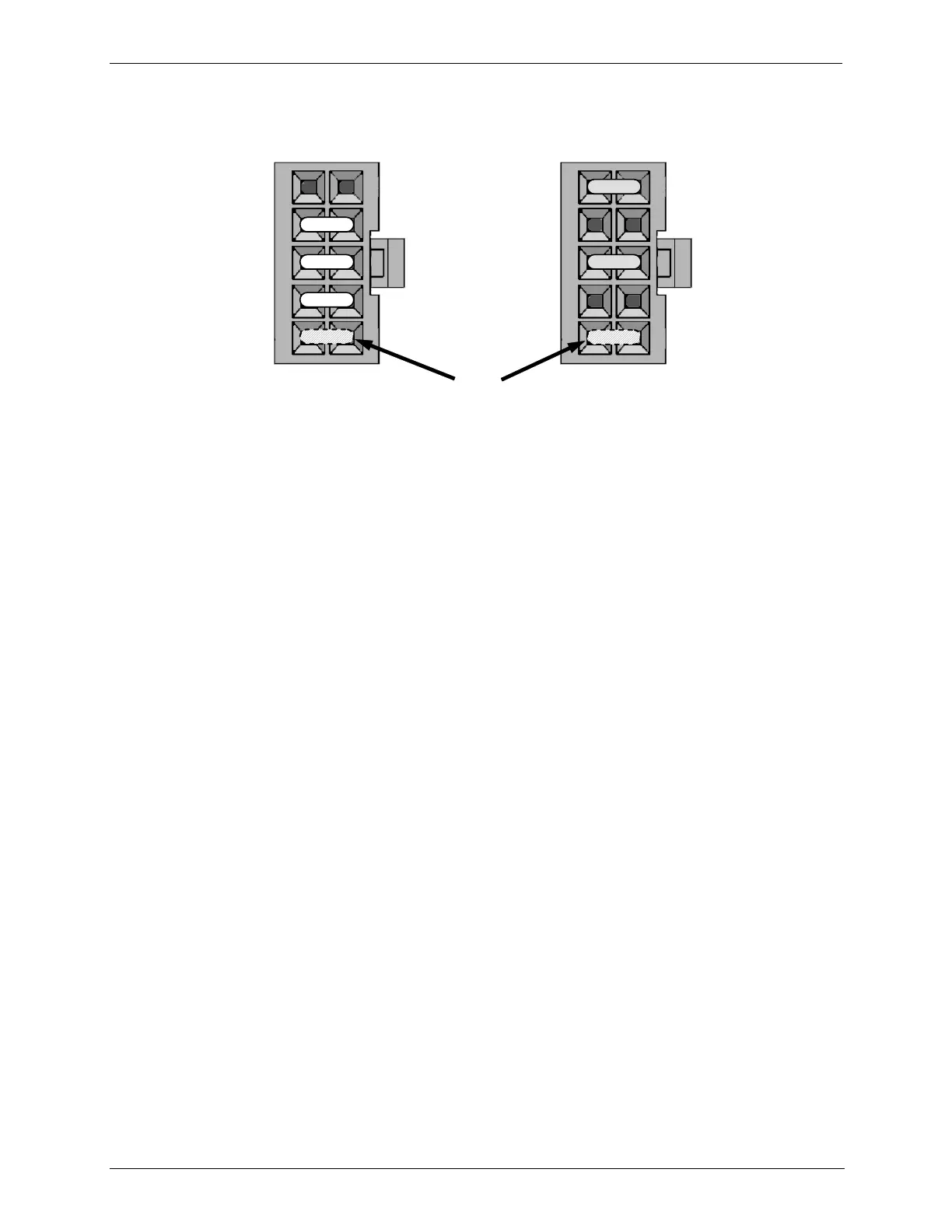
Jumper 5-to-10 not functional
Figure 9-10: Pump AC Power Jumpers (JP7)
9.3. FRONT PANEL TOUCHSCREEN/DISPLAY INTERFACE
The most commonly used method for communicating with the T703/T703U
Dynamic Dilution Calibrator is via the instrument‟s front panel LCD touchscreen
display. The LCD display is controlled directly by the CPU board. The
touchscreen is interfaced to the CPU by means of a touchscreen controller that
connects to the CPU via the internal USB bus and emulates a computer mouse.



 To Next Page