Teledyne API T703/T703U Calibrator Operation Manual Operating the Calibrator
55
Setting the Progress Reporting Mode for the Sequences 4.5.1.7.
As sequences run, the calibrator reports progress by displaying a message in the
MODE field of the front panel display (See Figure 3-1). There are several types
of report modes available
Table 4-5: Sequence Progress Reporting Mode
Shows the progress as the sequence name and step number. This is the traditional display.
Example: “SO2_Test-2”.
Shows the progress as a percent (0–100%) of the total sequence duration.
Example: “SEQ 48%”
Shows the progress as days, hours, minutes and seconds elapsed, counting up from 0.
Example (<1 day): “T+01:30:25” (i.e. 1 hour, 30 minutes, 25 seconds elapsed)
Example (>=1 day): “T+1d30:25” (i.e. 1 day, 30 hours, 25 minutes elapsed)
Shows the progress as days, hours, minutes, and seconds remaining, counting down to 0.
Example (<1 day): “T–01:30:25” (i.e. 1 hour, 30 minutes, 25 seconds remaining)
Example (>=1 day): “T–1d30:25” (i.e. 1 day, 30 hours, 25 minutes remaining)
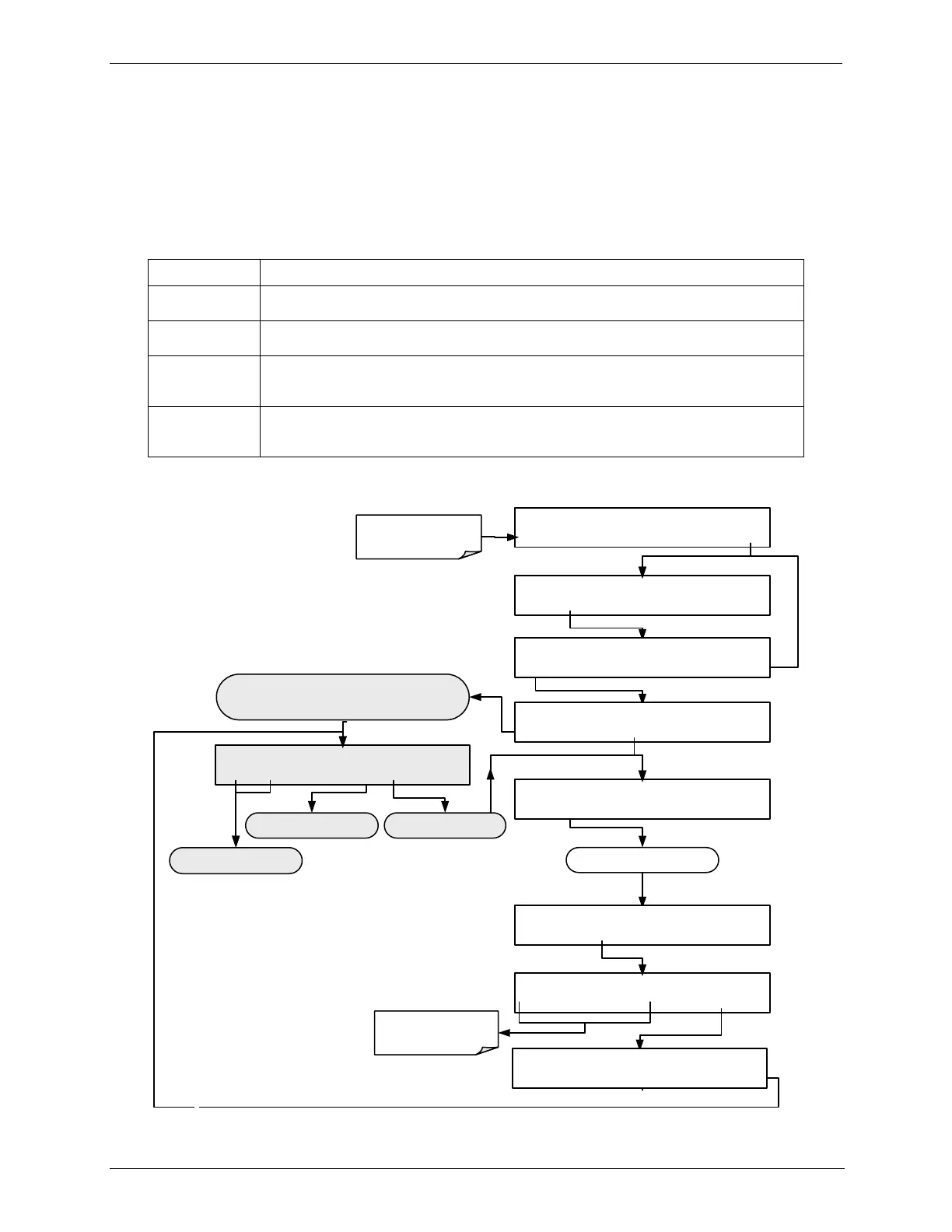
To select a PROGRESS report mode, press:
STANDBY ACT =STANDBY
<TST TST> GEN STBY SEQ SETUP
Make sure that the
calibrator is in standby
mode.
SETUP X.X PRIMARY SETUP MENU
O3 SEQ CFG CLK PASS MORE EXIT
SETUP X.X SEQUENCE CONFIGURATION
EDIT
PRINT EXIT
SETUP X.X END OF SEQUENCES
INS
PRNT EXIT
SETUP X.X 1) SEQ
[NAME]
,
[X]
STEPS
PREV NEXT INS DEL EDIT PRNT EXIT
SETUP X.X NAME:0
SET>
EDIT EXIT
Deletes the sequence shown
in the message field
Edits the sequence shown
in the message field
Scrolls back and forth between
existing sequences
Continue pressing SET> until ...
This display only appears if there are no sequences currently
programmed into the calibrator.
OTHERWISE ...
SETUP X.X PROGRESS MODE:STEP
<SET EDIT EXIT
SETUP X.X PROGRESS MODE:ELAP
STEP PCT ELAP REM ENTR EXIT
Use these buttons to
choose a PROGRESS
MODE
8
SETUP X.X PROGRESS MODE:ELAP
<SET EDIT EXIT



 To Next Page