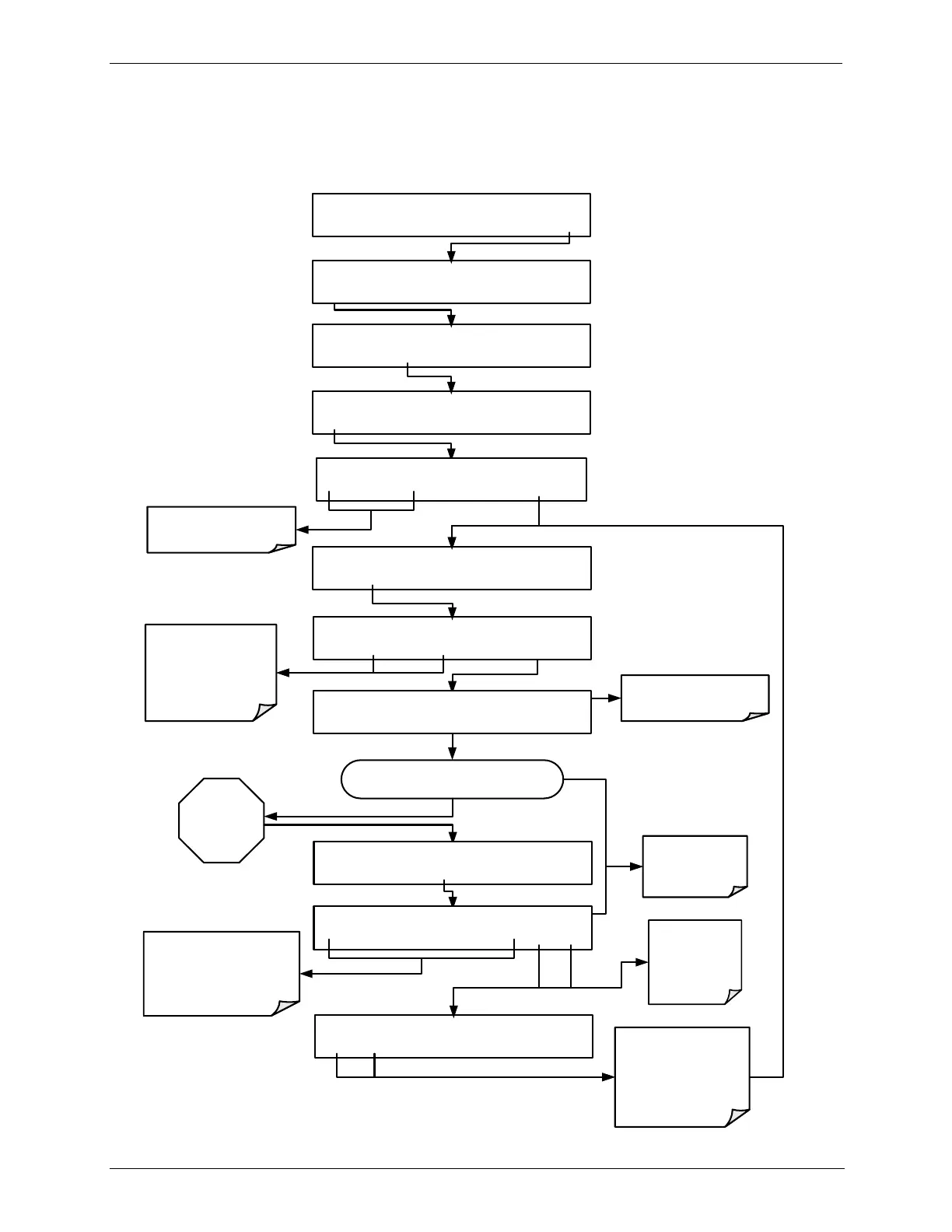
SETUP X.X O3 GAS CONFIG
BCAL DARK EXIT
Allow calibration gas to gas to enter the
PHOTOMETER IN port at the rear of the
calibrator.
Wait
A MINIMUM
OF
10 MINUTES
SETUP X.X O3 GAS CONFIG
MODE ADJ PHOT EXIT
SYSTEM ENTER PASSWORD:0
0 0 0 ENTR EXIT
Toggle these buttons until
PASSWORD = 717
SETUP X.X O3 PHOTOMETER BENCH CAL
EDIT CAL EXIT
SETUP X.X BENCH CAL:XSPN
ZERO SPAN XZRO XSPN ENTR EXIT
BCAL XSPN [TEST FUNCTION Message Field]
<TST TST> ZERO SPAN EXIT
The Message field displays
the Test Function currently
selected
Press YES to changes the
OFFSET & SLOPE values
for the O
3
measurement.
Press NO to leave the
photometer calibration
values unchanged.
BCAL XSPN [TEST FUNCTION Message Field]
<TST TST> ZERO SPAN EXIT
BCAL XSPN ARE YOU SURE?
YES NO
It is recommended
that you use an O
3
Span concentration
of 400 PPB
BCAL XSPN ACTUAL CONC: 400.0 PPB
0 0 4 0 0 .0 ENTR EXIT
Toggle these buttons to enter
the exact span cal value as
measured by the reference
photometer
(see figures 8-3 and 8-4)
EXIT discards
the new setting
ENTR accepts
the new setting
STANDBY ACT =STANDBY
<TST TST> GEN STBY SEQ SETUP
SETUP X.X PRIMARY SETUP MENU
O3 SEQ CFG CLK PASS MORE EXIT
Press SPAN if using the
Internal
O
3
Generator
Press XSPN if using an
External
O
3
Generator



 To Next Page