Communications Teledyne API T703/T703U Calibrator Operation Manual
96
If both LEDs are still not illuminated, make sure the cable properly constructed.
COM PORT BAUD RATE 5.1.3.
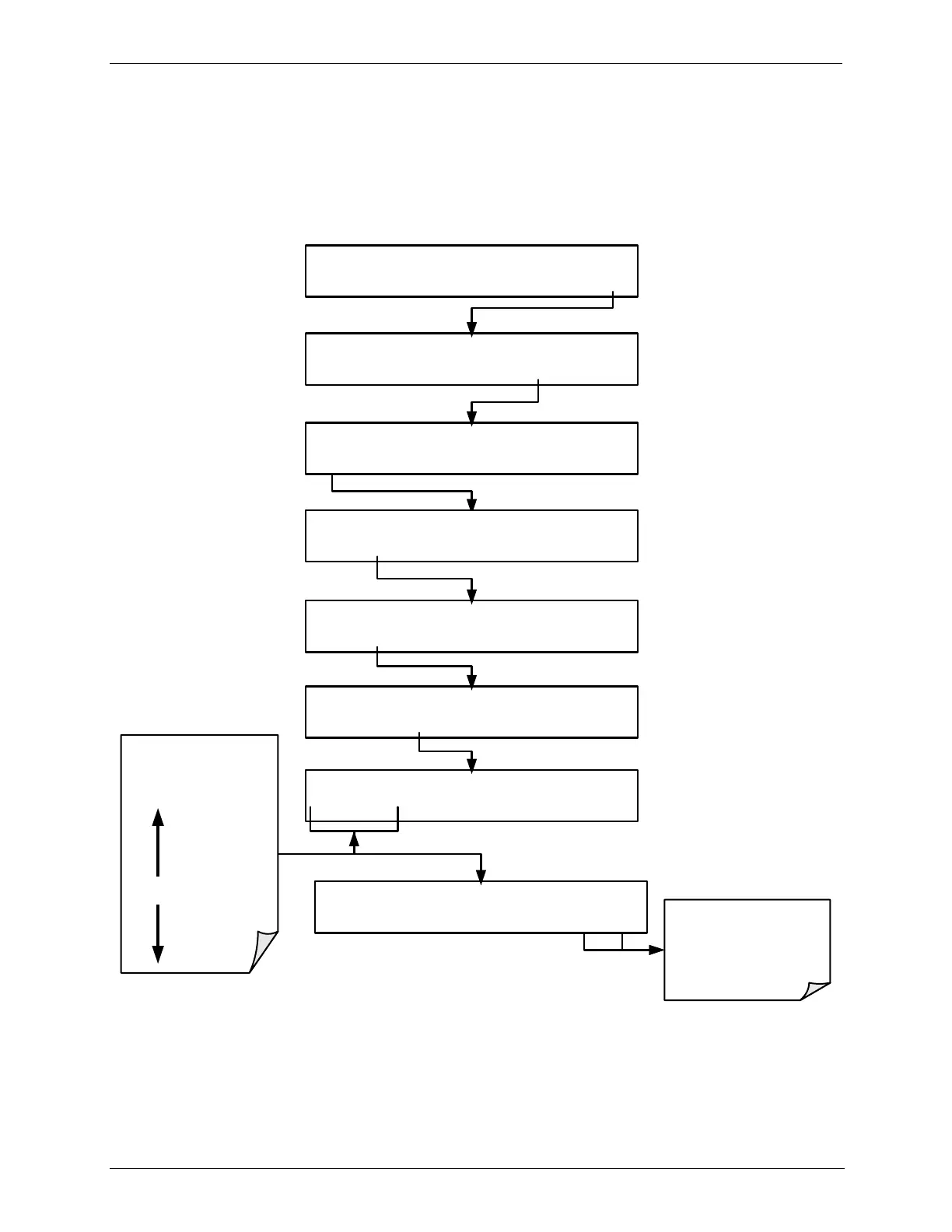
To select the baud rate of either one of the COM Ports, press:
STANDBY ACT =STANDBY
<TST TST> GEN STBY SEQ SETUP
SETUP X.X PRIMARY SETUP MENU
O3 SEQ CFG CLK PASS MORE EXIT
SETUP X.X SECONDARY SETUP MENU
COMM VARS DIAG EXIT
SETUP X.X COMMUNICATIONS MENU
ID COM1 COM2 EXIT
SETUP X.X COM1 MODE:0
<SET SET> EDIT EXIT
EXIT discards the new
setting
ENTR accepts the
new setting
SETUP X.X COM1 BAUD RATE:19200
<SET SET> EDIT EXIT
SETUP X.X COM1 BAUD RATE:19200
PREV NEXT ENTR EXIT
Toggle to cycle
through the available
Baud rates:
300
1200
4800
9600
19200
38400
57600
115200
SETUP X.X COM1 BAUD RATE:19200
PREV NEXT ENTR EXIT
COM PORT COMMUNICATION MODES 5.1.4.
Each of the calibrator‟s serial ports can be configured to operate in a number of
different modes, listed in Table 7-1. As modes are selected, the calibrator sums
the Mode ID numbers and displays this combined number on the front panel
display. For example, if quiet mode (01), computer mode (02) and Multi-Drop-



 To Next Page