Communications Teledyne API T703/T703U Calibrator Operation Manual
100
MACHINE ID 5.1.6.
Each model of Teledyne API instruments is initially configured with a default
Machine ID code, which is editable; all T703 calibrators have a Machine ID of
either 703 or 0. The Machine ID number is only important if more than one
calibrator is connected to the same communications channel such as when several
calibrators are on the same Ethernet LAN, in a RS-232 multidrop chain (See
Section 5.3) or operating over a RS-485 network (See Section 5.4): If two
calibrators of the same model type are used on one channel, their Machine ID
numbers must differ.
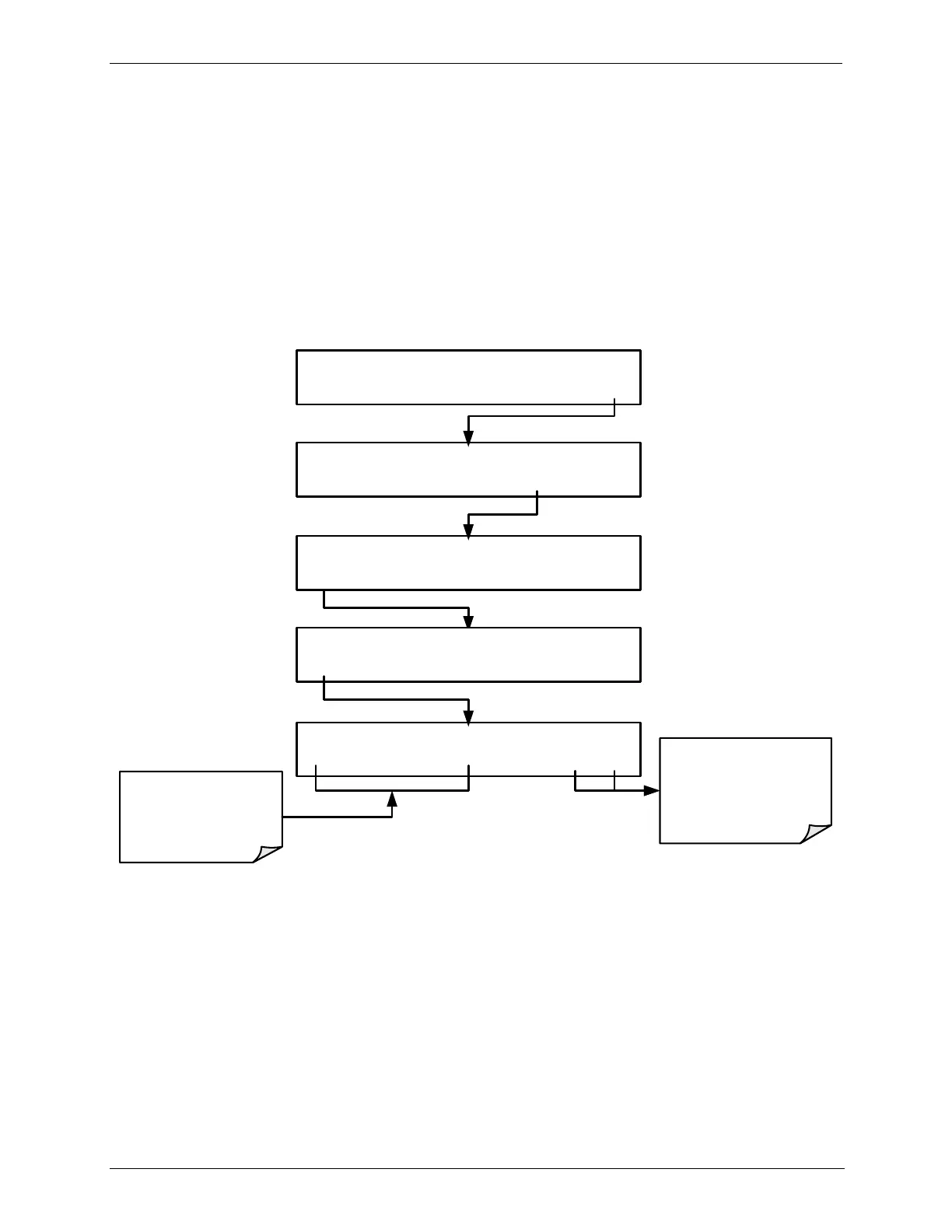
To edit the instrument‟s Machine ID, press:
STANDBY ACT =STANDBY
<TST TST> GEN STBY SEQ SETUP
SETUP X.X PRIMARY SETUP MENU
O3 SEQ CFG CLK PASS MORE EXIT
SETUP X.X SECONDARY SETUP MENU
COMM VARS DIAG EXIT
SETUP X.X COMMUNICATIONS MENU
ID INET COM1 COM2 EXIT
SETUP X.X MACHINE ID:703 ID
0 7 0 0 ENTR EXIT
Toggle to cycle
through the available
character set: 0-9
EXIT discards the new
setting
ENTR accepts the
new setting
The ID number is only important if more than one calibrator is connected to the
same communications channel (e.g., a multi-drop setup). Different models of
Teledyne API‟s calibrators have different default ID numbers, but if two
calibrators of the same model type are used on one channel (for example, two
T703‟s), the ID of one instrument needs to be changed.
The ID can also be used for to identify any one of several calibrators attached to
the same network but situated in different physical locations.



 To Next Page