Teledyne API T703/T703U Calibrator Operation Manual Operating the Calibrator
63
4.6. SETUP > CFG
Pressing the CFG button displays the instrument‟s configuration information.
This display lists the calibrator model, serial number, firmware revision, software
library revision, CPU type and other information.
Use this information to identify the software and hardware when contacting
Technical Support.
Special instrument or software features or installed options may also be listed
here.
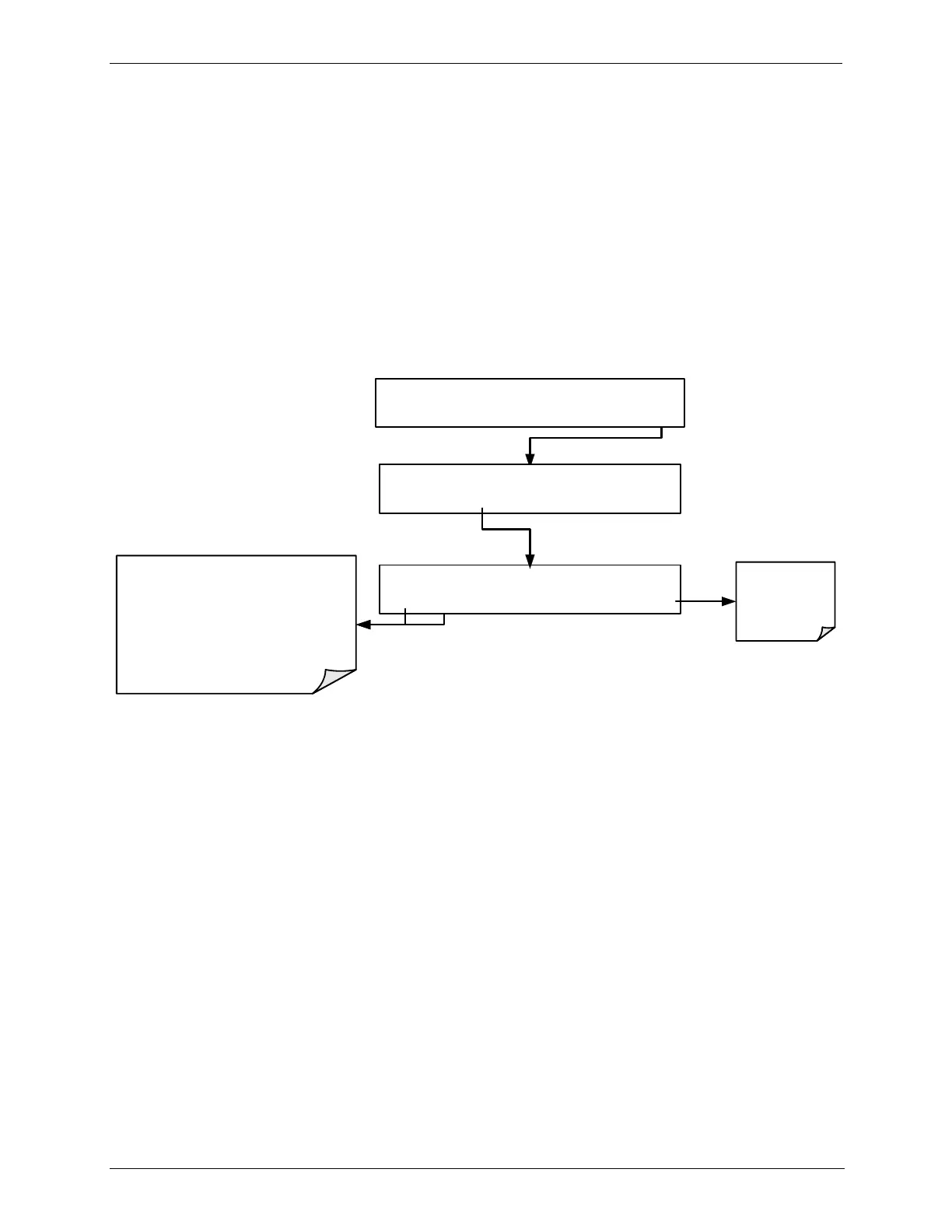
SETUP X.X SETUP MENU
O3 SEQ CFG CLK PASS MORE EXIT
SETUP X.X T703 Cailbrator
PREV NEXT EXIT
Press exit at
any time to
return to the
SETUP menu
Press NEXT of PREV to scroll through the
following list of Configuration information:
MODEL TYPE AND NUMBER
PART NUMBER
SERIAL NUMBER
SOFTWARE REVISION
LIBRARY REVISION
Operating System
STANDBY ACT =STANDBY
<TST TST> GEN STBY SEQ SETUP



 To Next Page