Calibration and Verification Teledyne API T703/T703U Calibrator Operation Manual
126
O
3
PHOTOMETER BACKPRESSURE COMPENSATION 6.1.5.
CALIBRATION
Any time there is a pneumatic configuration change, there is risk of impacting the
internal measure/reference pressure. To compensate for this, a backpressure
compensation calibration is required each time. Set the calibrator to generate
ozone at the flow rate intended for operation. While the instrument is generating
ozone, go to the SETUP>MORE>DIAG>…>BACKPRESSURE
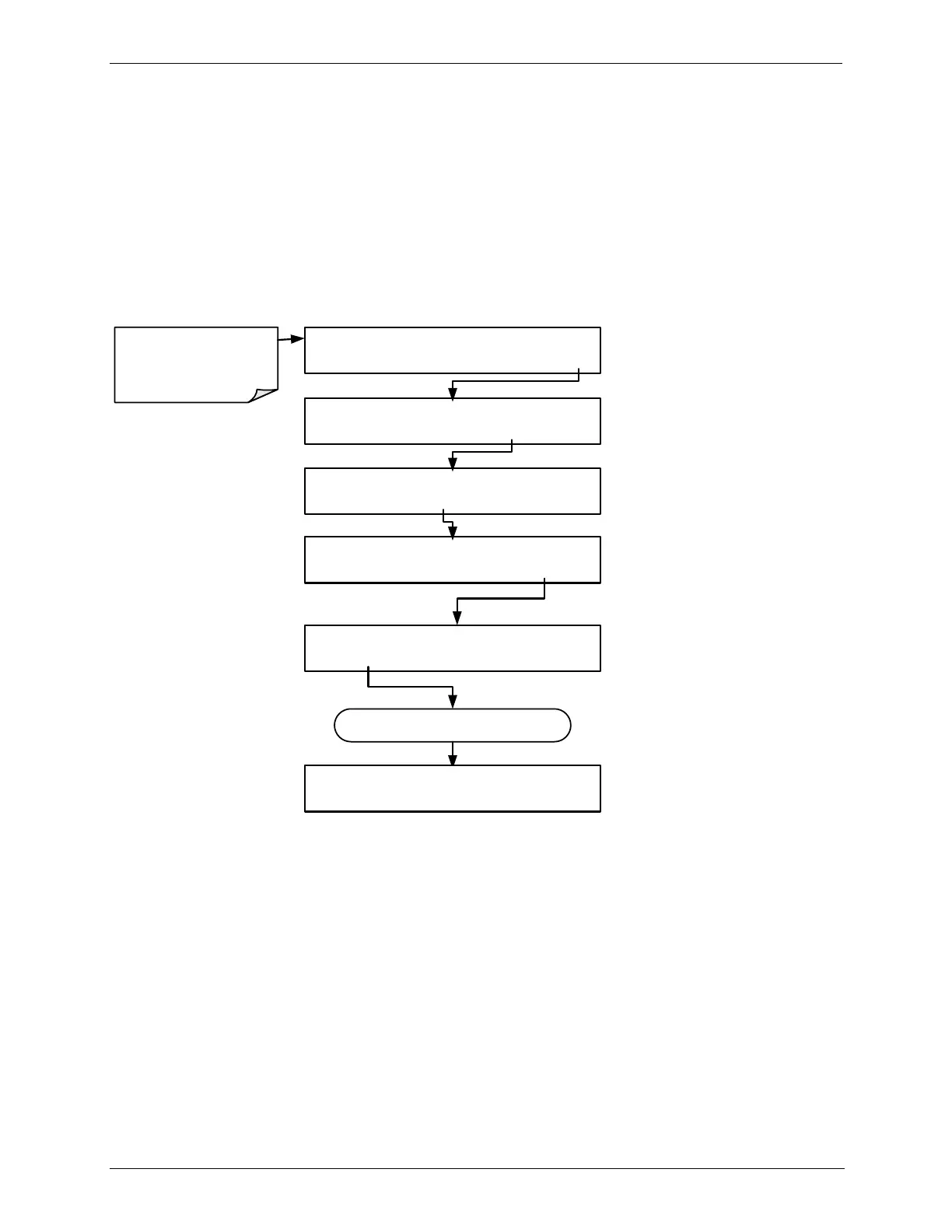
COMPENSATION menu and press ENTR, shown in the following illustration, to
initiate the calibration; the operation will take a few minutes:
GENERATE A-CAL=0.000 LPM
<TST TST> GEN STBY SEQ SETUP
Make sure that the instrument
is generating ozone at the
intended operational flow rate.
SETUP X.X PRIMARY SETUP MENU
GAS SEQ CFG CLK PASS MORE EXIT
SETUP X.X SECONDARY SETUP MENU
COMM FLOW VARS DIAG EXIT
SETUP X.X ENTER PASSWORD
8 1 8 ENTR EXIT
DIAG SIGNAL I/O
PREV NEXT ENTR EXIT
Continue pressing NEXT until ...
DIAG BACKPRESSURE COMPENSATION
PREV NEXT ENTR EXIT
6.2. CALIBRATING THE O
3
GENERATOR
The T703/T703U calibrator‟s software includes a routine for automatically
calibrating the O
3
generator. A calibration table of drive voltages stored in the
calibrator‟s memory is the basis for this calibration. This table is used by the
T703/T703U to set initial O
3
generator drive settings.



 To Next Page