Teledyne API T703/T703U Calibrator Operation Manual Getting Started
39
OPERATING MODES FOR THE O
3
GENERATOR 3.4.5.
The O
3
generator can be set to operate in three different modes:
CNST (CONSTANT) 3.4.5.1.
In this mode, the O
3
output of the generator is based on a single, constant, drive
voltage. There is no Feedback loop control by the CPU in this mode.
BNCH (BENCH) 3.4.5.2.
The O
3
concentration control loop will use the photometer‟s O
3
measurement as
input.
THIS IS THE DEFAULT AND MOST COMMON MODE OF
OPERATION.
This setting will be the default mode of the T703 calibrator and will be mused
whenever the calibrator is using the GENERATE > AUTO command or the
GENERATE sequence step to create a calibration mixture. When either the
GENERATE > MAN command or the MANUAL sequence step is active, the
local O
3
generator mode (chosen during when the command/step is programmed)
will take precedence.
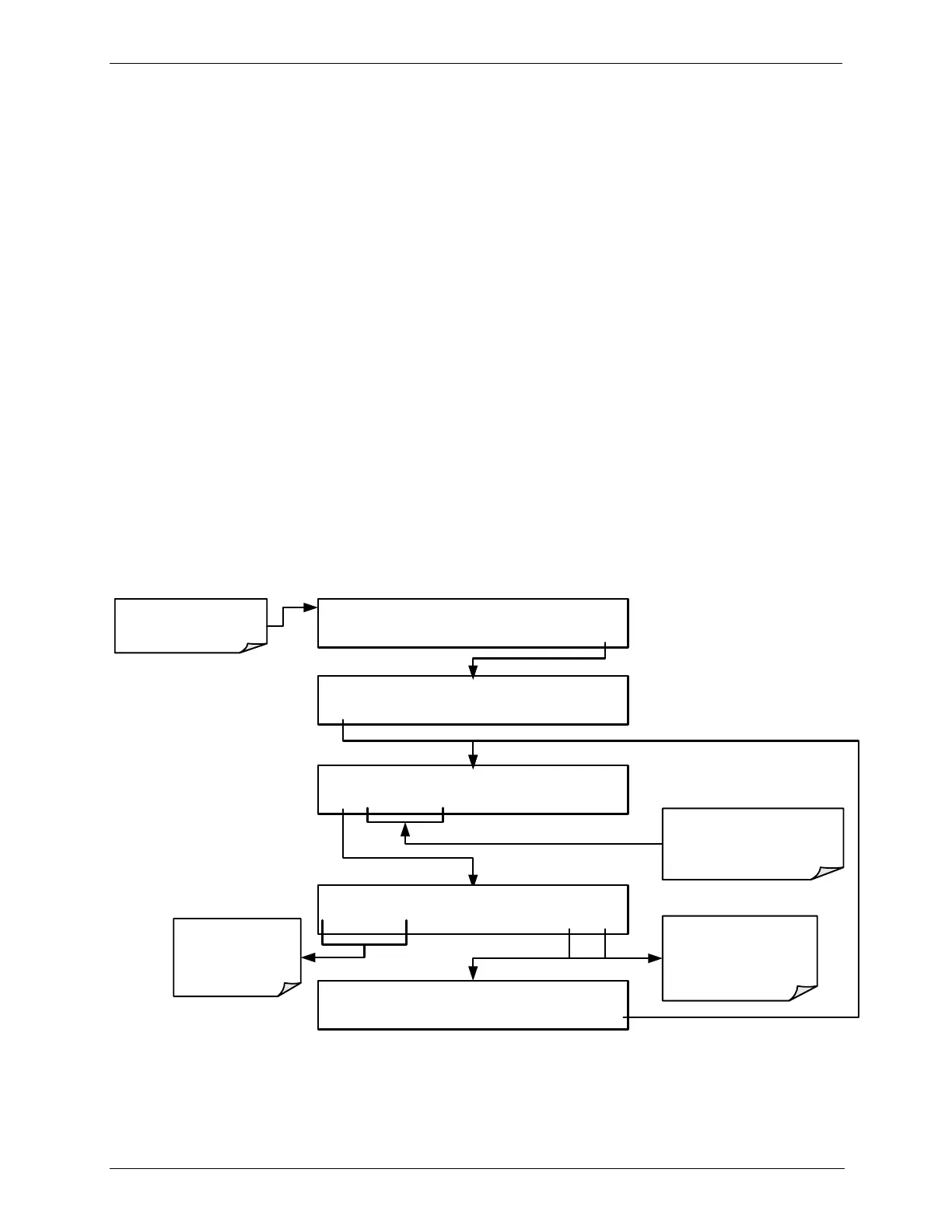
SETTING THE O
3
GENERATOR MODE 3.4.6.
To select a default O
3
generator mode, press:
STANDBY ACT =STANDBY
<TST TST> GEN STBY SEQ SETUP
Make sure that the
calibrator is in Standby
mode.
SETUP X.X PRIMARY SETUP MENU
O3 SEQ CFG CLK PASS MORE EXIT
SETUP X.X O3 GAS CONFIG
MODE ADJ PHOT EXIT
These buttons initiate
procedures for calibrating and
verifying the operation of the O
3
Generator and Photometer
SETUP X.X O3 GEN MODE: BNCH
CNST BNCH ENTR EXIT
Use these buttons
to select a control
mode for the O
3
Generator:
SETUP X.X O3 GAS CONFIG
MODE ADJ PHOT EXIT
EXIT discards the new
setting
ENTR accepts the
new setting



 To Next Page