Operating the Calibrator Teledyne API T703/T703U Calibrator Operation Manual
68
4.9. SETUP > DIAG > TEST CHAN OUTPUT: USING THE
TEST CHANNEL ANALOG OUTPUT
The calibrator comes equipped with one analog output. It can be set by the user
to carry the current signal level of any one of the parameters listed in Table 4-8
and will output an analog VDC signal that rises and falls in relationship with the
value of the parameter.
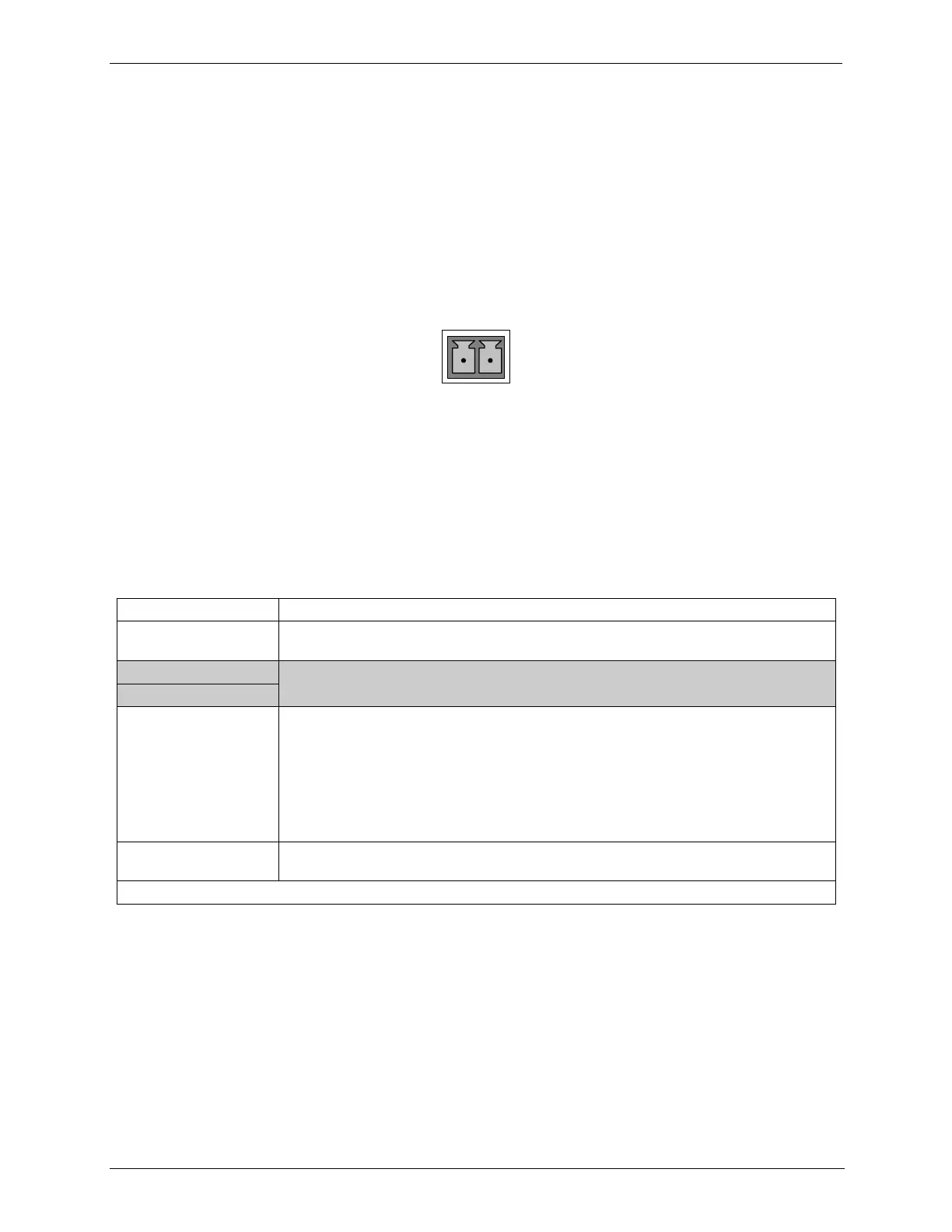
Pin-outs for the analog output connector at the rear panel of the instrument are:
Figure 4-2: TEST CHANNEL Connector
CONFIGURING THE TEST CHANNEL ANALOG OUTPUT 4.9.1.
The Analog I/O Configuration Submenu 4.9.1.1.
Table 4-7 lists the analog I/O functions that are available in the calibrator.
Table 4-7: DIAG - Analog I/O Functions
Shows the status of the analog output calibration (YES/NO) and initiates a calibration
of all analog output channels.
Configures the 11 analog output:
RANGE
1
: Selects the DCV full-scale value of the output.
OVERRANGE: Turns the ± 5% over-range feature ON/OFF for this output channel.
REC_OFS
1
: Sets a voltage offset (not available when RANGE is set to CURRent loop.
AUTO_CAL
1
: Sets the channel for automatic or manual calibration
CALIBRATED
1
: Performs the same calibration as AOUT CALIBRATED, but on this
one channel only.
Shows the calibration status (YES/NO) and initiates a calibration of the analog to digital
converter circuit on the motherboard.
1
Changes to RANGE or REC_OFS require recalibration of this output.
To configure the instrument‟s TEST CHANNEL, set the electronic signal type
of each channel and calibrate the outputs. This consists of:
1. Choosing a TEST CHANNEL function to be output on the channel.
2. Selecting a signal level that matches the input requirements of the recording
device attached to the channel.
3. Determining if the over-range feature is needed and turn it on or off
accordingly.
4. Adding a bipolar recorder offset to the signal if required (Section4.9.1.5).
5. Calibrating the output channel. This can be done automatically or manually
for each channel (see Section 4.9.2).



 To Next Page