Operating the Calibrator Teledyne API T703/T703U Calibrator Operation Manual
90
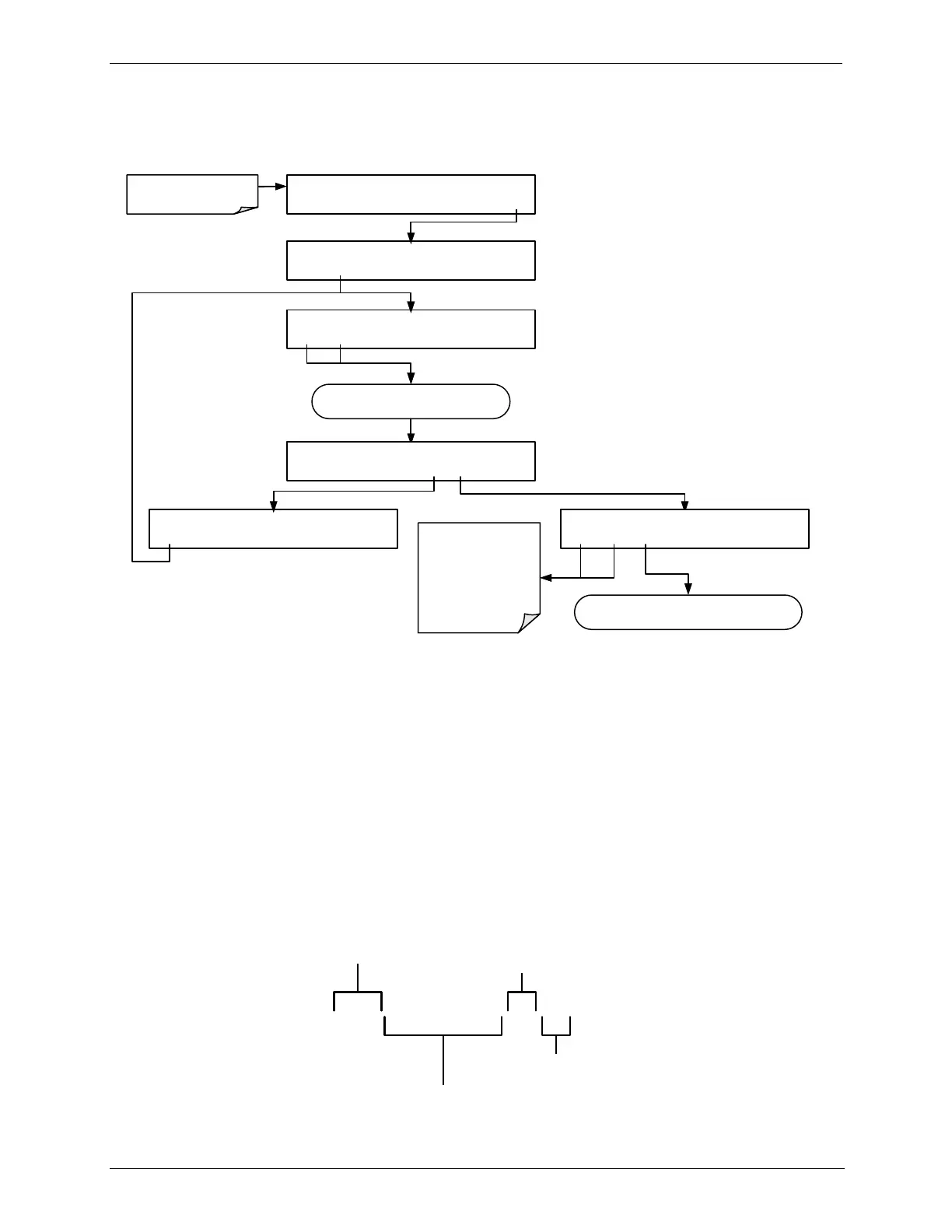
Editing or Deleting a LEVEL 4.12.5.2.
To edit or delete an existing LEVEL, press:
SETUP X.X [LEVEL ID] ) [Gas/Conc.], [Status Block Set]
PREV NEXT INS DEL EDIT PRNT EXIT
Continue pressing NEXT or PREV until until
LEVEL to be edited or deleted appears
SETUP X.X 25 ) 150 PPB O3, 04 00
PREV NEXT INS DEL EDIT EXIT
SETUP X.X DELETE STEP?
YES NO
STANDBY ACT =STANDBY
<TST TST> GEN STBY SEQ SETUP
Make sure that the calibrator
is in standby mode.
SETUP X.X PRIMARY SETUP MENU
O3 LEVL SEQ CFG CLK PASS MORE EXIT
SETUP X.X LEVEL NUMBER:12
<SET SET> EDIT EXIT
Toggle to select the
parameter to be
edited
Level ID Number
Action
Status Block 1
Status Block 2
Press EDIT then follow the instructions for the
parameter.
Levels are displayed according to the following Format:
LEVEL ID: Any number between 0 and 99. This will be the number used to
select the level when activating / deactivating it, or when editing or deleting it.
Gas Conc: The concentration setting, in ppb, for the O
3
generator to produce.
Status Block Setting: This will be displayed as two pairs of 1-digit numbers.
The First pair corresponds to Status Block 1.
The Second pair corresponds to Status Block 2.
n each case:
The left digit will be a number between 1 and 4 representing the binary
setting of bits 1 through 4 and;
The right digit will be a number between 1 and 4 representing the binary
setting of bits 5 through 8.
25) 150 PPB O3, 04 83
LEVEL ID
STATUS BLOCK 1 setting:
0000 0100
1000 0011
STATUS BLOCK 2 setting:
O
3
CONCENTRATION
Figure 4-5: LEADS Level Display Format



 To Next Page