Operating the Calibrator Teledyne API T703/T703U Calibrator Operation Manual
66
4.8. SETUP > PASS
The menu system provides password protection of the calibration and setup
functions to prevent unauthorized adjustments. When the passwords have been
enabled in the PASS menu item, the system will prompt the user for a password
anytime a password-protected function (e.g., SETUP) is selected. This allows
normal operation of the instrument, but requires the password (101) to access to
the menus under SETUP. When PASSWORD is disabled (SETUP>OFF), any
operator can enter the Primary Setup (SETUP) and Secondary Setup
(SETUP>MORE) menus. Whether PASSWORD is enabled or disabled, a
password (default 818) is required to enter the VARS or DIAG menus in the
SETUP>MORE menu.
Table 4-6: Password Levels
All functions of the main menu (top level, or Primary, menu)
Configuration/Maintenance
Access to Primary and Secondary SETUP Menus when
PASSWORD is enabled
Configuration/Maintenance
Access to Secondary SETUP Submenus VARS and DIAG
whether PASSWORD is enabled or disabled.
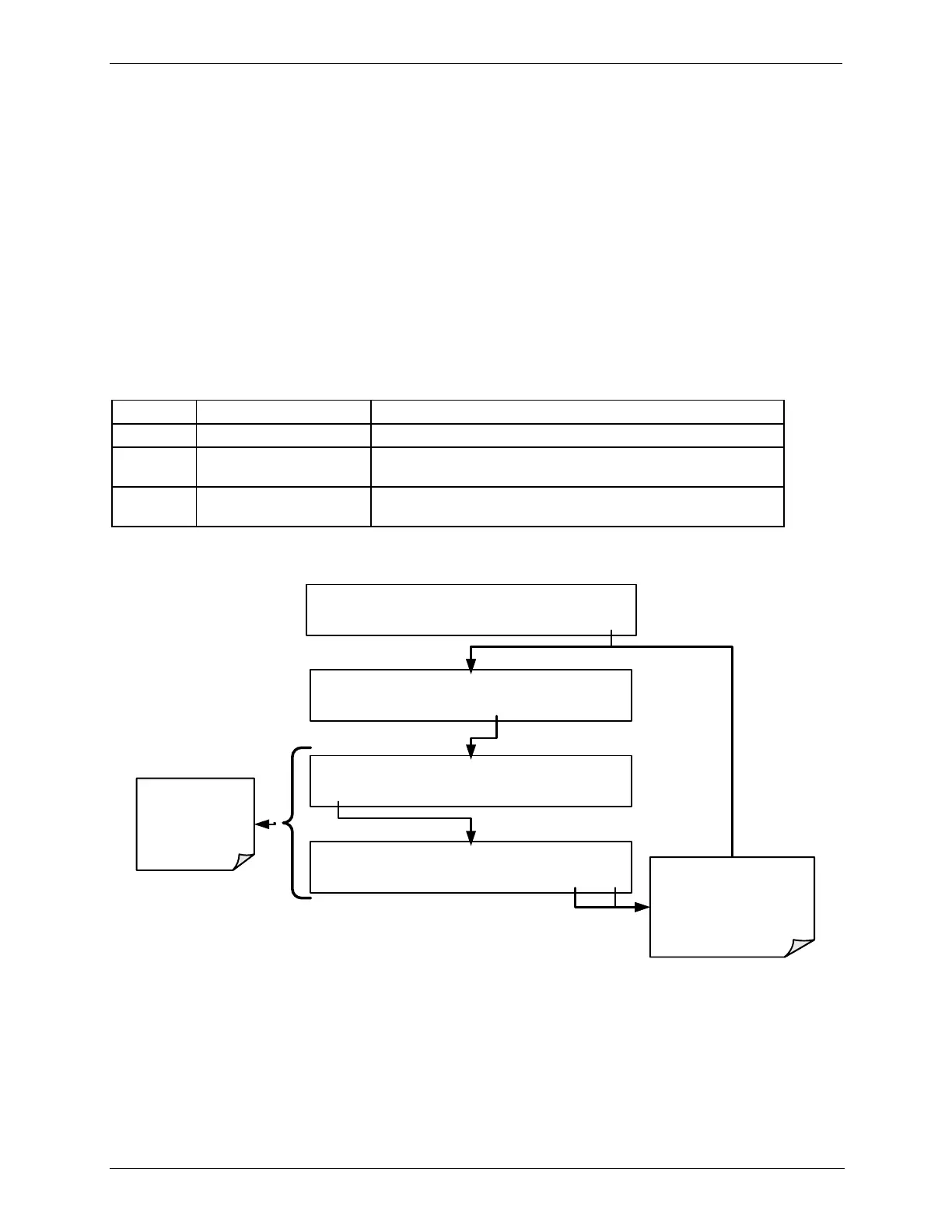
To enable or disable passwords, press:
STANDBY ACT =STANDBY
<TST TST> GEN STBY SEQ SETUP
SETUP X.X PRIMARY SETUP MENU
GAS SEQ CFG CLK PASS MORE EXIT
SYSTEM PASSWORD ENABLE: OFF
OFF ENTR EXIT
SETUP X.X PASSWORD ENABLE: ON
ON ENTR EXIT
Toggle this
button to
enable, disable
password
feasture
EXIT discards the new
setting
ENTR accepts the
new setting



 To Next Page