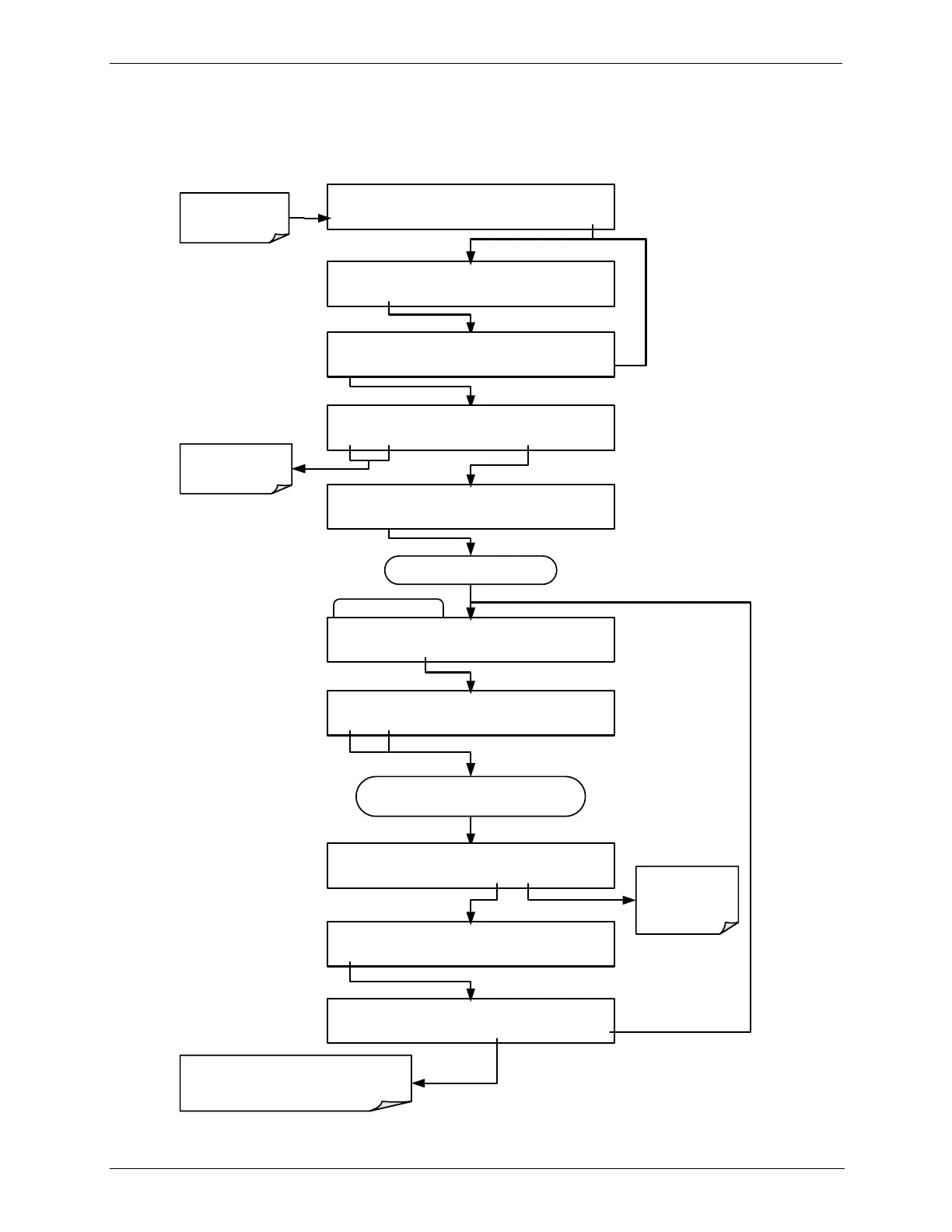
STEPS Submenu
STANDBY ACT =STANDBY
<TST TST> GEN STBY SEQ SETUP
SETUP X.X PRIMARY SETUP MENU
O3 SEQ CFG CLK PASS MORE EXIT
SETUP X.X SEQUENCE CONFIGURATION
EDIT PRINT EXIT
SETUP X.X 1) SEQ [NAME], [X] STEPS
PREV NEXT INS DEL EDIT PRNT EXIT
SETUP X.X NAME:0
SET> EDIT EXIT
Continue pressing SET> until ...
SETUP X.X STEPS: 12
<SET SET> EDIT EXIT
Make sure that the
calibrator is in
standby mode.
SETUP X.X 1) GENERATE
PREV NEXT INS DEL EXIT
Continue pressing NEXT or PREV until until
step to be deleted appears
SETUP X.X 7) STANDBY
PREV NEXT INS DEL EDIT EXIT
SETUP X.X DELETE STEP?
YES NO
Follow the
instructions for
the step being
edited
SETUP X.X 7) DURATION : 10.0 MIN
PREV NEXT INS DEL EDIT EXIT
If the step deleted was GENERATE,
MANUAL or STANDBY, delete the
following duration step
Scrolls back and forth
between existing
sequences



 To Next Page