Communications Teledyne API T703/T703U Calibrator Operation Manual
114
Manually Configuring the Network IP Addresses 5.6.1.1.
Here are several circumstances when you may need to manually set the Ethernet
configuration:
Your LAN is not running a DHCP software package,
The DHCP software is unable to initialize the calibrator‟s interface;
You wish to configure the interface with a specific IP address, such as for a
permanent Ethernet connection..
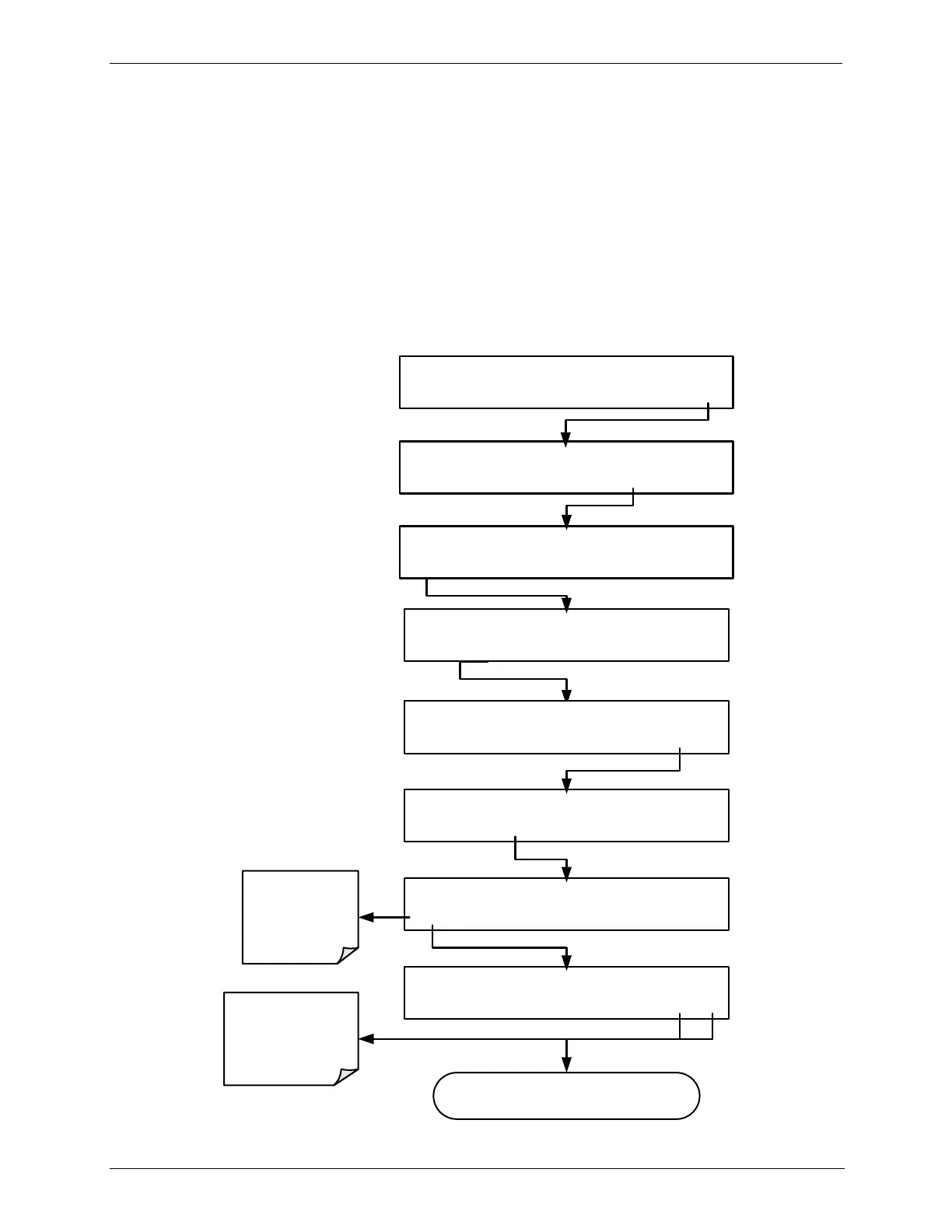
Manually configuring the Ethernet interface requires that you first turn DHCP to
OFF before setting the INSTRUMENT IP, GATEWAY IP and SUBNET
MASK parameters:
SETUP X.X COMMUNICATIONS MENU
ID INET COM1 COM2 EXIT
SETUP X.X ENTER PASSWORD:818
8 1 8 ENTR EXIT
SETUP X.X DHCP:ON
<SET SET> EDIT EXIT
SETUP X.X DHCP:ON
ON
ENTR EXIT
SETUP X.X DHCP:OFF
OFF ENTR EXIT
Toggle to turn
DHCP OFF
ENTR accepts
the new setting
EXIT ignores the
new setting
Continue to Step 2 Below
STANDBY ACT =STANDBY
<TST TST> GEN STBY SEQ SETUP
SETUP X.X PRIMARY SETUP MENU
O3 SEQ CFG CLK PASS MORE EXIT
SETUP X.X SECONDARY SETUP MENU
COMM
VARS DIAG EXIT



 To Next Page