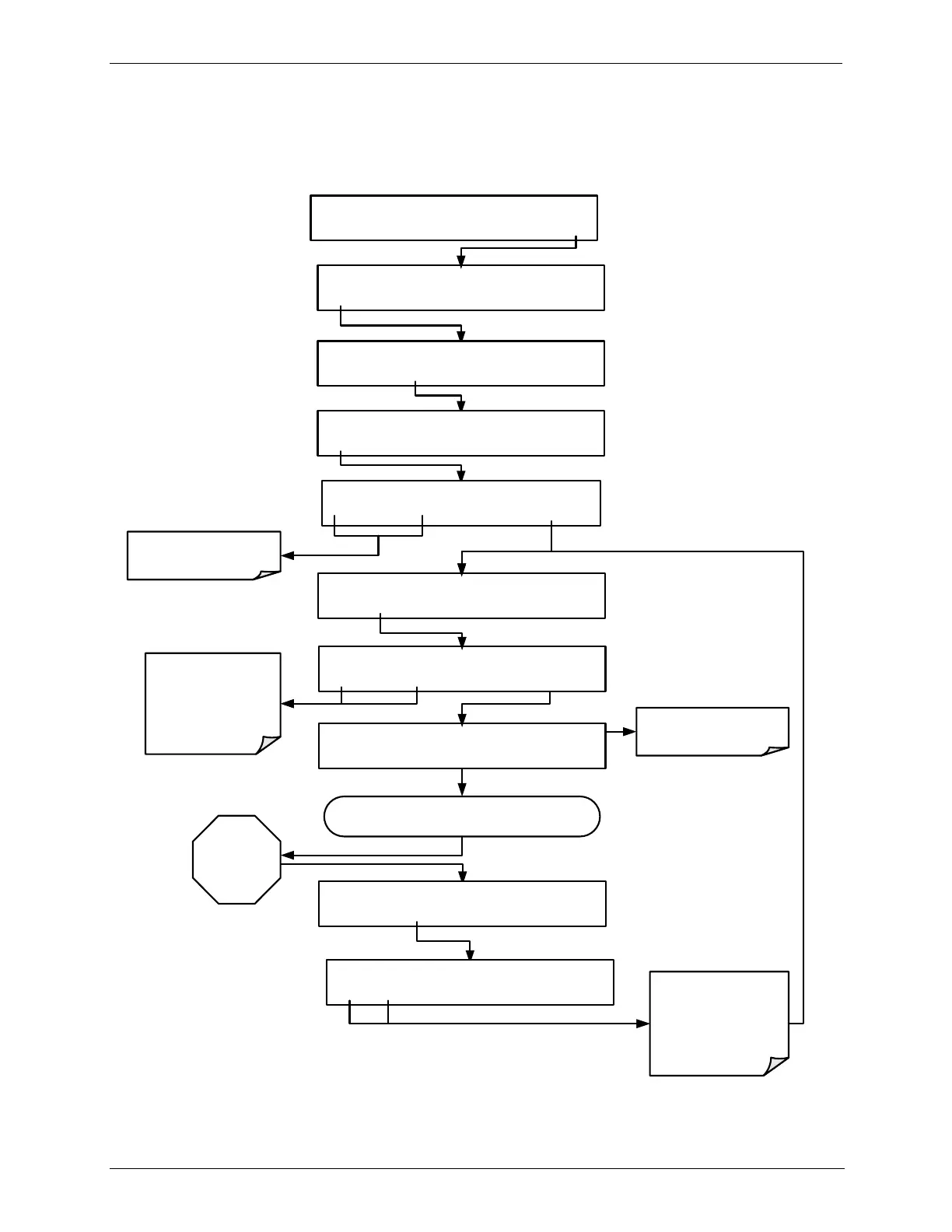
BCAL XZRO [TEST FUNCTION Message Field]
<TST TST> ZERO SPAN EXIT
Allow zero air to enter the
PHOTOMETER IN port at the rear of the calibrator.
Wait
A MINIMUM
OF
10 MINUTES
STANDBY ACT =STANDBY
<TST TST> GEN STBY SEQ SETUP
SETUP X.X PRIMARY SETUP MENU
O3 SEQ CFG CLK PASS MORE EXIT
SETUP X.X O3 GAS CONFIG
MODE ADJ PHOT EXIT
SETUP X.X O3 GAS CONFIG
BCAL DARK EXIT
SYSTEM ENTER PASSWORD:0
0 0 0 ENTR EXIT
Toggle these buttons until
PASSWORD = 717
SETUP X.X O3 PHOTOMETER BENCH CAL
EDIT CAL EXIT
SETUP X.X BENCH CAL:XZRO
ZERO SPAN XZRO XSPN ENTR EXIT
Press ZERO if using the
Internal
O
3
Generator
Press XZRO if using an
External
O
3
Generator
The Param field displays the
Test Function currently
selected
Press YES to changes the
OFFSET & SLOPE values
for the O
3
measurement.
Press NO to leave the
photometer calibration
values unchanged.
BCAL XZRO [TEST FUNCTION Message Field]
<TST TST> ZERO EXIT
BCAL XZRO ARE YOU SURE?
YES NO


 To Next Page