Operating the Calibrator Teledyne API T703/T703U Calibrator Operation Manual
58
The STANDBY Step 4.5.2.2.
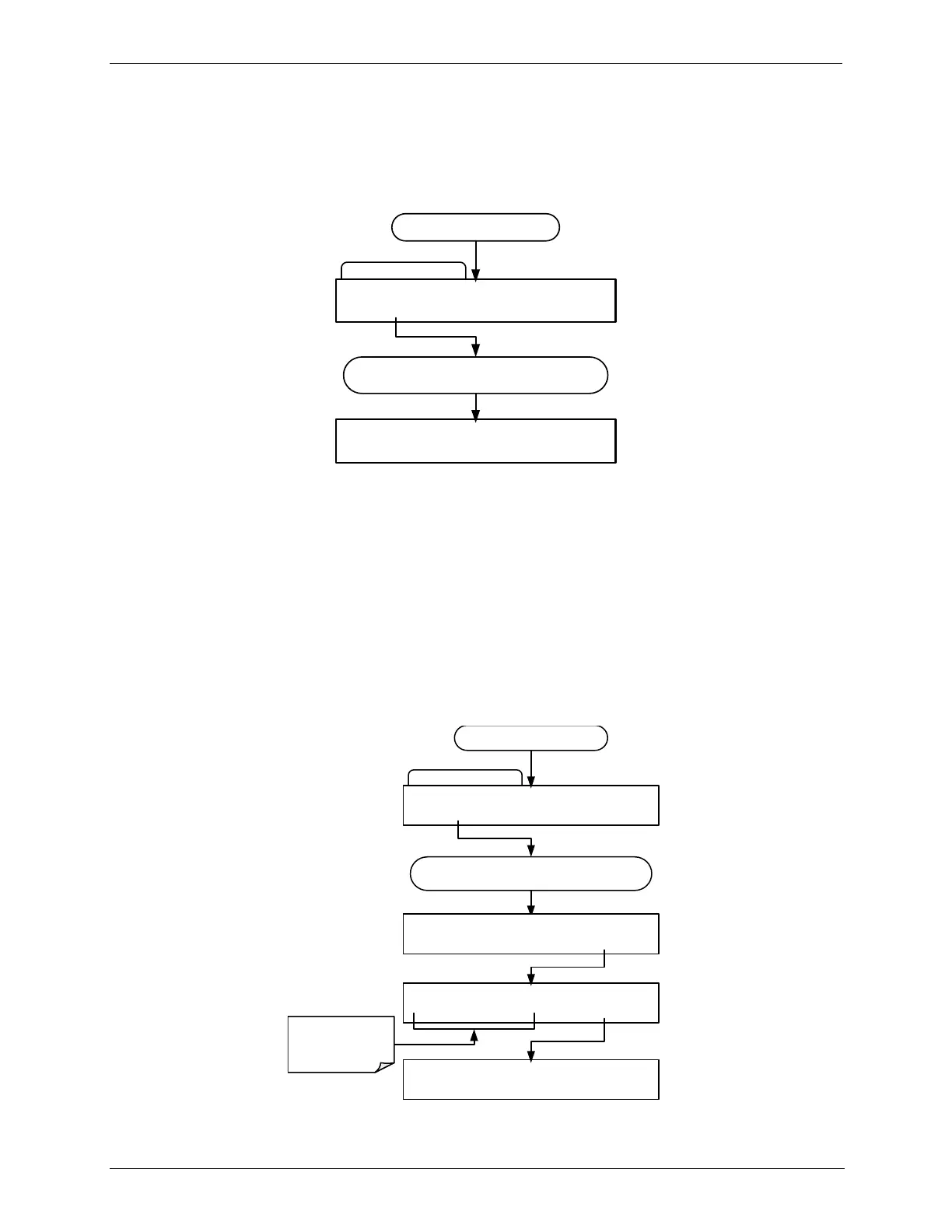
The STANDBY step places the calibrator into STANDBY mode
To insert a STANDBY step into a sequence, press:
INSERT STEP Submenu
SETUP X.X INSERT STEP: GENERATE
PREV NEXT ENTR EXIT
Starting at the STEPS Submenu
Use PREV and NEXT to scroll though the list of
available instructions
SETUP X.X INSERT STEP: STANDBY
ENTR EXIT
The DURATION Step 4.5.2.3.
The duration step causes the T703/T703U to continue performing whatever
action was called for by the preceding step of the sequence.
If that step put the instrument into STANDBY mode, the calibrator stays in
STANDBY mode for the period specified by the DURATION step,
If that step put the instrument into GENERATE mode, the will continue to
GENERATE whatever calibration mixture was programmed into that step for
the period specified by the DURATION step,
To insert a DURATION step into a sequence, press:
INSERT STEP Submenu
SETUP X.X INSERT STEP: GENERATE
PREV NEXT ENTR EXIT
Starting at the STEPS Submenu
Use PREV and NEXT to scroll though the list of
available instructions
SETUP X.X INSERT STEP:DURATION
ENTR
EXIT
SETUP X.X DURATION: 1.0 MIN
0 0 1 .0 ENTR EXIT
Toggle these
buttons to set
DURATION
of this
step
SETUP X.X 3) DURATION : 10.0 MIN
PREV NEXT INS DEL EDIT EXIT



 To Next Page