From the
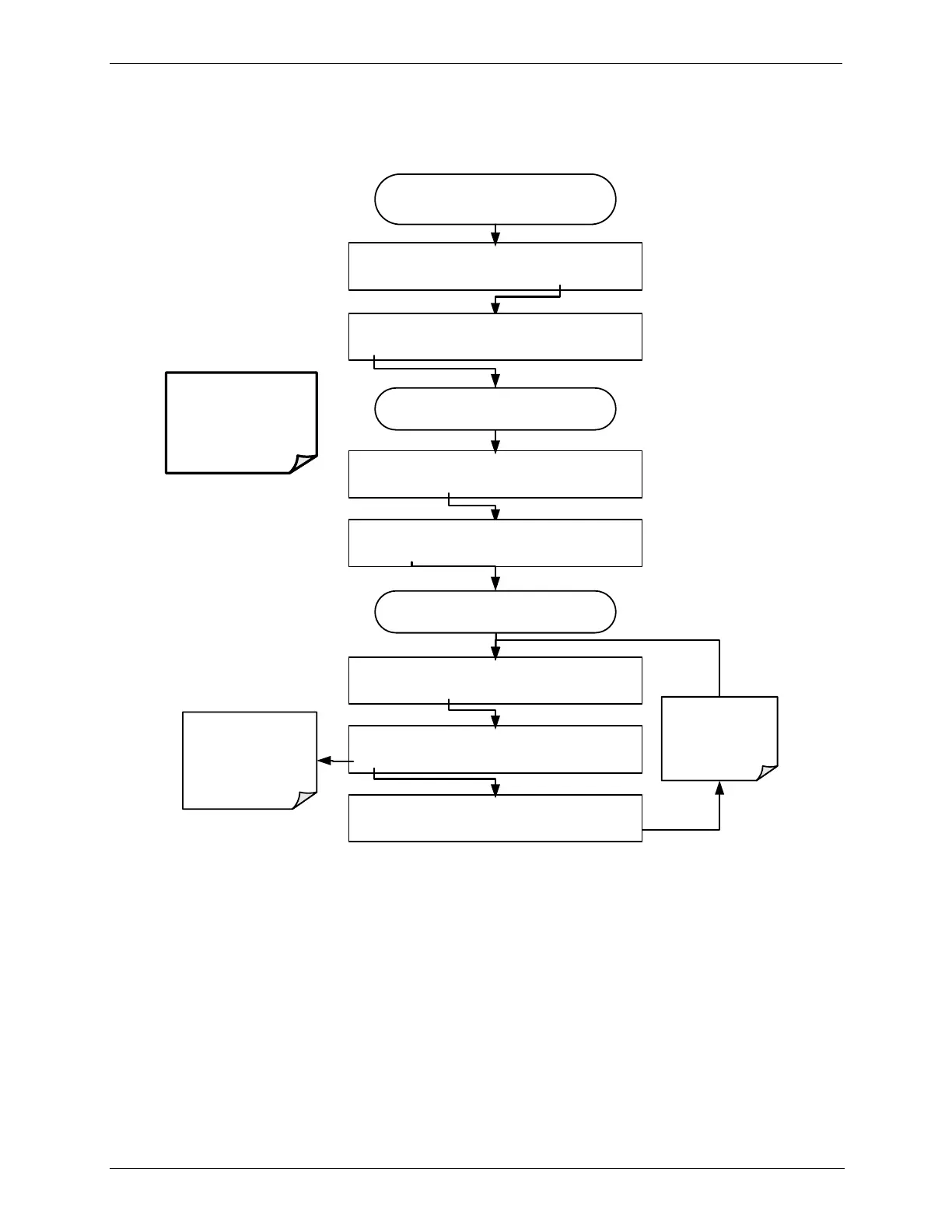
AIO CONFIGURATION SUBMENU
DIAG ANALOG I/O CONFIGURATION
PREV NEXT ENTR EXIT
DIAG AIO TEST_OUTPUT: 5V, OVR, NOCAL
<SET SET> EDIT EXIT
DIAG AIO TEST_OUTPUT: AUTO CAL.:ON
<SET SET> EDIT EXIT
DIAG AIO TEST_OUTPUT: AUTO CAL.:ON
ON ENTR EXIT
Toggle to turn
AUTO CAL
ON or OFF
(OFF = manual
calibration mode).
ENTR accepts
the new setting.
EXIT ignores the
new setting
Continue pressing SET> until ...
DIAG AIO TEST_OUTPUT: RANGE: 5V
SET> EDIT EXIT
DIAG AIO TEST_OUTPUT: AUTO CAL.:OFF
OFF ENTR EXIT
Continue pressing SET> until you reach the
output to be configured
DIAG AIO AOUTS CALIBRATED: NO
SET> CAL EXIT
NOTE:
TEST CHANNELS
configured for 0.1V full
scale should always be
calibrated manually.



 To Next Page