Communications Teledyne API T703/T703U Calibrator Operation Manual
110
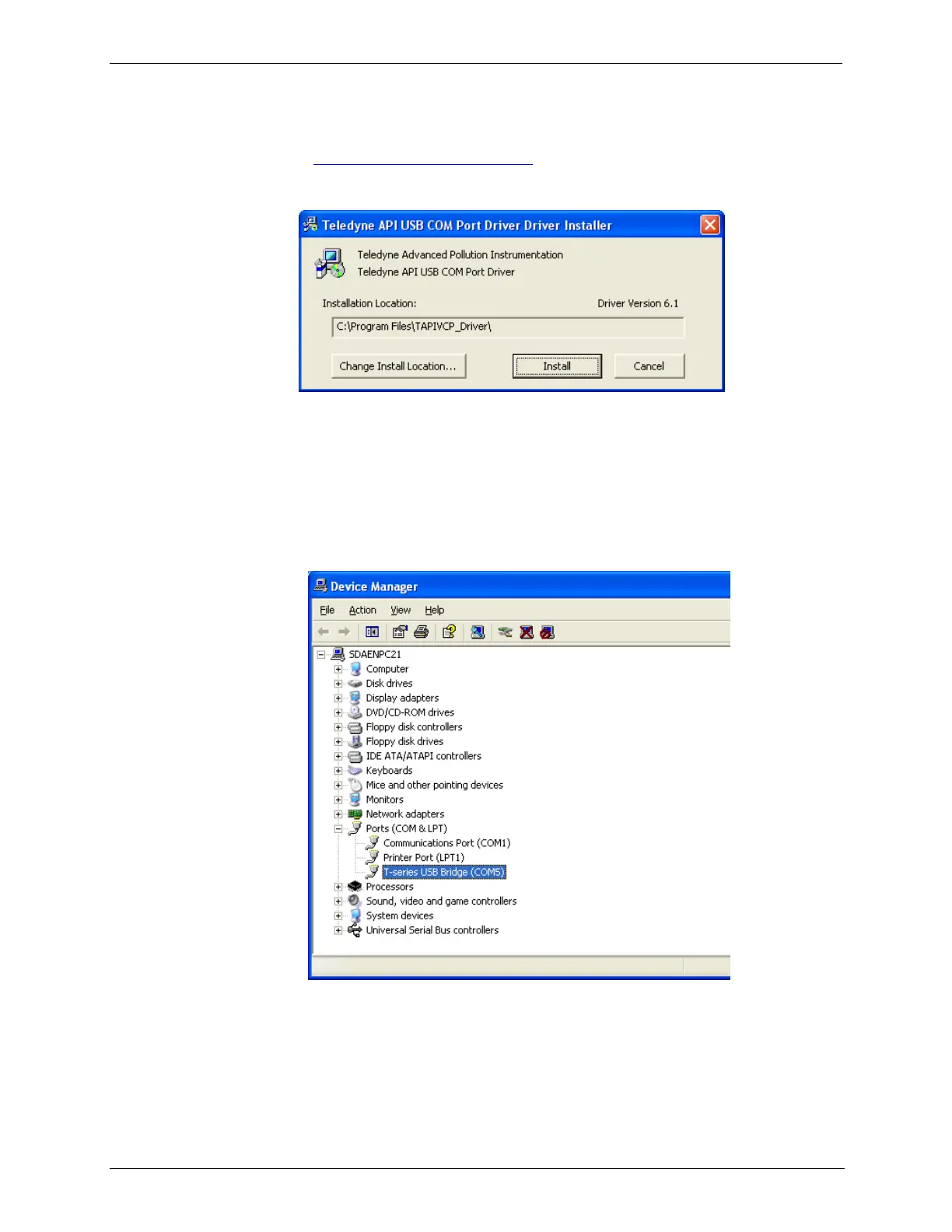
1. Install the Teledyne T-Series USB driver on your computer, downloadable
from the Teledyne API website under Help Center>Software Downloads
(www.teledyne-api.com/software).
2. Run the installer file: “TAPIVCPInstaller.exe”
3. Connect the USB cable between the USB ports on your personal computer
and your calibrator. The USB cable should be a Type A – Type B cable,
commonly used as a USB printer cable.
4. Determine the Windows XP Com Port number that was automatically
assigned to the USB connection. (Start → Control Panel → System →
Hardware → Device Manager). This is the com port that should be set in the
communications software, such as APIcom or Hyperterminal.
Refer to the Quick Start (Direct Cable Connection) section of the Teledyne
APIcom Manual, PN 07463.



 To Next Page